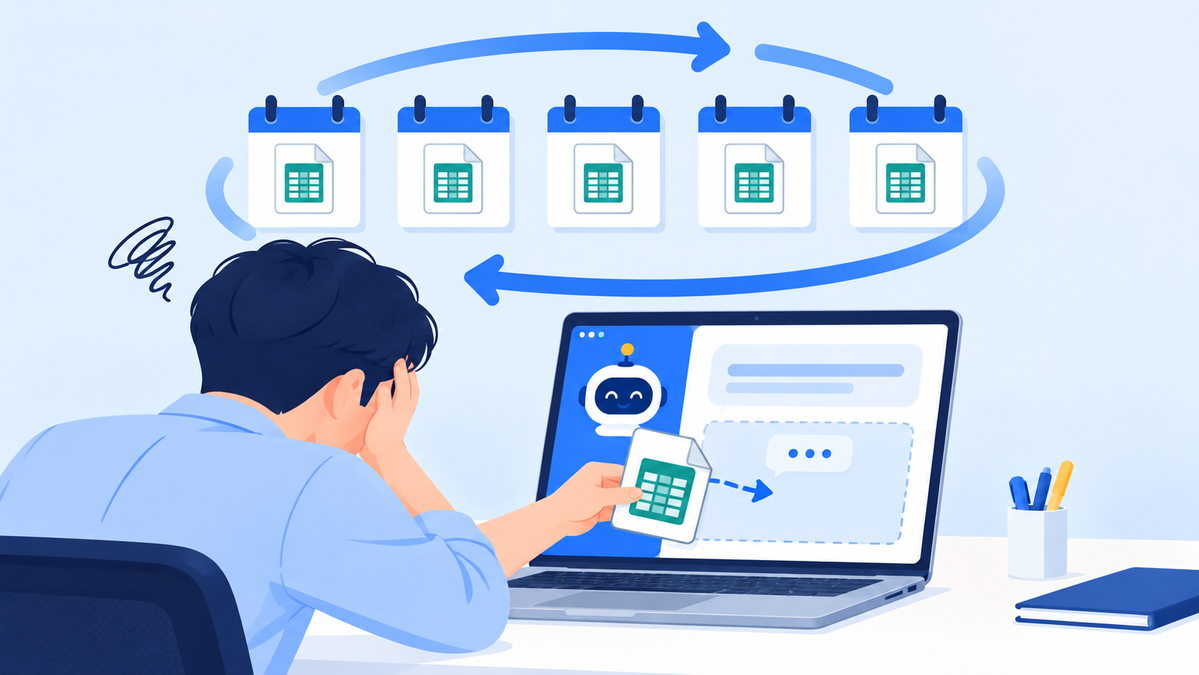
When to Adopt a Franchise ERP: 6 Signals That Matter More Than Store Count
Use 6 signals in your daily work to decide when to adopt a franchise ERP
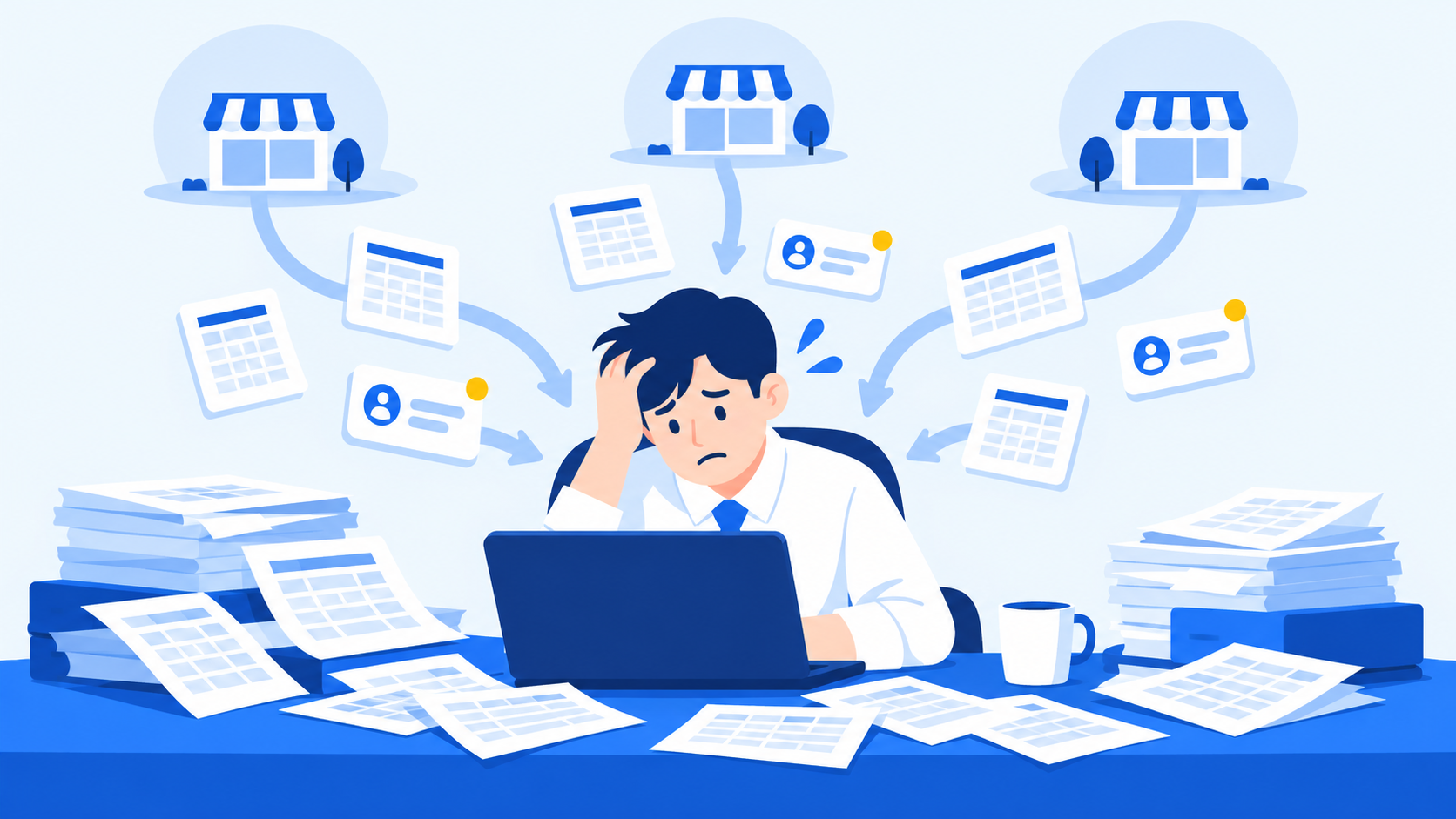
When store information is scattered across files and messenger apps, headquarters work ends up relying on specific staff members
CORE SUMMARY
✓ The best way to time a franchise ERP adoption is by how much headquarters work depends on specific staff members, not by the number of franchise stores.
✓ If you see two or more of these signals, it's time to start evaluating: scattered information, reliance on specific staff, missed inquiries, manual tracking of contract expirations, slow settlements, and inconsistent store openings.
✓ The longer you wait, the more data you'll have to migrate and clean up. The easiest time to adopt is right before you expand.
A franchise ERP is a business management solution for headquarters. It handles all the work between headquarters and its franchise stores in a single system: franchise inquiries, franchise agreements, store openings, operational inspections, sales aggregation, and settlement. General ERPs focus on accounting, HR, and purchasing. A franchise ERP is different because it's built around the two-tier structure of headquarters and franchise stores, along with the workflows specific to franchising.
This post answers the question "When should we adopt a franchise ERP?" In short, the deciding factor is the structural signals that show up in headquarters work, not the number of stores.
How many franchise stores do you need before a franchise ERP makes sense?
There's no set number. Two brands with 15 stores each can face very different management burdens, depending on their industry, share of company-owned stores, pace of new store openings, and headquarters staffing.
A more useful test in practice is this: "If one person is out, does the work keep going?" Even with only a few stores, you already have a management risk if information lives only in one staff member's files and messages. On the other hand, if you have many stores but your processes are documented, you can afford to adopt a little later.
6 signals that you need a franchise ERP
1
SIGNAL 01
Store information is scattered across multiple files
When basic store details, contract information, inspection history, and sales data are stored in different files and folders, just checking the status of a single store takes time. And when the same information appears differently in different files, there's no way to tell which version is current.
2
SIGNAL 02
Work stops when a specific staff member is away
This means work history builds up in people, not in a system. When a staff member goes on vacation, moves to another department, or leaves the company, gaps in the work follow right away.
3
SIGNAL 03
You can't see the status of franchise inquiries at a glance
If inquiries arrive through several channels (phone, website, messenger) but consultation history lives in personal notes, some inquiries will slip through. In franchise sales, a missed inquiry is a lost revenue opportunity.
4
SIGNAL 04
You track franchise agreement expiration dates manually
Headquarters should be the first to know when agreements expire and when renewal talks should start. If you rely on a calendar or on memory, you may miss the right time to renew or open the door to disputes.
5
SIGNAL 05
Month-end sales aggregation and settlement take several days
Collecting sales from each store and calculating royalties under each contract's terms grows with the number of stores. If contract terms differ from store to store, the workload grows even faster.
6
SIGNAL 06
Each store follows a different opening process
When paperwork, interior buildout, and training depend on each staff member's experience, opening quality varies from store to store. That variation then adds to the quality-control burden once stores are up and running.
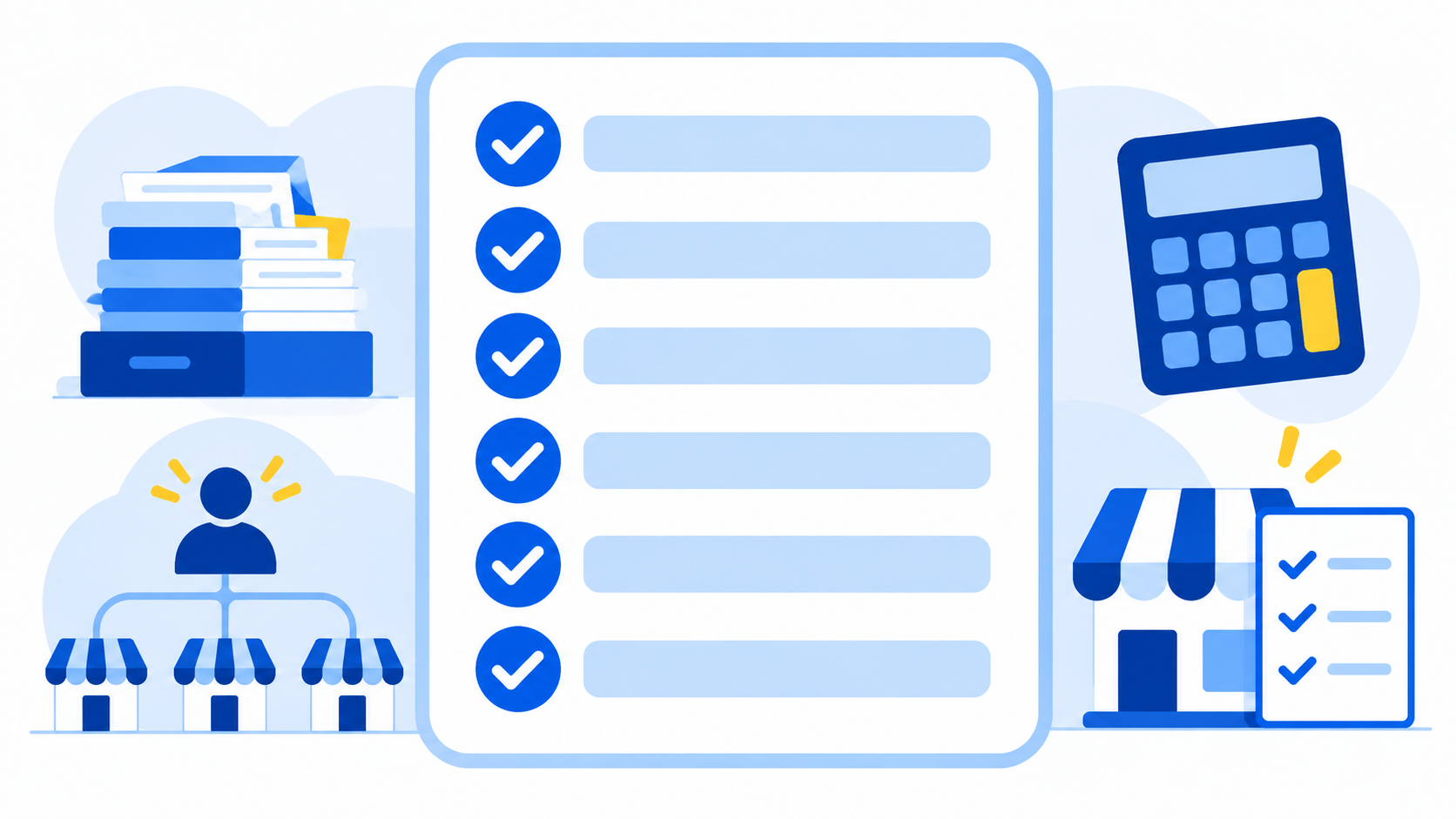
Start by checking how many of the 6 signals apply to you
Recommended actions by number of signals
The right response depends on how many signals apply. Use the table below to check where you stand.
| Signals present | Status | Recommended action |
|---|---|---|
| 0–1 | Manageable | Keep your current approach and document your processes |
| 2–3 | Nearing the limit | Start comparing franchise ERPs and request a demo |
| 4 or more | Management gaps | Make adoption a priority and plan data cleanup and migration |
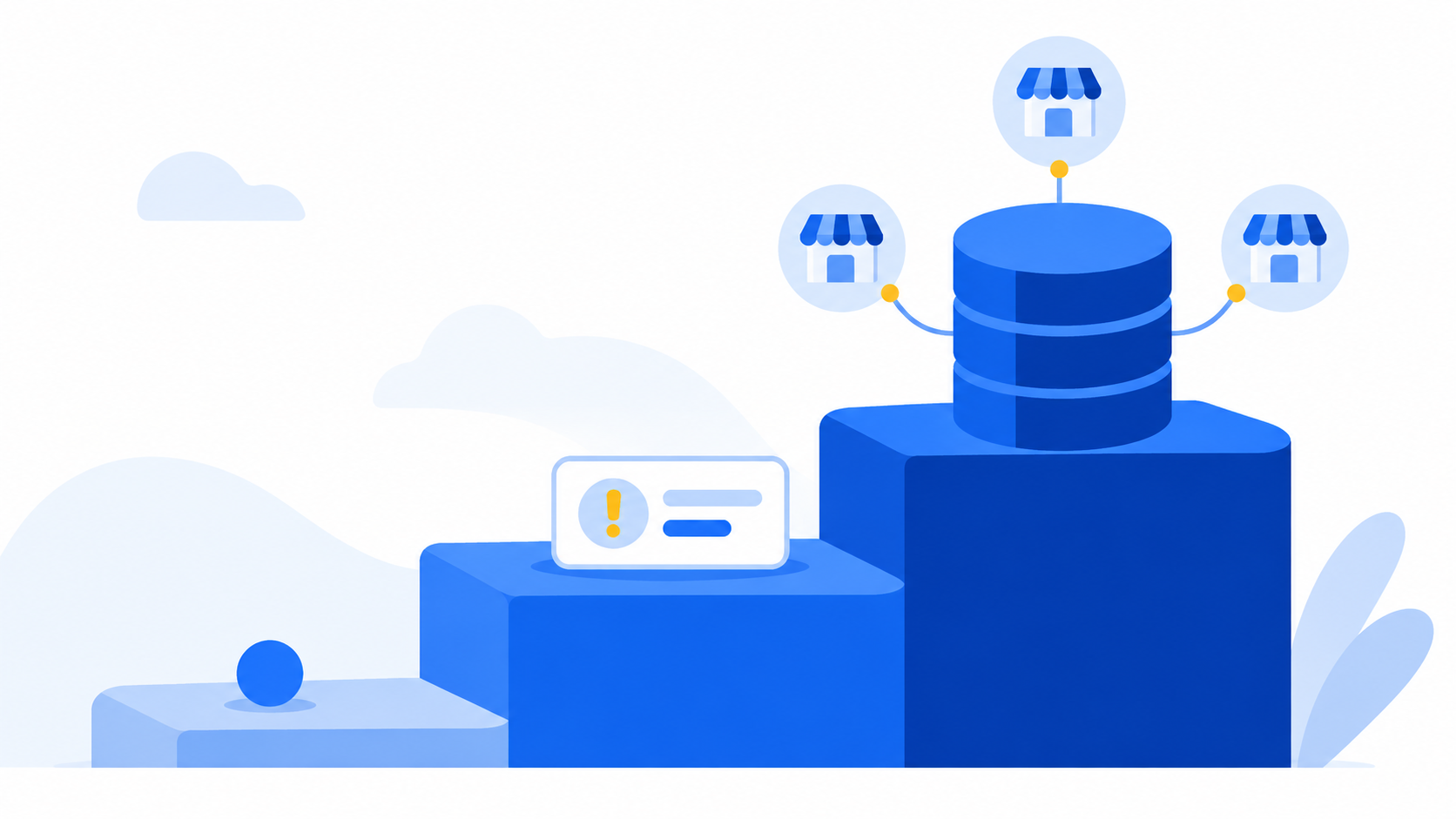
The number of signals determines when to start evaluating and how strongly to respond
Why delaying adoption raises costs
Cleaning up and migrating existing data is a surprisingly large part of adopting a franchise ERP. As the number of stores grows, there are more records to move. On top of that, data that each staff member has kept in a different format must be brought into one standard.
Also, anything lost while you expand without a system, such as consultation history, contract records, and inspection results, can't be recovered even after you adopt one later. That's why a franchise ERP is easiest to adopt when you're about to expand, not after management has already broken down.
What does FDAM manage?
MS Benter Co., Ltd. has been building software for franchises since 2007. Its platform, FDAM, connects franchisor headquarters work across three stages.
- Sales management: franchise inquiry lead registration, consultation history, pipeline by staff member, pre-contract disclosure document viewing history, and electronic franchise agreements with expiration alerts
- Opening management: progress tracking for each paperwork, interior, and training item
- Operations management: regular QSCV inspections, POS sales aggregation, store information management, and settlement based on contract terms
Each of the 6 signals above maps to one of these three stages. The signal that shows up most strongly tells you which area to tackle first.
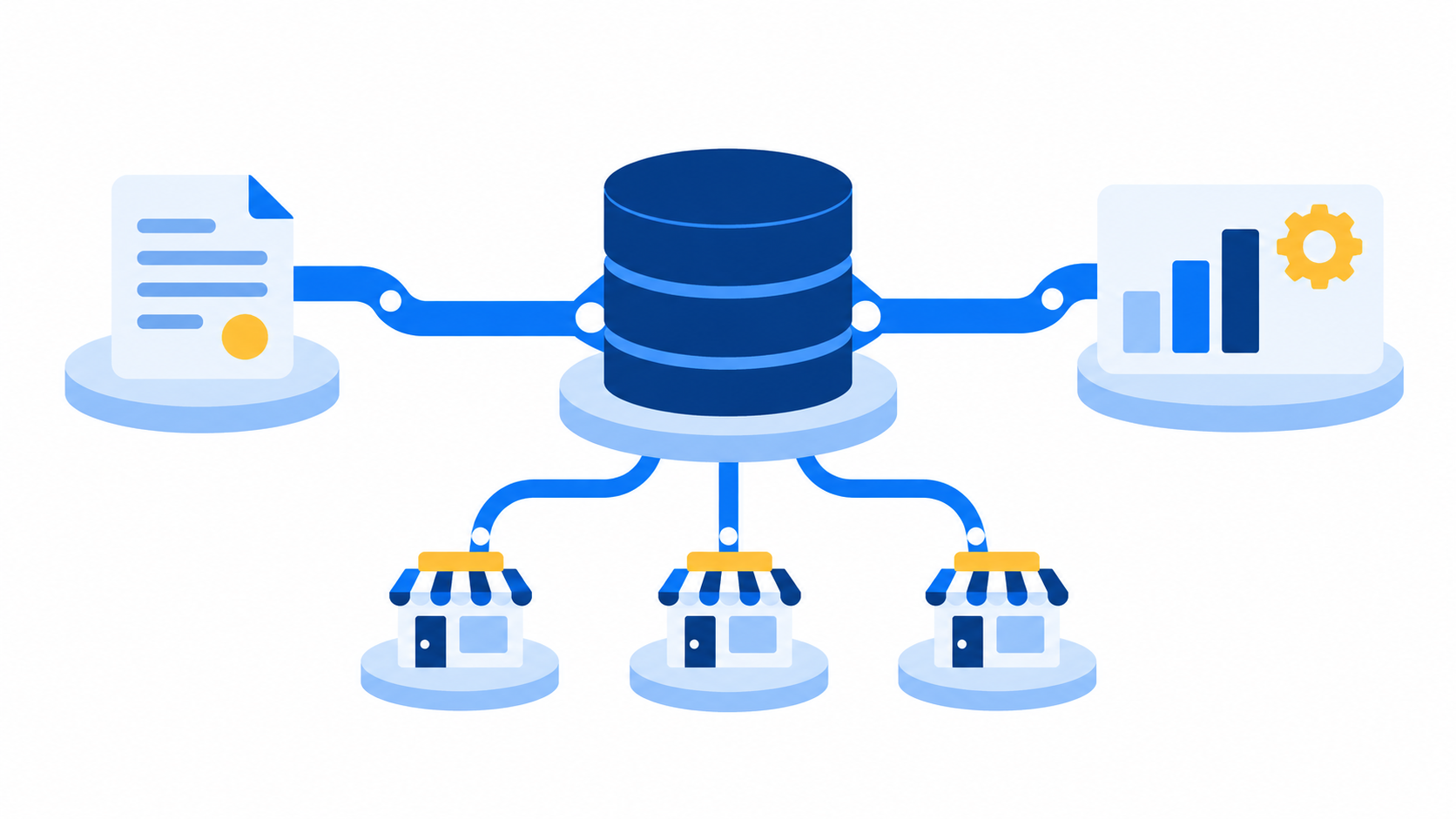
Everything from sales management to operations management is connected in a single flow
Frequently asked questions
Q. How is a franchise ERP different from a general ERP?
A general ERP focuses on internal work such as accounting, HR, and purchasing. A franchise ERP focuses on work between headquarters and franchise stores, from franchise inquiries through franchise agreements, store openings, and store operations.
Q. Can we adopt it before we start franchising?
Yes. If consultation and contract history goes into the system from your very first franchise store, you won't need to migrate anything later.
Q. If Excel is working fine, do we really need one?
If work carries on smoothly when staff change and no more than one of the 6 signals applies, you don't need to adopt right away. But if you plan to expand, we recommend comparing options ahead of time.
Q. How long does it take from adoption to actual use?
It depends on how much data you migrate and on the staff training schedule. A consultation will give you a timeline tailored to your headquarters.
Conclusion
If you time your franchise ERP adoption by store count alone, you'll always be a step behind. Start today by checking how many of the 6 signals apply to you. If it's two or more, it's time to start comparing options.
Is now the right time for your headquarters to consider adoption?
Talk to us about the signals you're seeing, and we'll help you decide when to adopt and which area to tackle first.
Talk to sales about FDAMExplore FDAM features Chat on KakaoTalk
Phone 1544-7120 (Korea) · msb@benter.co.kr
Franchise ERP, Franchise ERP adoption timing, Why you need a franchise ERP, Franchise store management system, Franchisor headquarters work management, Franchise store management, Franchise agreement management, Franchise inquiry management, Franchisor headquarters solution, MS Benter, FDAM