Store Sales Management Software: 3 Criteria to Check Before Comparing
A rundown of POS integration and data standardization criteria to check before choosing store sales management software.

When POS environments differ, so does the real value of sales management software
CORE SUMMARY
✓ With store sales management software, the first thing to check isn't the feature list but whether it actually integrates with your stores' POS environment.
✓ When stores use different POS systems, sales for some stores keep having to be re-entered by hand.
✓ When sales data piles up in different formats by store, HQ repeats the same compiling work every month.
✓ When comparing software, the most accurate approach is to confirm POS integration coverage and data standardization directly in a sales consultation.
Store sales management software lets HQ gather sales data from multiple stores and review it against a single standard. Most programs that come up in search results offer sales lookups, statistics and reports, so on the surface they look alike. But whether these features are actually useful depends heavily on how well they mesh with the POS environment your stores use. This post covers the criteria to check before the feature list when comparing sales management software, and why they matter.
Why sales management software with similar features produces different results
Search for sales management software and you'll find many programs that, judging by their feature lists, have it all: sales lookups, statistics, reports. The question is whether these features work the same across stores with different POS environments. Even within a single brand, it's not unusual for stores to use different POS systems depending on when or where they opened. In that situation, even a feature-rich program will only work fully at some stores, while the rest need their data re-entered by hand.
In the end, the key question when choosing software isn't "How many sales management features does it have?" but "Does it actually cover our stores' entire POS environment?" No matter how rich the features listed on its product page, if your brand's POS isn't on the integration list, the software delivers only half its value to HQ.
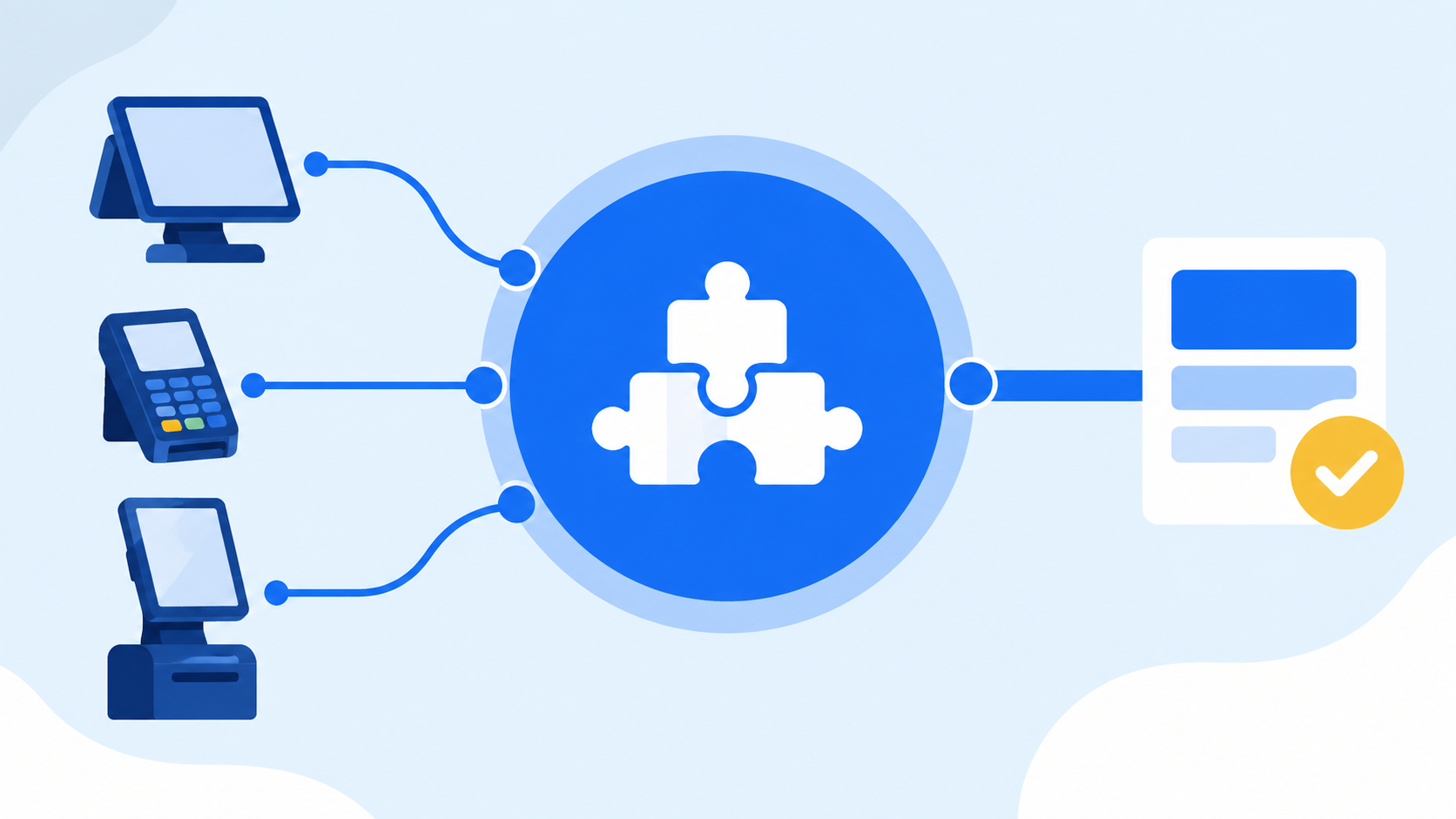
Actual integration coverage, not the feature list, should drive your choice
3 criteria to check before comparing
When comparing sales management software, it's best to check these three things first. They all stem from one question: "Does the software work in our real operating environment?"
1
POINT 01
Does it actually integrate with our stores' POS?
A product page may say "supports many POS systems," yet the POS your brand uses may be missing from the integration list. Since the range of supported POS systems and how integration works can vary by brand and store environment, confirm directly in a consultation before adopting.
2
POINT 02
Is each store's data standardized to HQ's standard?
If sales are tallied in different formats at each store, HQ has to manually align formats every time it builds a report comparing all stores. Without standardization, adopting sales management software won't reduce HQ's compiling work.
3
POINT 03
Can sales be viewed alongside other store information?
Software that shows only sales makes it hard to see how a store's sales changes relate to its contract terms or current status. HQ decides faster when sales data and store information can be viewed on the same screen.
| What to check | Problem if missing |
|---|---|
| POS integration coverage | Some stores' sales re-entered by hand |
| Data standardization | Manual fixes for HQ-wide reports |
| Link to store information | Slower diagnosis of sales changes |
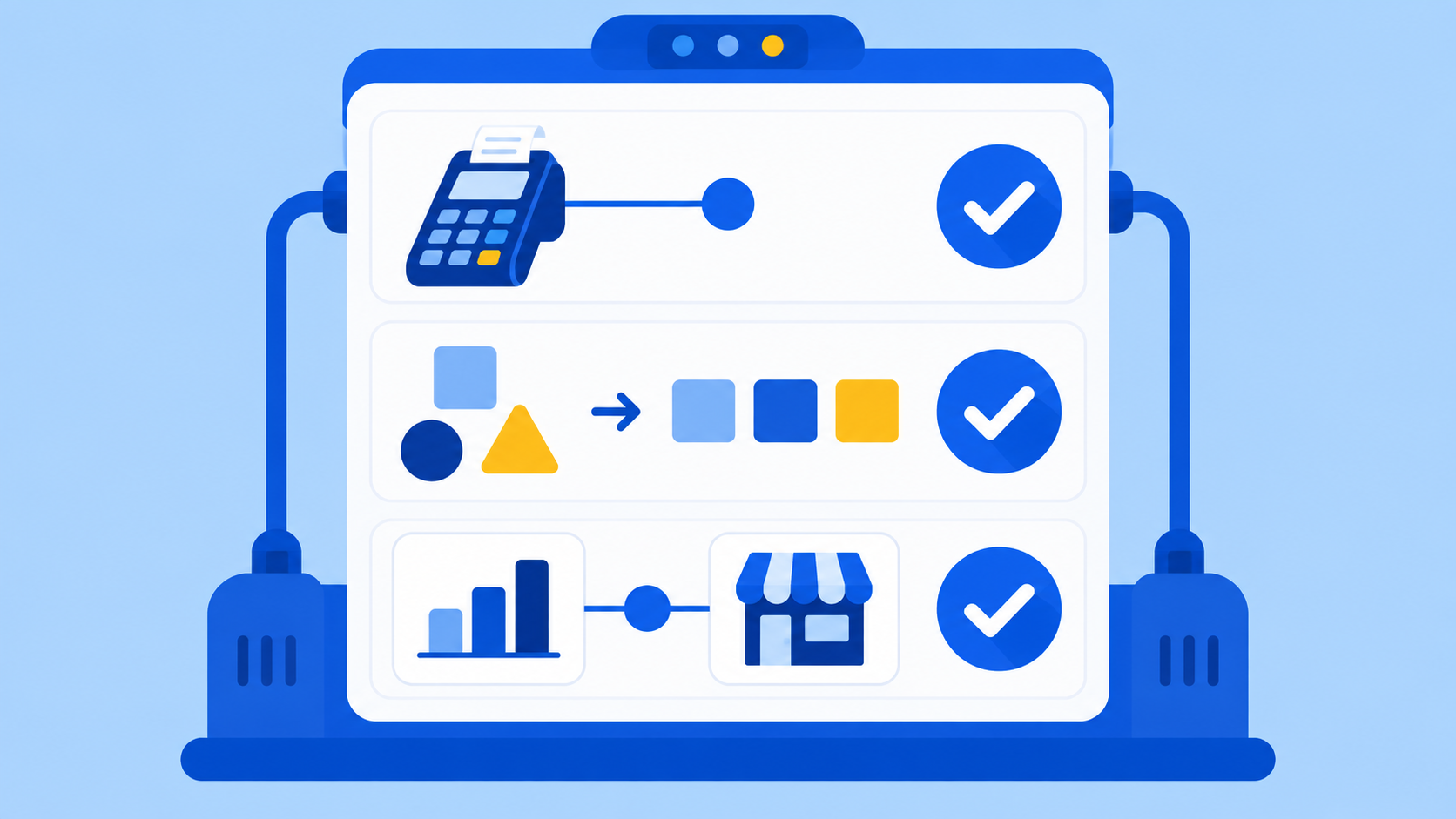
Miss even one of the three, and the benefits of adoption are cut in half
What actually happens at HQ when sales data is scattered
If you adopt software without meeting these three criteria, sales data still piles up in different formats and on different timelines at each store. As a result, HQ repeats the same work at every month-end close: calling stores to confirm sales, opening Excel files to align formats, adding everything up and reviewing it again.
With only a few stores, this process takes just a few days, so it doesn't feel like much of a burden. But as stores multiply, the compiling itself eats up a significant share of HQ staff's working hours. The bigger problem is the errors this process creates. Repeatedly aligning formats by hand raises the chance of entry mistakes and omissions, which gets in the way of HQ accurately comparing sales trends across stores.
Ultimately, the purpose of adopting sales management software isn't to "see" sales but to "cut the repetitive work of compiling" them. The surest way to check whether a program fits that purpose is to run it back through the three criteria above.

The more often compiling is repeated, the more likely errors become
How FDAM handles sales data
Drawing on its experience developing software for franchisor headquarters, MS Benter offers FDAM, an operations management solution that standardizes each store's POS sales to HQ's standard. FDAM's Operations Management module consists of store QSCV inspections, POS sales aggregation and store information management, and it standardizes each store's POS sales totals so they can be viewed alongside store information on one screen.
Because the range of supported POS systems and how integration works can vary by brand and store environment, the most accurate approach is to confirm them in a consultation against the three criteria above (POS integration coverage, data standardization and links to store information). Beyond sales management, FDAM connects to Sales Management, which handles prospective franchisee consultations and electronic franchise agreements, and Store Opening Management, which itemizes HQ's opening preparation work, so sales data can be managed within the overall flow of HQ operations.
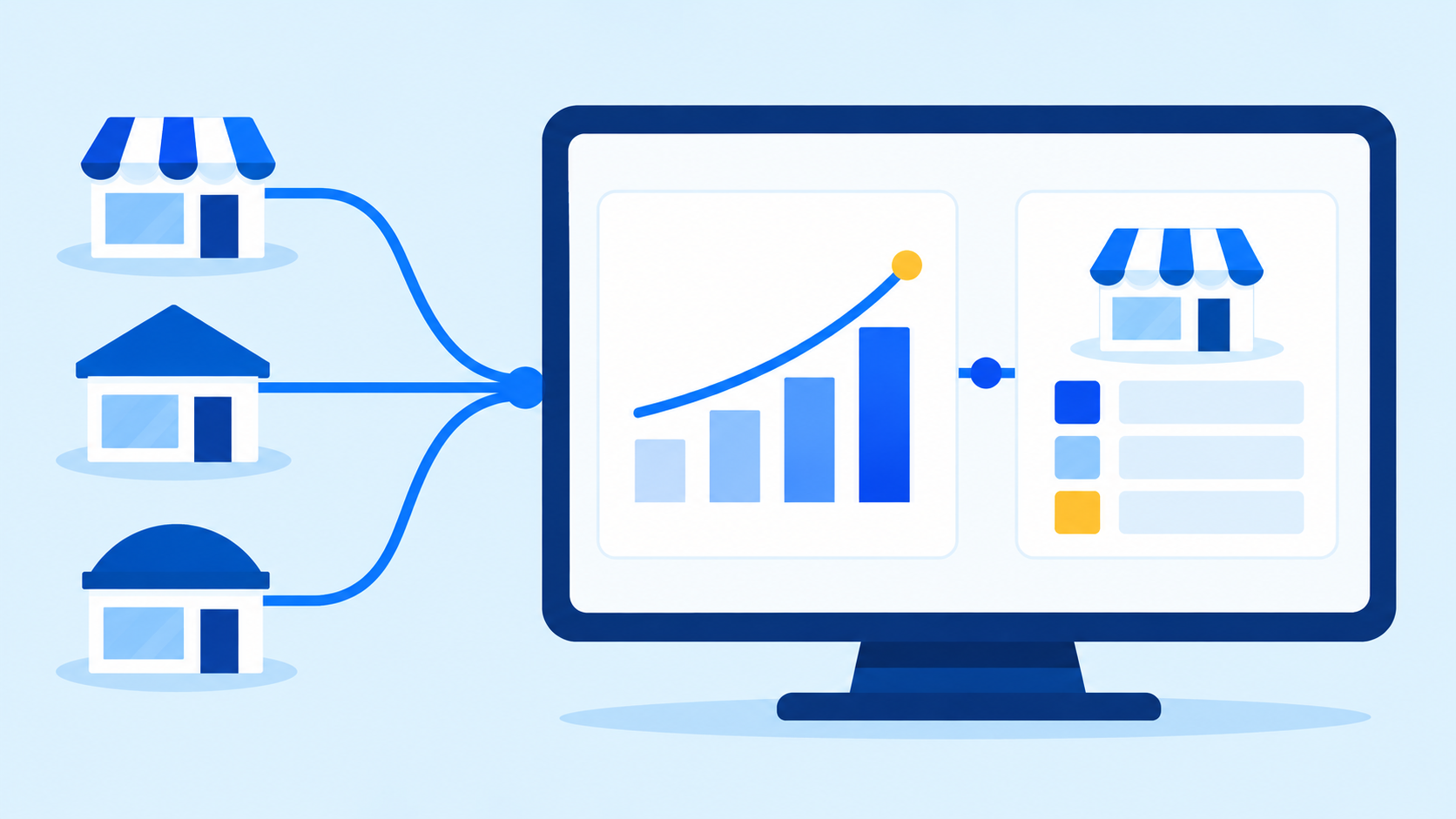
The key to standardization is viewing sales totals and store information on one screen
Frequently asked questions
Q. Can we adopt sales management software if our stores use different POS systems?
Integration availability differs by POS, so the most accurate approach is to list the POS systems you currently use and confirm in a consultation before adopting.
Q. When comparing sales management software, is more features better?
More important than the number of features is whether it actually integrates with your stores' POS environment and whether each store's data is standardized to HQ's standard.
Q. Beyond sales management, what other work does FDAM connect to?
FDAM is structured to connect HQ operations in one flow, from prospective franchisee consultations through contracts, opening preparations, store inspections and sales aggregation.
When choosing store sales management software, what comes first isn't the feature list but whether it actually fits your stores' POS environment and how data is standardized. We recommend starting by checking where and in what format your sales data is piling up today.
Curious how FDAM aggregates sales?
In a consultation, you can confirm the specific range of supported POS systems and how sales are standardized.
Talk to sales about FDAM sales managementLearn more about FDAM Chat on KakaoTalk
store sales management, sales management software, POS sales aggregation, franchise sales management, store information management, franchise ERP, store operations management, franchise HQ solution, MS Benter, FDAM, sales data standardization