5 QSCV Inspection Criteria So Store Results Don't Stay on Paper
Doing inspections and having the results change operations are two different things. Here are criteria for recording, tracking and linking results to sales.

A supervisor checking store inspection items on a tablet
Doing inspections and having inspection results change operations are two different things. Here are criteria that carry through to recording, tracking and linking results to sales.
QSCV inspection criteria are the items and scoring rules HQ sets in advance so it can assess each store's Quality, Service, Cleanliness and Value by the same yardstick.
Many headquarters already run inspections. Supervisors make the rounds of stores, check the items, organize the results and report them up the chain.
But ask a few months later, "What happened with the issues we flagged at that store last time?" and nobody has a clear answer. There were inspections, but no tracking. The five criteria below are what teams typically sort out first in practice to close that gap.
Criterion 1: make items about "checking," not "judging"
A good inspection checklist gets the same answer no matter who fills it out.
Items open to interpretation, such as "Cleanliness is satisfactory," create inconsistency. Instead, build what to check and the condition into the sentence, for example: "Is the refrigerator thermometer reading within the standard range?" or "Is the kitchen floor drain free of debris?"
Written this way, scores keep their meaning even when the supervisor changes. This is the first thing to slip in store inspections.
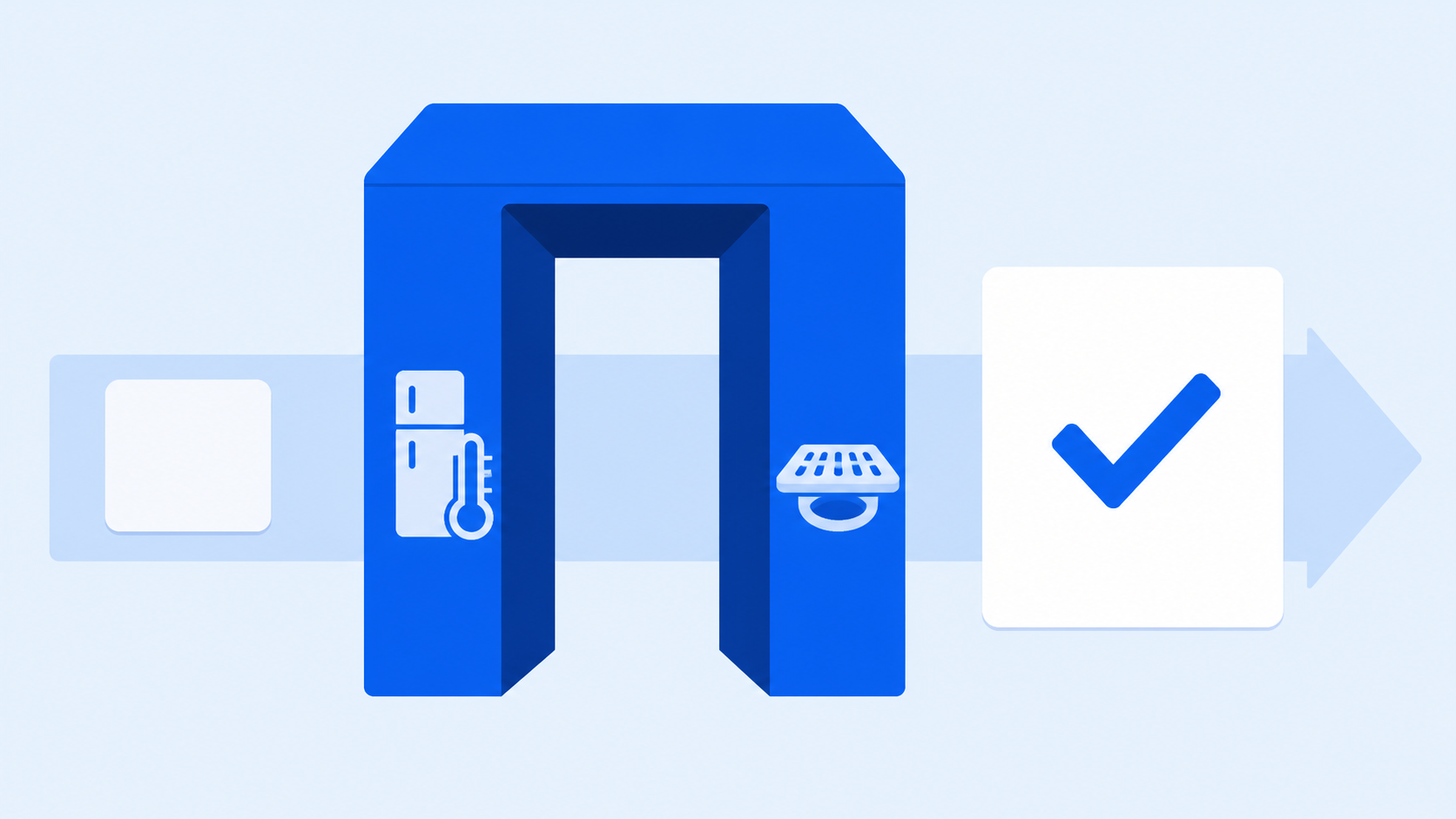
Example checklist comparing vague items with verifiable items side by side
Criterion 2: always attach a "next action" to inspection results
Inspection results shouldn't end with a score; they should lead to action items.
Each flagged issue needs an owner, a deadline and a corrective method on record so there's something to verify on the next visit. If only a score remains, there's no way to know whether the store improved or stayed the same.
In practice, it's easier to manage when "flag → corrective action request → follow-up check" is bundled as a single item.

Action management screen showing each flagged issue with its owner and deadline
Criterion 3: build up inspection history store by store
For QSCV inspection criteria to do their job, results need to accumulate as a time series for each store.
A single inspection shows a store's current state, but inspection history over time shows trends. A store flagged repeatedly on the same item needs training, while a store that slips only at certain times likely has a staffing problem.
If results are scattered across files and messengers, this comparison becomes impossible. That's why inspections need to be kept as records, not documents.
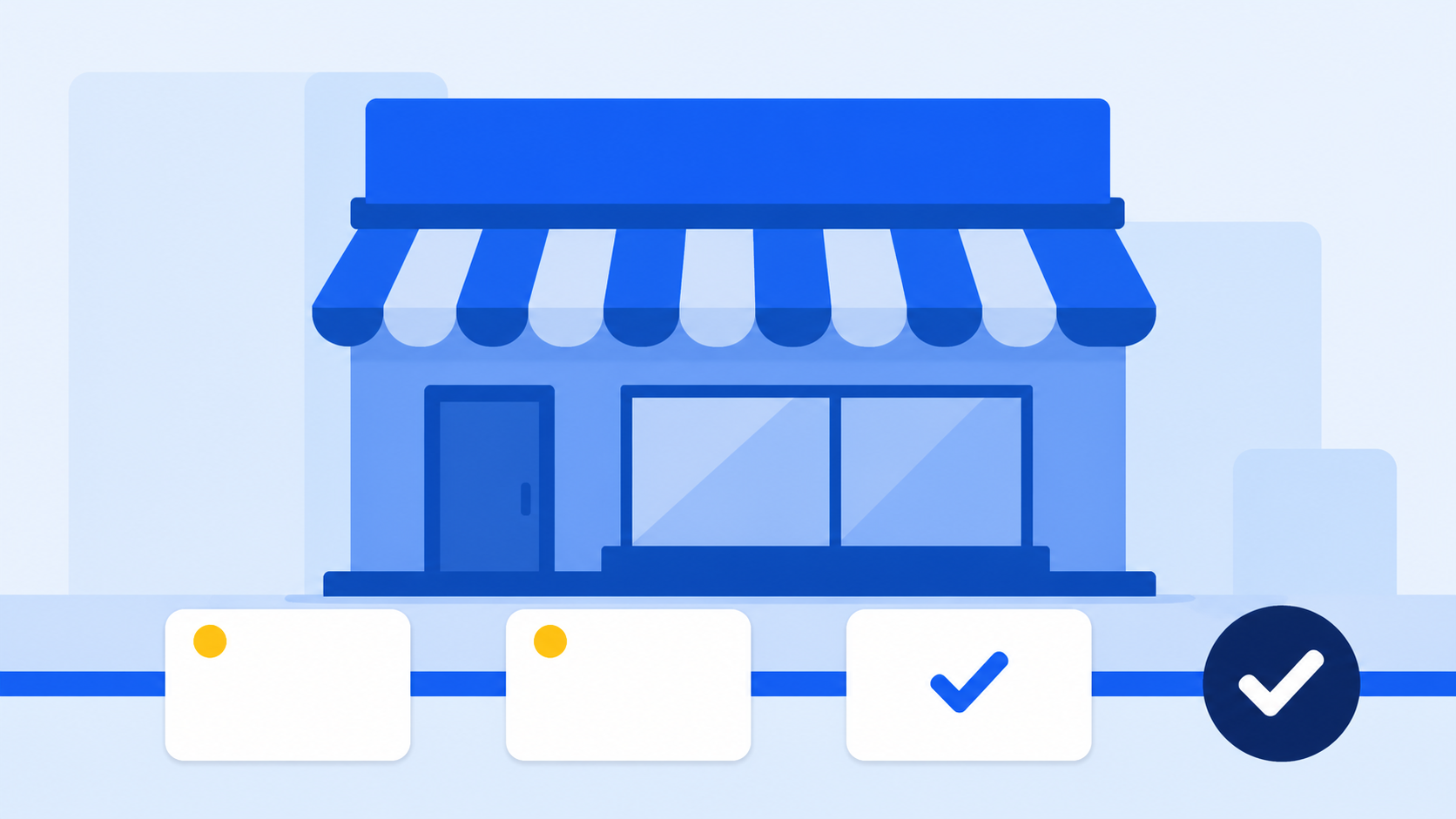
Screen showing one store's inspection history accumulated visit by visit
Criterion 4: look at inspection results and sales together
It's hard to judge operating quality from inspection results alone; interpretation becomes accurate when you view them alongside sales trends.
A store with decent inspection scores but steadily falling sales needs completely different support from a store with repeated inspection flags and falling sales. The former may be a trade area or marketing problem; for the latter, operational improvement comes first.
To make this call, HQ needs inspection records and POS sales totals to sit on top of the same standardized store information.

Operations screen showing store inspection results alongside POS sales totals
Criterion 5: unify store information to HQ's standard
For the first four to work, store information management needs to be in order.
If store names, opening dates, assigned supervisors and contract details are recorded differently in each department's files, things fall out of alignment the moment you try to link inspection results with sales. Inspections, support and responses all speed up only when master data is gathered in one place.
FDAM is a product that connects this flow within an HQ operations ERP. In the Operations Management module, which records and tracks store QSCV inspections, POS sales aggregation and store information management sit on the same axis, and information built up earlier in Sales Management and Store Opening Management carries over as is. It was designed to reflect field needs accumulated through running a government-recognized franchise IT research lab.
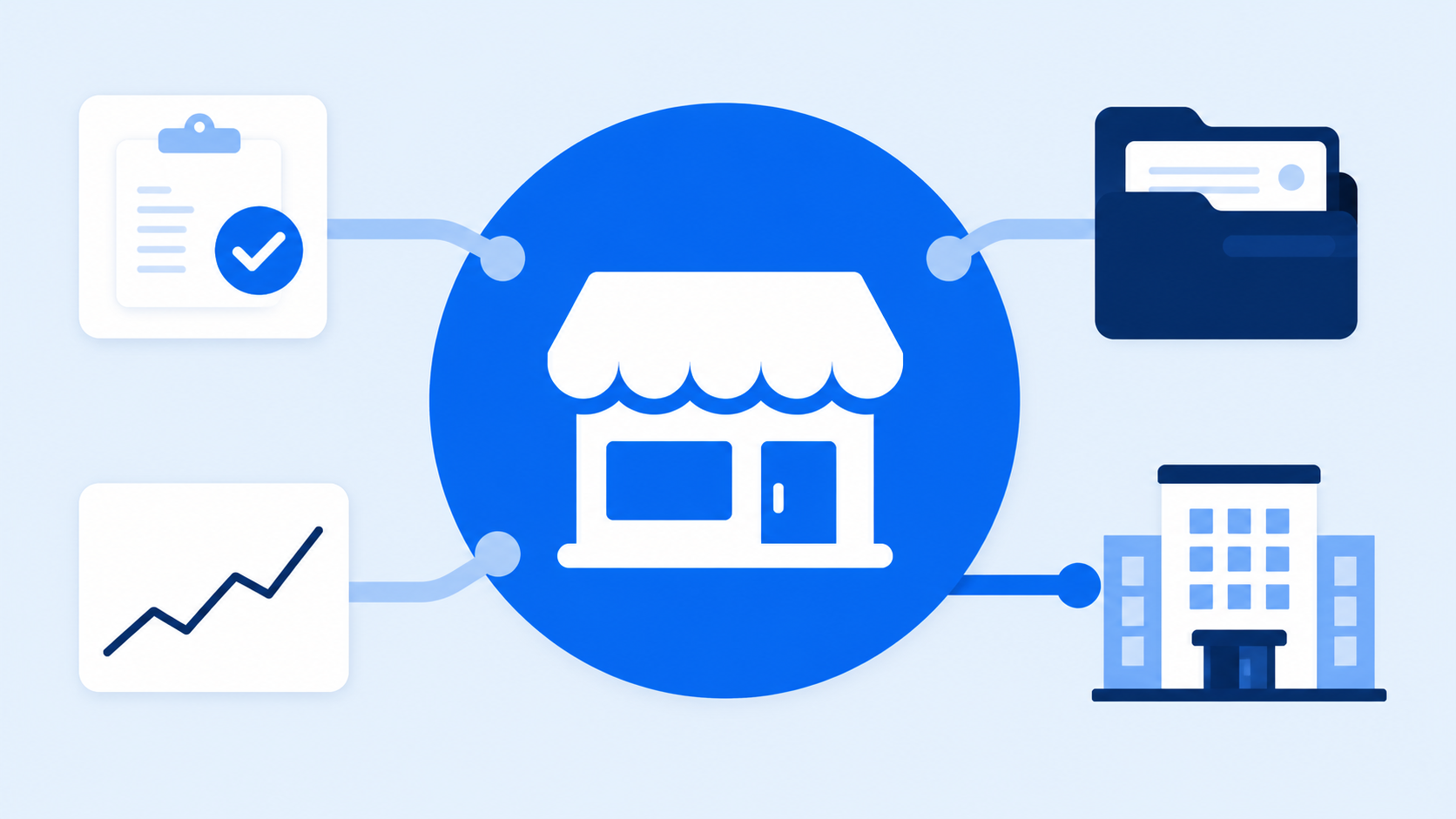
How inspections, sales and store information connect on the FDAM Operations Management dashboard
Frequently asked questions
Q. How many inspection items is the right number?
A. Rather than the count, the test is whether the list can be fully checked within a single visit. If there are so many items that the latter half gets filled in as a formality, inspection reliability drops. A realistic approach is to separate core items from occasional ones.
Q. Can't we just do inspections on paper or in Excel?
A. You can record them, but tracking is hard. Comparing history by store, confirming whether actions are complete and linking to sales all become manual work, so the management burden grows quickly as store count rises.
Q. How do we share inspection results with stores?
A. There's less friction when you share flagged issues together with corrective action requests and let stores know the follow-up check date in advance. Using Sodam, the HQ–store communication app, alongside FDAM lets you run field inspections and sharing as one flow.
If you're inspecting well but the results don't stick, the problem is more likely the structure for recording them than the inspection method.
Just refining items into verifiable ones, attaching actions and history, and reviewing them alongside sales can noticeably change how operating quality management feels.
See this flow for yourself on the FDAM Operations Management screen.
Explore FDAM Operations ManagementQSCV inspection criteria, store inspection, supervisor, operating quality, POS sales aggregation, store information management, franchisor headquarters, FDAM, store management software, HQ operations ERP