Choosing a Franchise ERP: 5 Things Practitioners Check First
Before comparing feature lists, check whether the system can capture your headquarters workflow as it actually runs.

Headquarters staff reviewing ERP comparison materials in a meeting room
There is something to check before you compare feature lists: whether the system's structure can hold your headquarters workflow as it is.
Choosing a franchise ERP starts not with counting features, but with checking whether your HQ workflow, from sales to store opening to operations, runs as one connected flow.
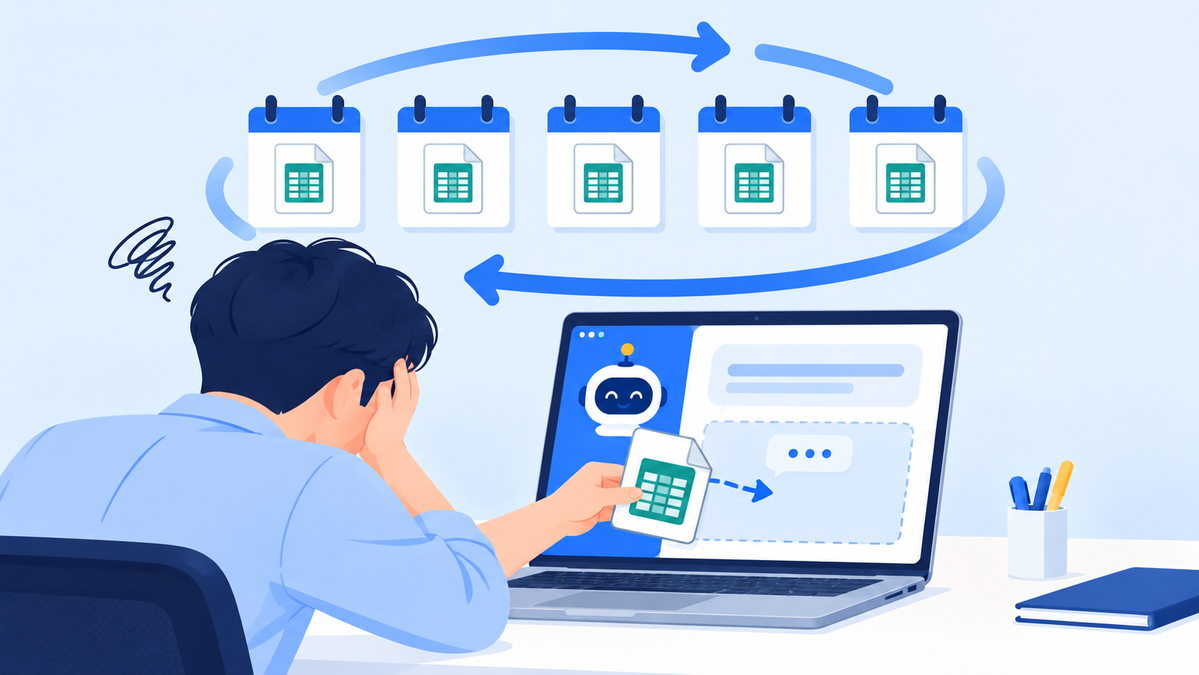
When you start evaluating an ERP, the first thing you usually build is a comparison chart. Yet even after lining up features side by side and ticking boxes, many teams still struggle to decide.
That is because general-purpose ERPs are designed around manufacturing and distribution, so franchise-specific work such as prospect consultations, contracts, store-opening preparation and inspections is not part of their standard feature set. The five points below are practical criteria for spotting that difference.
Criterion 1: Check whether franchise work is covered by standard features
The first thing to look at is whether prospective franchisee consultations, pre-contract disclosure documents, franchise agreements and QSCV inspections are built-in features.
If these are not standard, they have to be built through customization, and the moment that happens, both cost and timeline grow. Every later improvement or response to regulatory change also becomes a separate development project.
| Item to check | Franchise-specialized ERP | General ERP |
|---|---|---|
| Prospect and franchise inquiry management | Standard feature | Custom build required |
| Disclosure documents and e-franchise agreements | Standard feature | Custom build required |
| Store QSCV inspections | Standard feature | Custom build required |
| Opening prep (interior, training) | Standard feature | Custom build required |
| Shared functions such as accounting and HR | Used via integration | Area of strength |
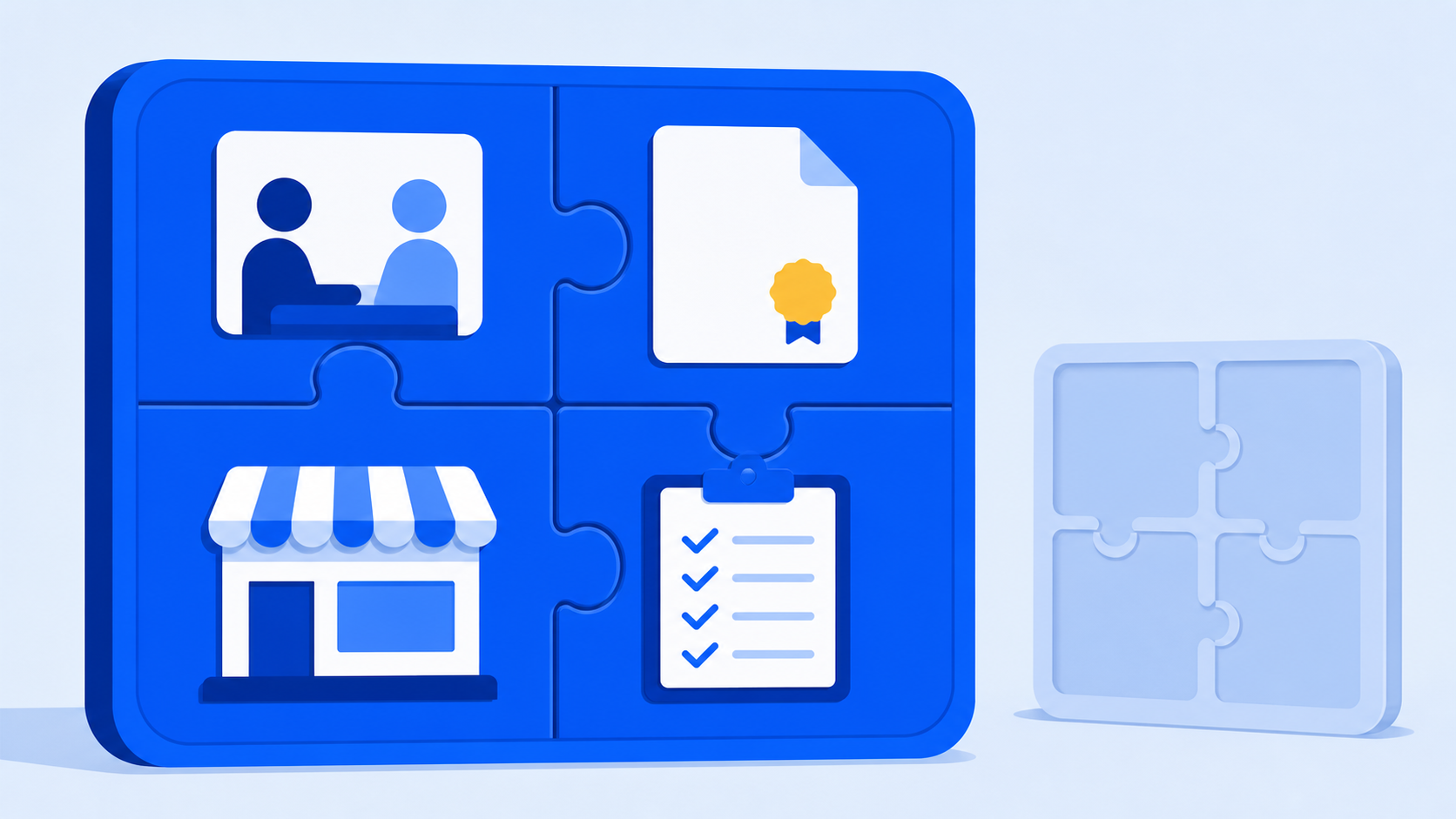
Diagram comparing the functional scope of a franchise-specialized ERP and a general ERP
Criterion 2: See whether work flows through without breaks
The second criterion is whether information entered at one stage carries over intact to the next.
If prospect information gathered during consultations does not carry through to the contract, opening preparation and ongoing store records, each department ends up re-entering the same data. The inconsistencies this creates surface later as problems during inspections and settlement.
When you watch a demo, we recommend asking to see "one store flowing from start to finish" rather than each feature screen one by one.
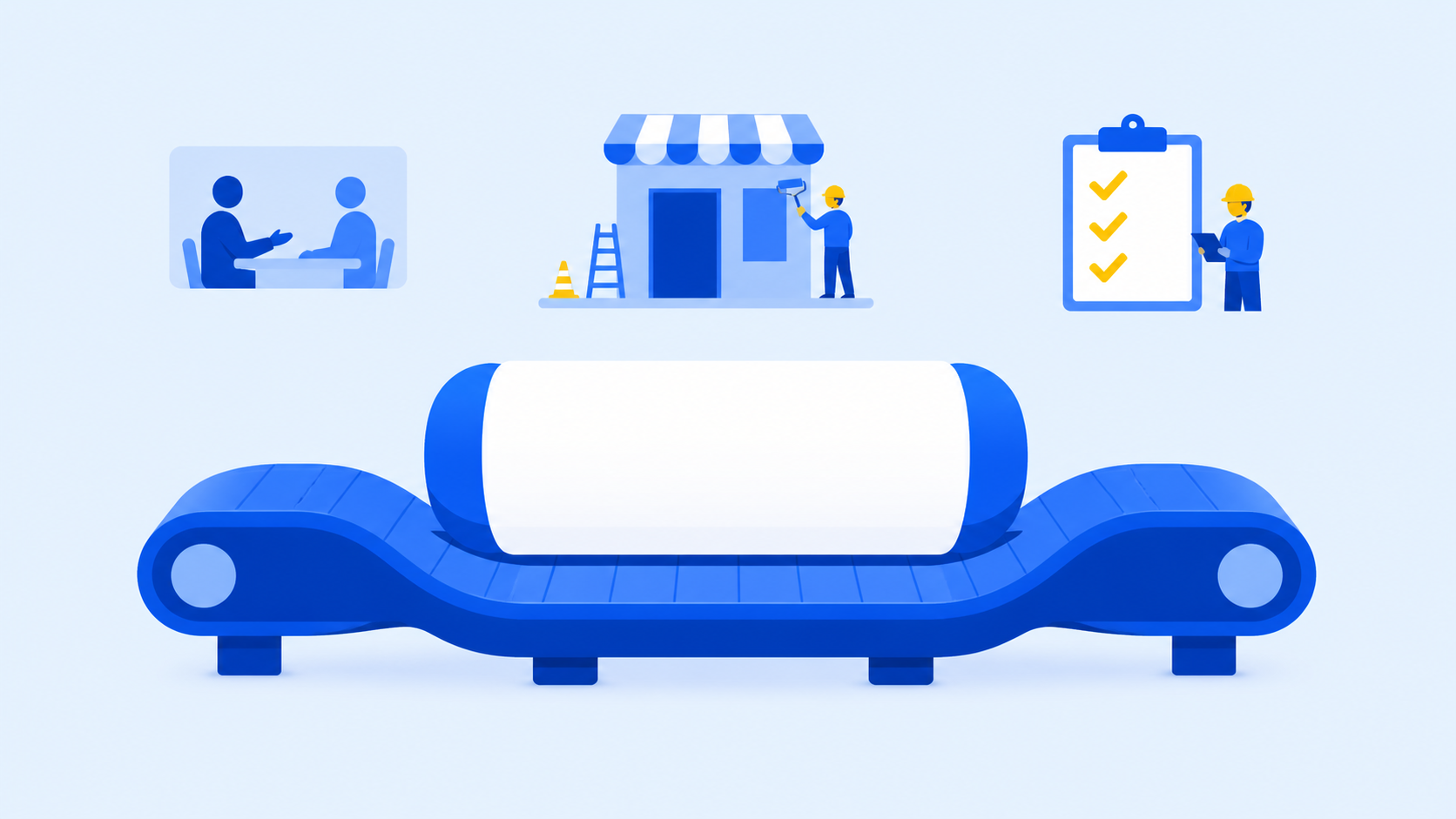
Workflow diagram from sales management to opening management and operations management
Criterion 3: Confirm that records and history are retained
Among franchise ERP selection criteria, the difference practitioners feel most often comes down to history management.
When disclosure documents were sent and opened, when contracts expire, and whether inspection findings were resolved all need to be kept in the system so they can serve as evidence when staff change or disputes arise. If data is stored but hard to look up, it is practically as good as missing.
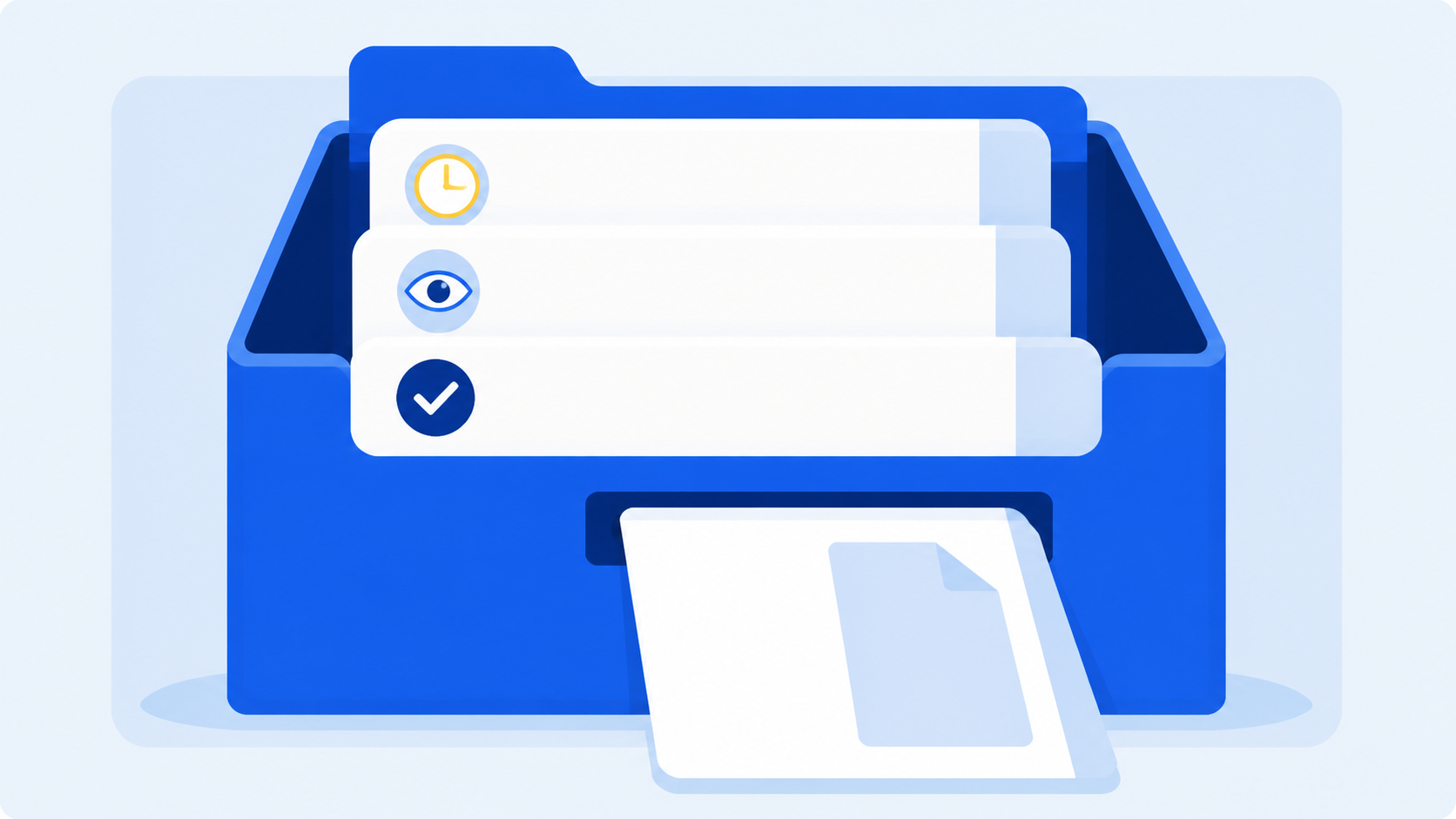
Management screen recording document delivery history and viewing timestamps
Criterion 4: Look at deployment model and room to grow together
The fourth criterion is whether an on-premise build or SaaS suits your headquarters, and whether you can expand later.
If your internal rules are complex and you have many existing system integrations, an on-premise build has the edge; if you prefer to start quickly and refine as you go, SaaS is less of a burden. What matters is that your first decision does not block your options later.
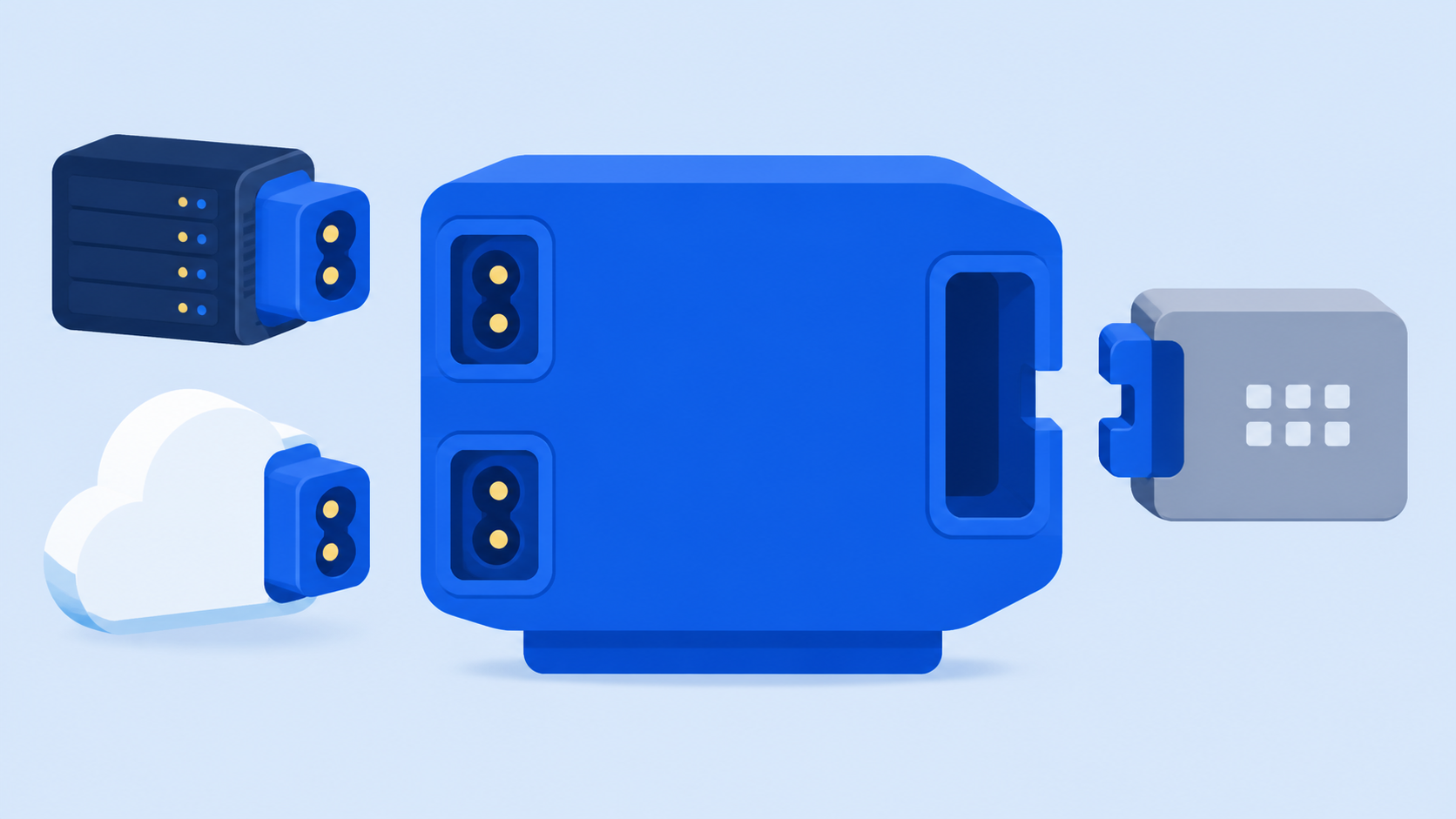
Summary screen comparing on-premise and SaaS deployment models
Criterion 5: Check whether the vendor knows franchising
The last criterion is how much hands-on experience the vendor has with this industry.
Things like franchise documentation requirements, variables in opening schedules and supervisor routes are hard to explain on paper; they are learned through experience. That is why the same feature can differ in screen layout and exception handling.
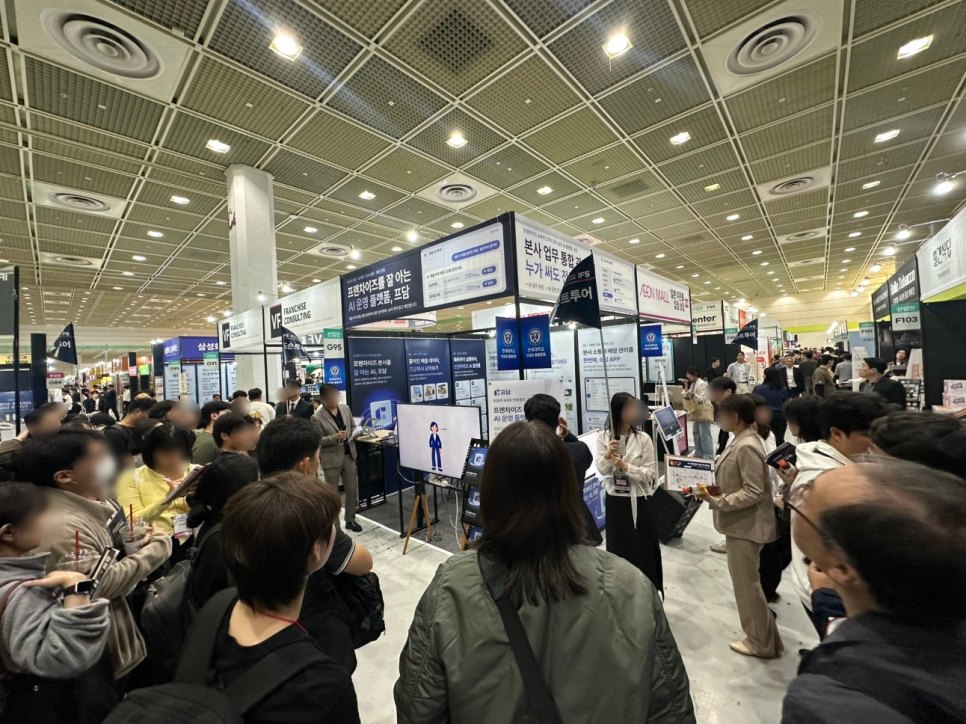
MS Benter has focused on franchise software since its founding in 2007 and has built systems with more than 500 brands. Its GS (Good Software) certification and government-recognized franchise IT research lab were built along the way. FDAM is the product that distills this experience into an operations ERP for headquarters: sales management, opening management and operations management are connected in one flow and can be used across PC, tablet and mobile.
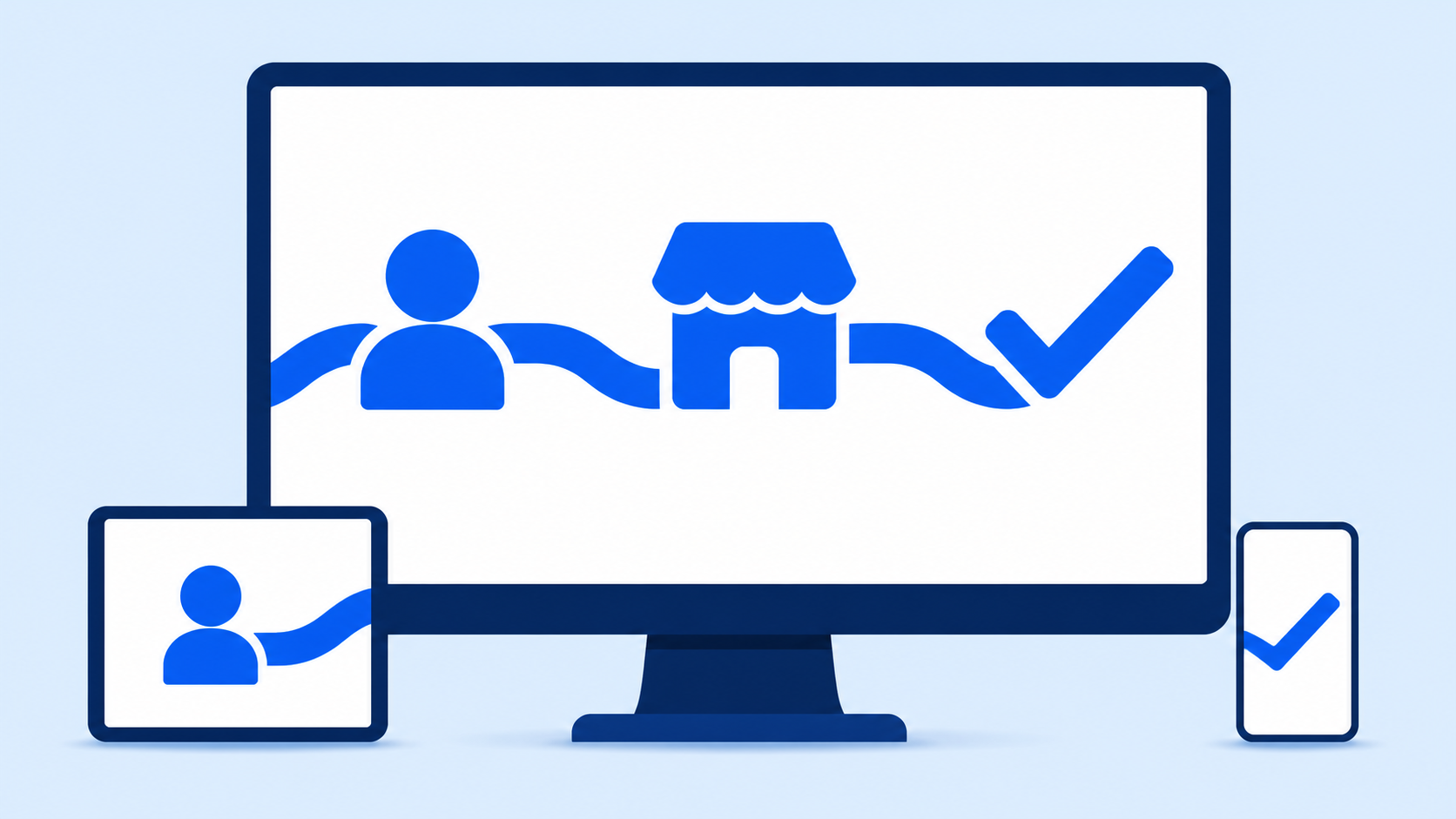
FDAM dashboard bringing sales, opening and operations modules together on one screen
Frequently asked questions
Q. We already use an accounting ERP. Isn't this redundant?
A. They cover different areas. The typical setup keeps accounting and HR in your existing system while an HQ operations ERP handles franchise-specific work such as consultations, contracts, store openings and inspections.
Q. Where should we start in preparing for adoption?
A. Start by writing down your current work step by step. Once you map where each piece of information is created, where it goes next, and which parts are handled in Excel or messaging apps, the scope you need becomes clear.
Choosing an ERP is less about comparing features and more about whether it can hold your headquarters' work as it is.
Using the five criteria above makes the comparison much simpler and reduces rework after adoption.
See for yourself below whether FDAM fits your headquarters workflow.
If you would like a consultation, feel free to reach us however is most convenient.
Start a free trialExplore the product Chat on KakaoTalk 1544-7120
franchise ERP selection criteria, HQ operations ERP, franchise-specialized ERP, franchise store management software, on-premise vs SaaS, ERP adoption prep, franchisor headquarters, FDAM, MS Benter, franchise systems