Before Adopting a Franchise ERP, Map Your HQ Workflows First
The HQ workflows and decision criteria you must review before adopting a franchise ERP.
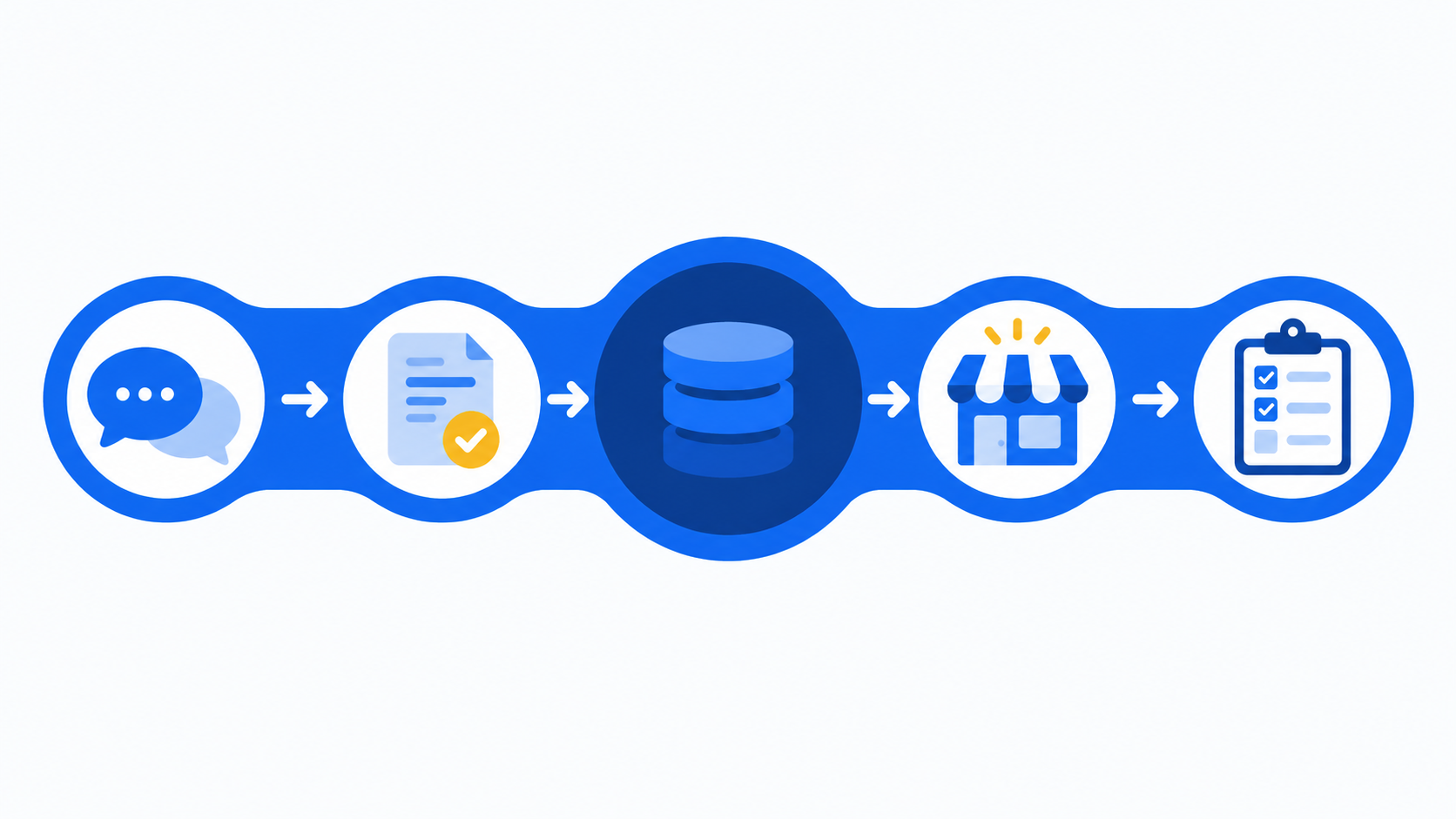
From consultation to operations, HQ work should be connected in a single flow
CORE SUMMARY
✔ Unlike a general ERP, a franchise ERP must connect consultation, contract, store opening, and operations information in a single flow.
✔ Before adopting one, check where your HQ workflows break down before looking at feature lists.
✔ Information scattered across spreadsheets, messenger apps, and individual documents creates management gaps the moment staff change.
✔ FDAM provides a structure that organizes HQ work into a single flow, from sales management to store opening management to operations management.
A franchise ERP is software that records and connects all the work HQ does, from franchise consultations to contracts, store openings, and operations management, within a single system. Unlike a typical company, a franchise business has two parties moving at the same time: headquarters and franchise stores. A new franchise consultation leads to a contract, the contract leads to opening preparation, and the opening leads to store operations and inspections. If this flow isn't connected in one system, HQ ends up entering the same information multiple times and spending time on handovers every time staff change.
In this post, we cover the workflow criteria HQ should review before adopting a franchise ERP. Rather than simply listing features, we focus on where information breaks down and what problems those gaps cause in real operations.
Why a general ERP can't capture how a franchise business works
The work structure of a franchise business differs from what ERPs for typical manufacturing or service companies cover. A general ERP is mostly optimized for managing work that's self-contained within one organization, such as purchasing, production, inventory, and accounting. By contrast, franchisor HQ work involves three parties at once: outside prospective franchisees, store owners as contract counterparties, and HQ's internal teams.
For example, when a franchise inquiry comes in, HQ records the consultation history, must deliver the franchise disclosure document and pre-contract disclosure documents at certain points, drafts the franchise agreement once a deal is reached, and then coordinates interior work and training schedules to open the store. After the store opens, QSCV inspections, sales management, and store information management follow. Different departments often handle different parts of this process, but in the end it's one continuous record of a single store.
A general ERP or all-purpose groupware has a hard time capturing this continuity structurally. Consultation history tends to scatter into the sales team's personal documents, contract information into the legal or admin team's filing cabinet, and opening progress into field staff's notes. A franchise ERP requires a fundamentally different design from a general ERP because it ties these three parties' information together at the level of each store.
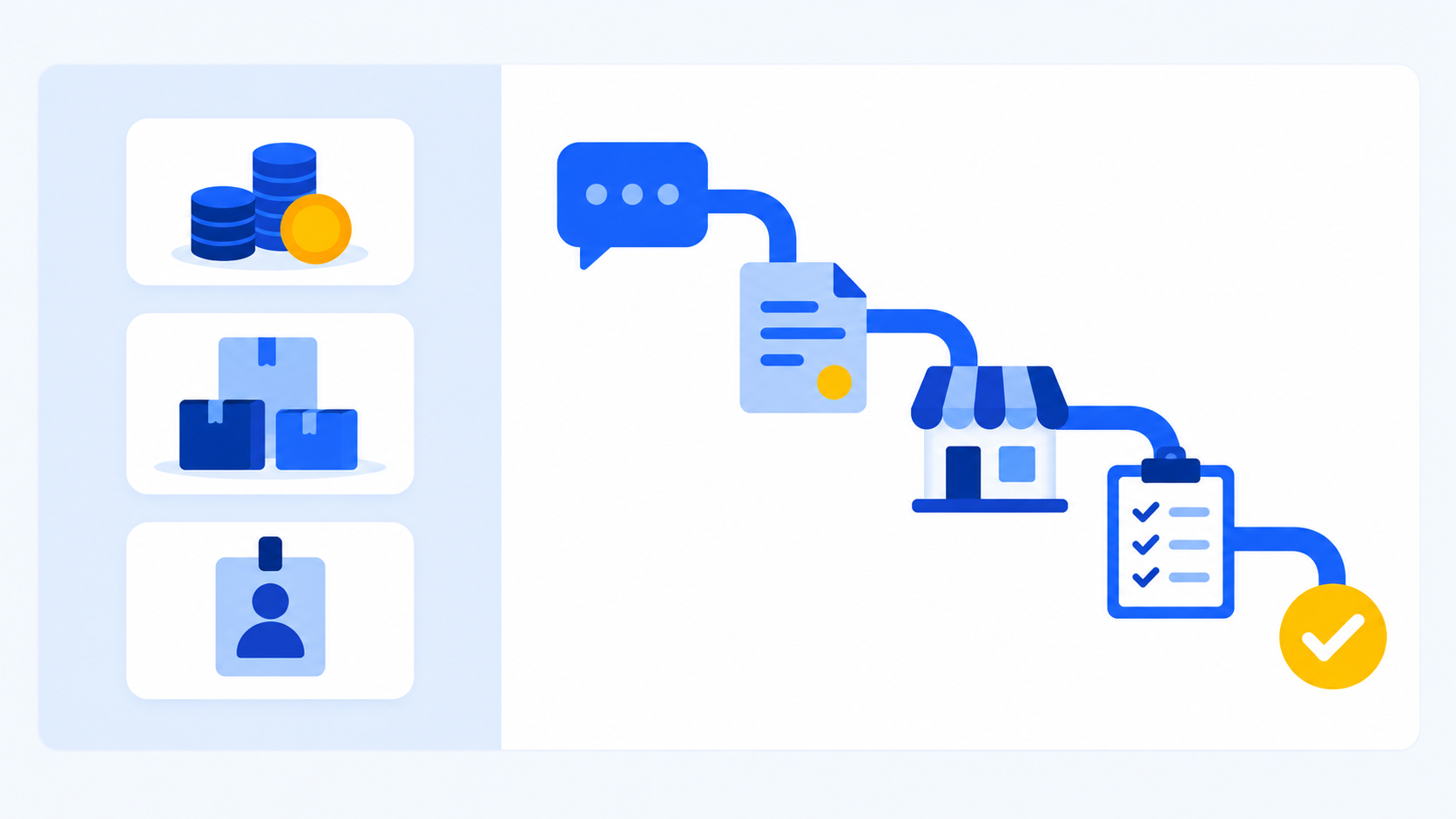
A franchise ERP connects consultation, contract, opening, and operations at the level of each store
Consultation, contract, opening, operations: first find where information breaks down
When considering a franchise ERP, the first step isn't comparing system features. It's identifying where information breaks down in your current HQ workflows. Most HQ teams already have some management system in place. The problem is that it's fragmented by department and by staff member.
In practice, there are three common breakpoints. First, the gap between consultation and contract. When staff manage consultation history in personal notes or messenger chats, that history disappears when they leave or change roles. Second, the gap between contract and opening. After the contract is signed, interior work, training, and paperwork are handed off to different staff, making it hard to see progress at a glance. Third, the gap between opening and operations. Once a store opens, records of how it got there often don't pass to the operations team, leaving no history to reference for future inspections or support.
Reviewing these three points first makes it clear which scope of work the ERP your HQ needs must cover. A program that only handles sales management, or one that only aggregates sales, can't close these gaps. You can expect real results from adoption only when the entire process, from consultation to operations, is connected around a single store's information.
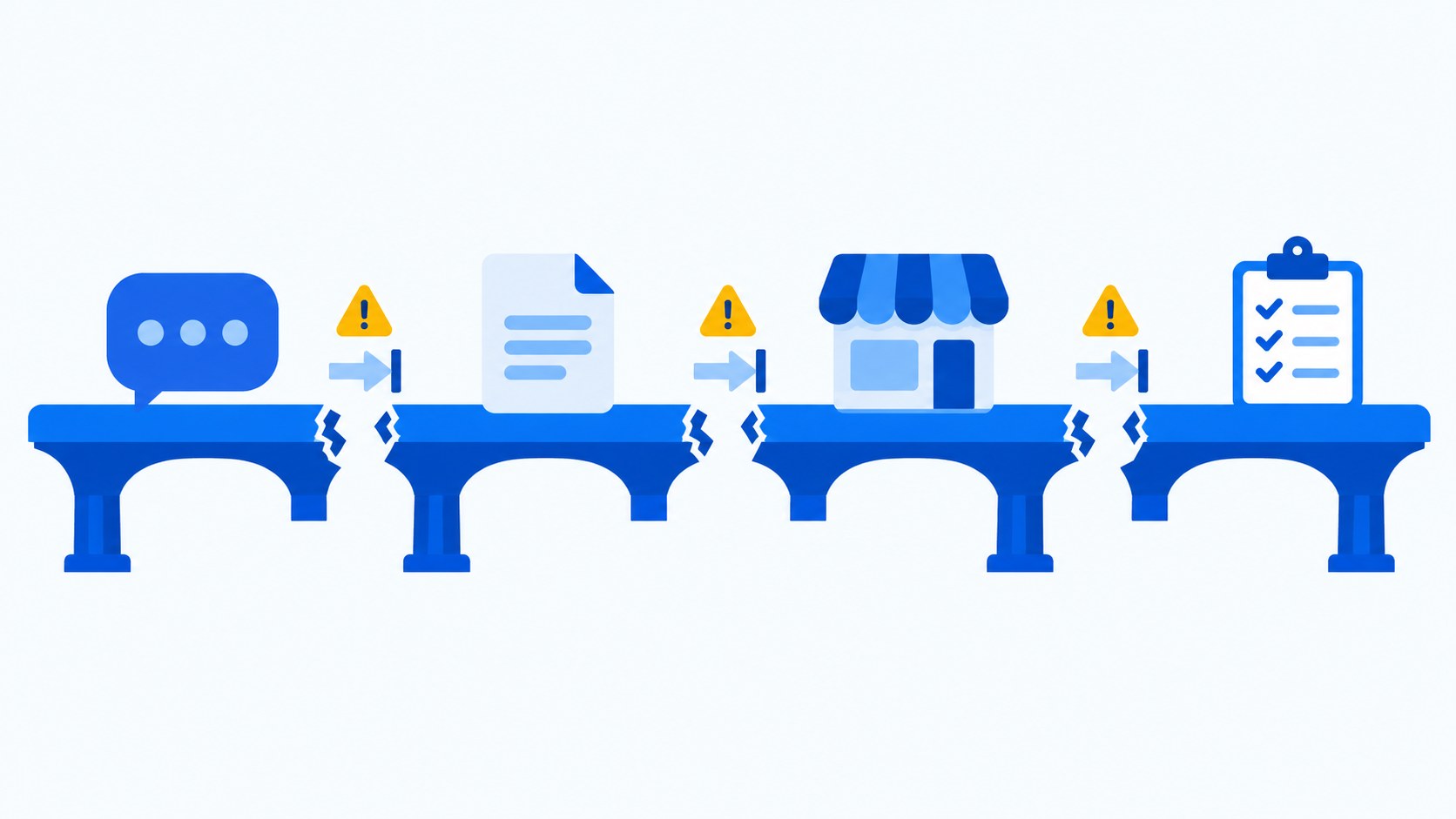
Information gaps occur most often between consultation and contract, and between contract and opening
The key is a record structure that holds up even when staff change
As a brand grows, franchisor headquarters grow in size, and staff transfers and turnover become more frequent. The biggest risk then is that information that lived in a particular staff member's memory or personal files gets lost during the handover. New staff have to piece together past history from scratch, and service quality for stores often suffers in the process.
This is where one of the core values of adopting a franchise ERP lies. When the system records who held which consultation and when, which documents were sent and acknowledged and when, and when each stage of opening preparation was completed, work continues smoothly even when staff change. This isn't just a convenience feature. It's a structural requirement that determines whether HQ can manage many stores by the same standards.
This matters most for legally binding procedures like franchise agreements, and for documents where the delivery date matters, like the franchise disclosure document and pre-contract disclosure documents. There needs to be a record of when they were delivered and acknowledged. When those records stay in HQ's system, HQ is better prepared in many situations, from managing contract renewals and expirations to securing supporting evidence if a dispute arises.
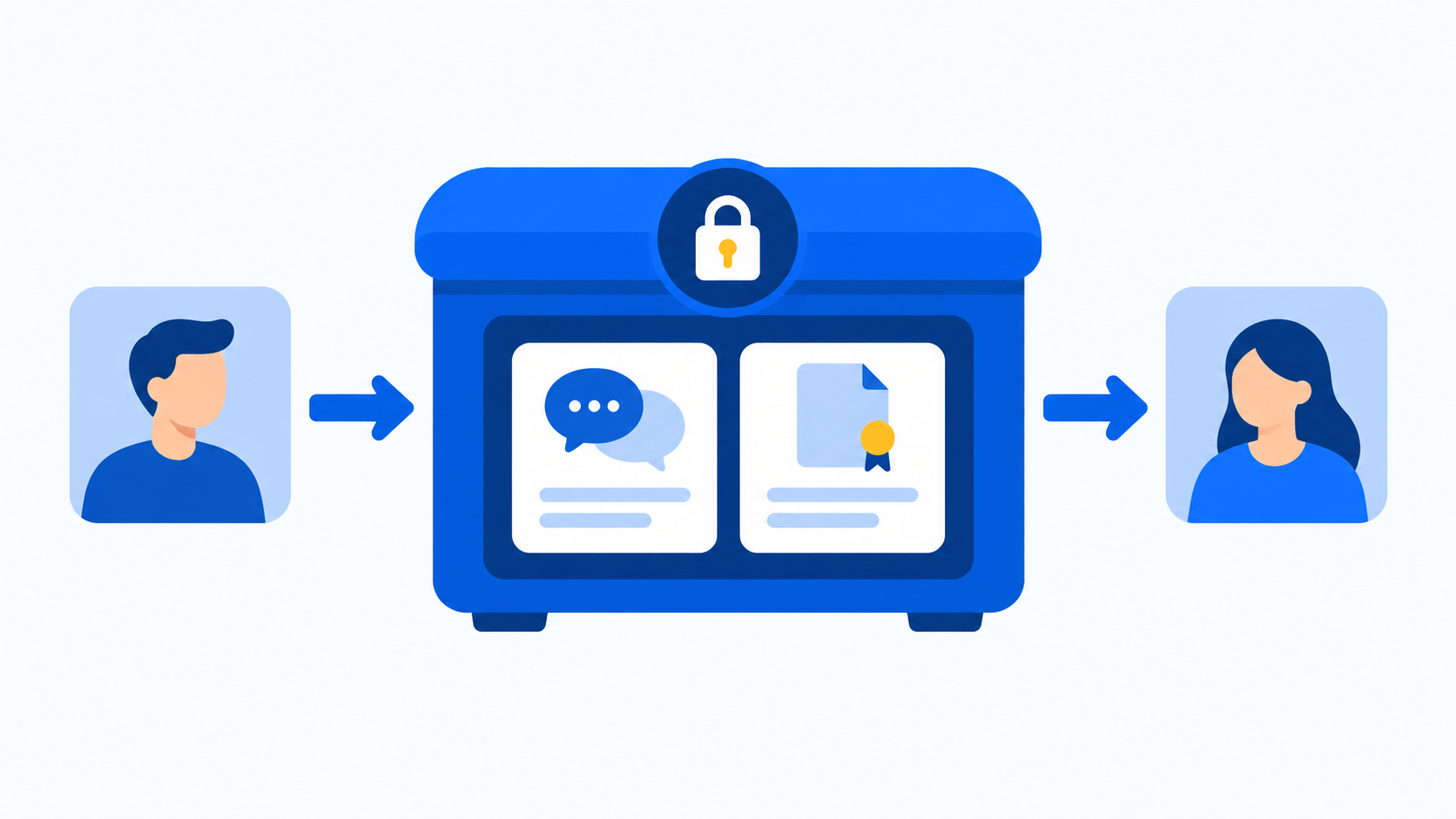
History from consultation to contract must stay in the system so handovers don't break the flow
Treat opening preparation as progress management, not a checklist
Opening a store after the contract is signed is the stage where the most HQ departments are involved at once. Interior construction, training schedules and completion, and various opening documents all move forward simultaneously, and missing even one can delay the entire opening schedule.
Many HQ teams manage this process with spreadsheet checklists or word of mouth between staff. That works fine when openings are few, but as the store count grows and multiple openings run at once, the management burden climbs quickly. When HQ manages opening preparation items one by one within the system, it can check any store's readiness directly in the system instead of asking a staff member. The impact grows as openings increase, and especially when staff change.
The goal of opening management isn't simply listing to-dos. It's letting HQ compare the readiness of multiple stores at once and spot those at risk of delay in advance. From this perspective, opening management should be approached as ongoing progress management, not a one-time checklist.
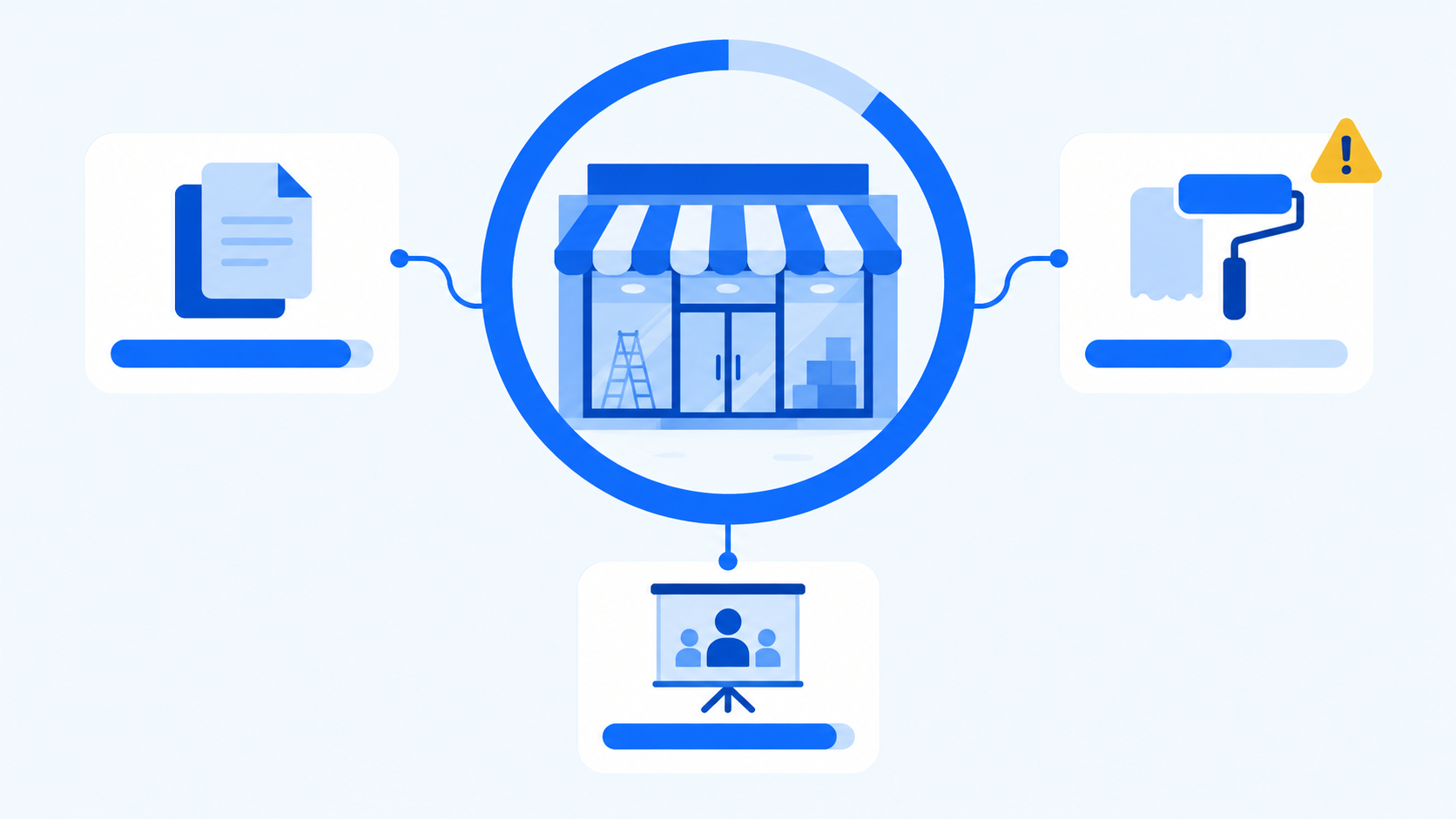
HQ should be able to check document, interior, and training progress item by item
Operations management after opening must continue in the same flow
After a store opens, operational work such as QSCV inspections, sales data aggregation, and basic store information management follows. A common problem at this stage is that inspection results stay only in documents and never lead to follow-up actions or trend comparisons. To see whether a store keeps scoring low on inspections or whether it's improving, inspection records must accumulate and be managed in a comparable form.
What matters here is that information from the pre-opening stages and the operations stage isn't disconnected. The operations team must be able to see how each store got to opening in order to tailor inspections and support to each store. That's exactly why a franchise ERP must be designed with consultation, contract, opening, and operations as a single flow. If each stage is split into separate programs or documents, it's hard to get a complete picture of any one store.
In this context, FDAM is structured to connect three work areas, sales management, store opening management, and operations management, in a single flow. Registering franchise inquiries and managing consultation history, sending pre-contract disclosure documents and checking view history, and electronic franchise contracts with contract expiration alerts all happen in sales management. Then, in store opening management, HQ manages document, interior, and training progress item by item. After the store opens, operations management carries on with QSCV inspections, aggregated POS sales, and store information management. It supports PC, tablet, and mobile so progress can be checked right from the field. This design reflects the workflows MS Benter, as a franchise-specialized software developer, has refined through building systems for many brands.
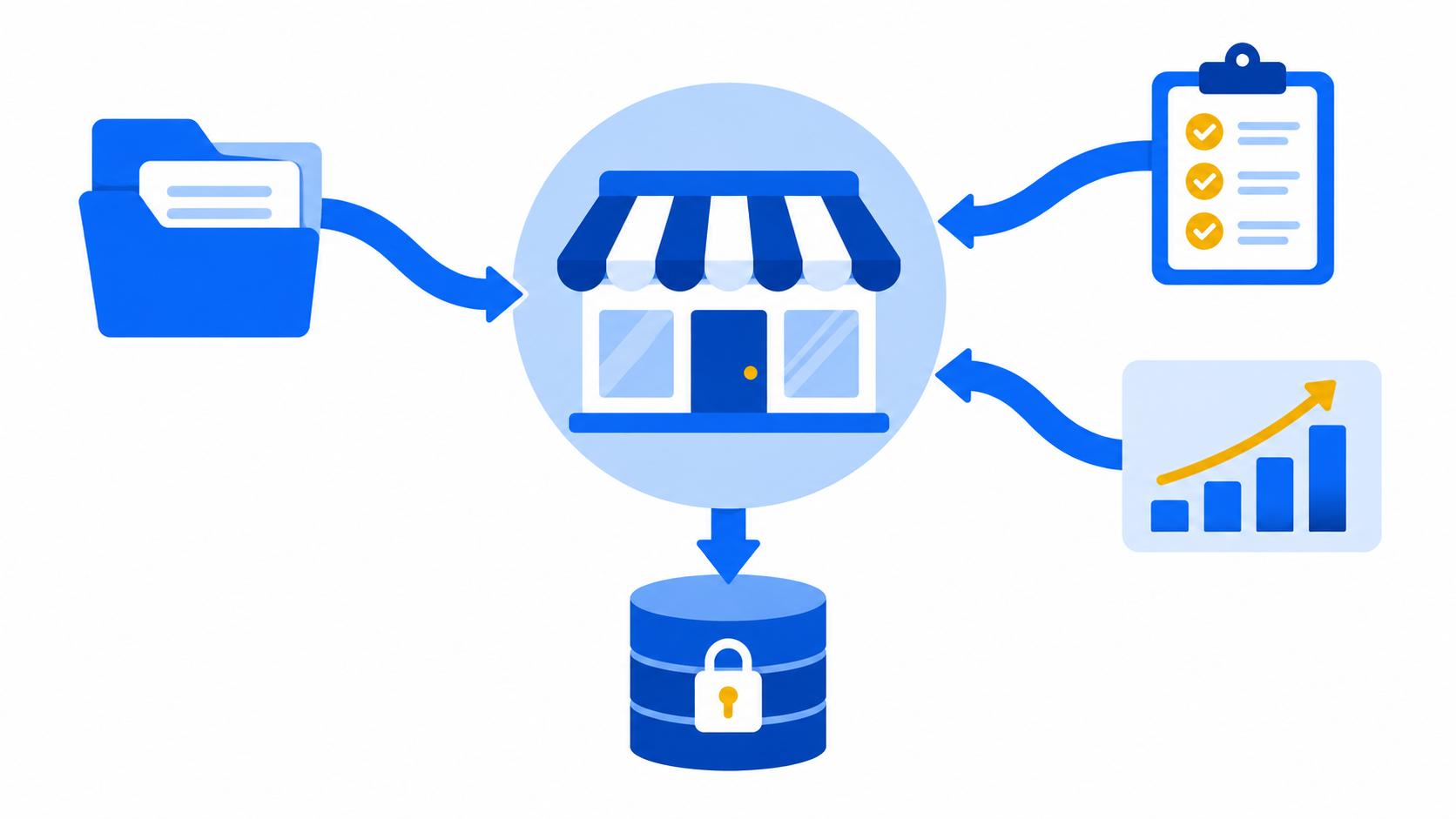
Pre-opening history and operations data must be connected to tailor inspections to each store
Frequently asked questions
How is a franchise ERP different from a general ERP?
A franchise ERP differs from a general ERP in that it connects information at the level of each store, from prospective franchisee consultations to contracts, store openings, and operations management. A general ERP focuses on internal work like purchasing, production, inventory, and accounting, while a franchise ERP handles the continuous work process between two parties: HQ and franchise stores.
What should we check first before adopting a franchise ERP?
First check where information breaks down in your current HQ workflows. Reviewing the gaps between consultation and contract, contract and opening, and opening and operations makes the scope of work you need clear.
Do we need a franchise ERP even with only a few stores?
What matters more than store count is whether work records need to survive staff turnover and organizational changes. Even with few stores, if consultation, contract, and opening information is scattered across personal documents and messenger apps, it's time to manage records through a system.
Considering a franchise ERP? Start by reviewing your workflows
FDAM connects the HQ workflow, from sales management to store opening management to operations management, within a single system.
Talk to sales about the ERP features your HQ needsfranchise ERP, franchise system, franchise business management software, store management system, franchise software, franchise contract management, store opening management, HQ work standardization, franchisor HQ system, FDAM, store operations management, QSCV inspection