FDAM Franchise ERP: Moving HQ Handovers Into the System
How to use the franchise ERP FDAM for handovers, so HQ operations stay steady even when staff change
franchise ERP, FDAM, HQ handover, supervisor management, franchise store management, sales management, store opening management, operations management, HQ operating system, work automation
Key takeaways · HQ handovers are hard not because of the volume of material, but because that material is managed in scattered places. · FDAM links each store's assigned staff, inspection history, contract details, opening schedule and training status in one system. · When you reassign staff, permissions and history transfer automatically in the system, reducing gaps in coverage. · When handovers move from "person-to-person" to "role transfer within the system," the quality of service HQ provides to stores stays consistent. |
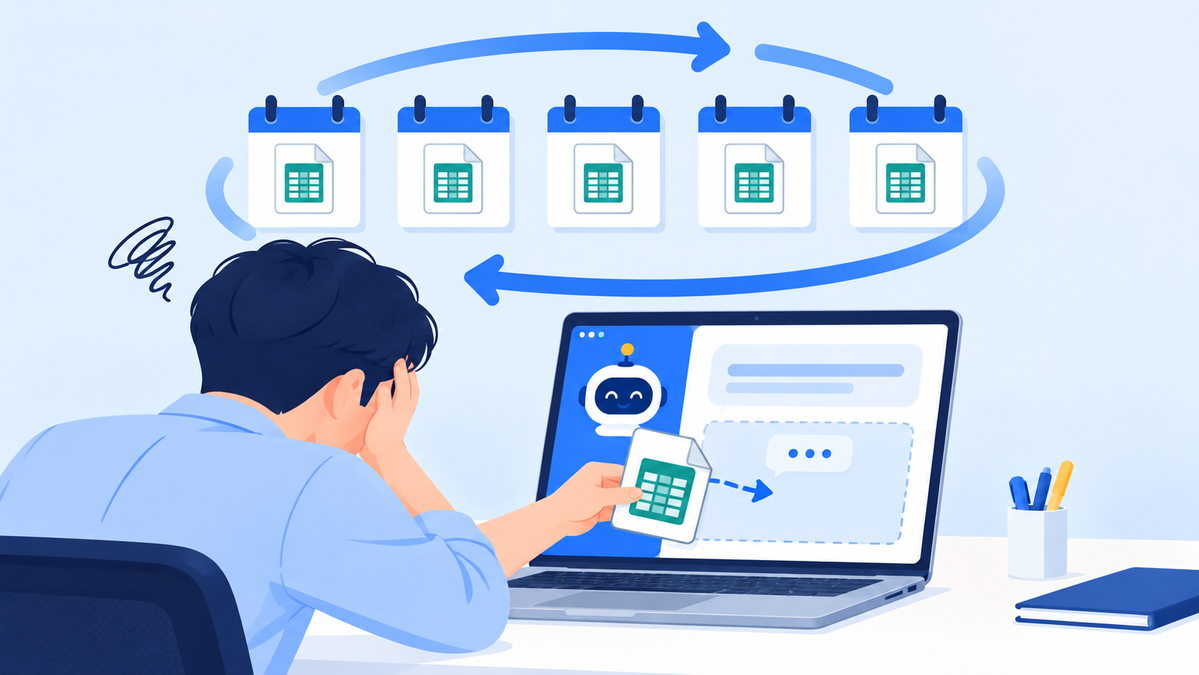
A franchisor HQ handover is the process of safely passing each store's management history and work in progress to the next person when a sales, opening or operations staffer changes. When materials are scattered across Excel, messengers and Google Drive, information gets lost or duplicated during the handover, and the new person takes a long time to get up to speed.
FDAM, from MS Benter, which has focused on franchise IT for nearly 25 years, is an HQ ERP that manages HQ data in one system and turns handovers from "person-to-person" into "role transfer within the system." In this article, we walk through why HQ handovers are structurally hard, how FDAM changes that and what the flow looks like before and after adoption.
Even when staff change, HQ work carries on.
1. Why handovers are always hard at franchisor headquarters

When materials are scattered, the handover is the first thing to stall.
"We just got a new supervisor, and none of the store information the previous person managed is organized." — A common complaint from supervisors at HQ |
Anyone working at franchisor HQ has heard this at least once. In practice, materials are scattered across Excel, KakaoTalk, Google Drive and more, so information is often lost or duplicated during handovers.
At franchisors where sales, opening and operations teams collaborate heavily, it is especially hard to know "who managed which store, and how far they got." These unclear handovers end up hurting both HQ efficiency and the quality of store management.
2. Handovers start with keeping data in one place
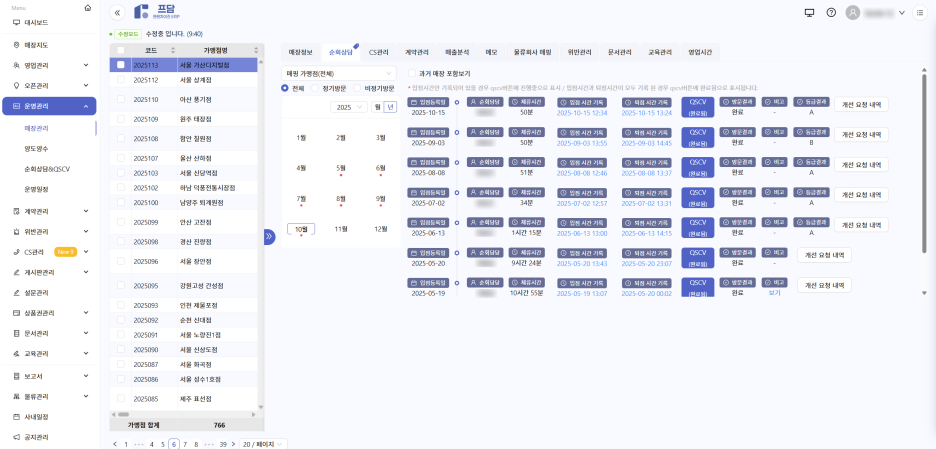
View each store's assigned staff and management history on one screen.
FDAM manages every department's data in one system. HQ workflows drawn from our experience with about 500 brands are built directly into the module design, so each store's assigned staff, inspection history, contract details, opening schedule and training status are linked across modules.
New staff can see their predecessor's management history in FDAM right away, without having to ask.
Handover lookups by department · Sales team: view prospective franchisee consultations and contract status · Opening team: check store opening schedules and document readiness in real time · Operations team: view inspection history, CS records and corrective action requests |
The key is shifting handovers from "person-to-person" to "role transfer within the system."
3. Handovers before and after adoption

Handovers that relied on gut feel move to a structured system.
| Area | Before | After (FDAM ERP) |
|---|---|---|
| Data management | Personal Excel and messenger files | Unified in the ERP, history logged automatically |
| Handover method | Verbal and document hand-offs | Permissions transfer automatically on reassignment |
| Coverage gaps | Hard to respond when the previous owner is gone | Pick up work instantly in the ERP |
| Errors and omissions | Hard to keep current, duplicated records | Real-time updates minimize omissions |
Manager, operations team at a franchisor HQ "In the past, when someone left, customer CS and store management sometimes ground to a halt for a while. Now we just change the assigned person in FDAM and the handover carries on. We really feel the security of knowing 'this work keeps running no matter who does it.'" |
4. Supervisor handovers, now system-centered
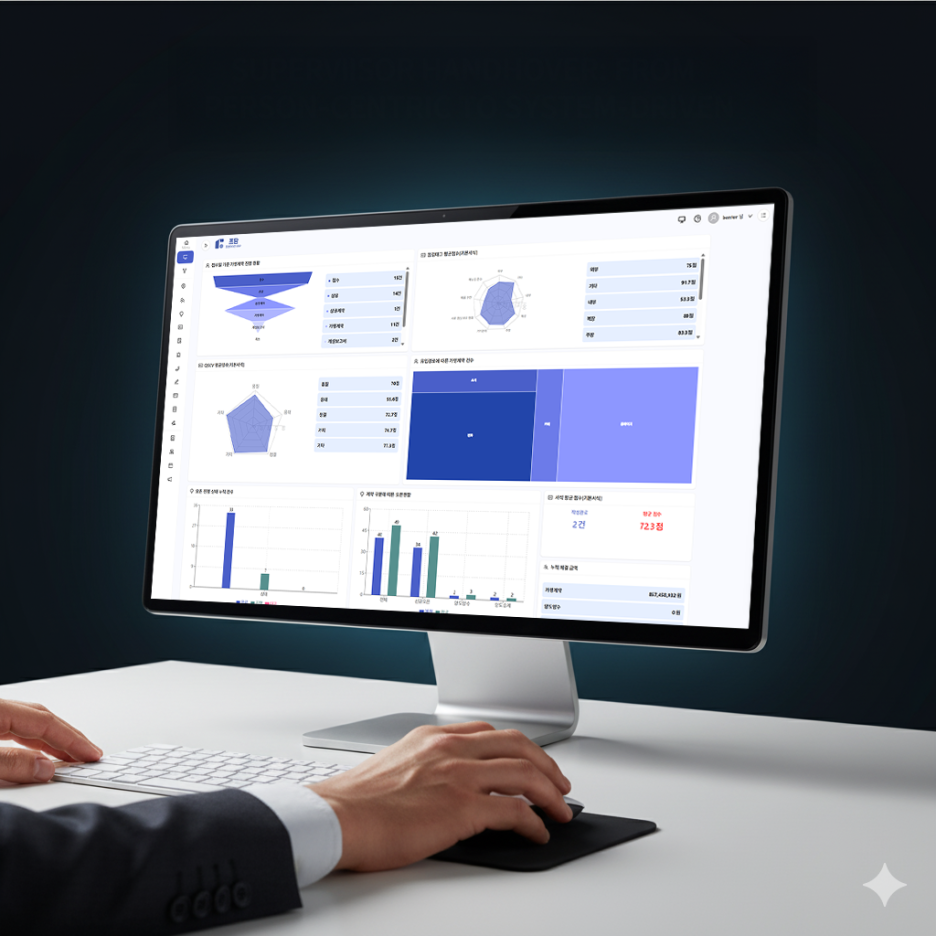
Even when supervisors change, the service quality stores receive stays the same.
At franchisors with frequent supervisor turnover, handovers are central to HQ efficiency. In FDAM, each supervisor's assigned stores, inspection history, open CS cases and training schedules are linked automatically, so the new person can see their predecessor's history just by logging in.
During a handover, stores under inspection, unresolved items and carried-over schedules are flagged automatically, so nothing slips through. Ask the AI assistant, the first built into a franchise ERP in Korea, "Show me unresolved corrective action requests for stores supervised by OO last quarter," and you'll get back an organized list of what the new person should check first.
Once this flow takes hold, HQ can consistently deliver "the same service quality no matter who is in charge" to its stores.
5. The key to handovers is systematization
FDAM's goal isn't just "record-keeping" but "standardizing how work is structured." Even when someone leaves or changes departments, the data stays in the system and work continues.
This structure improves efficiency not only in handovers but across training, operations and sales. Franchisor growth starts with "a system that holds steady even when people change." The goal of systematization is for handovers to stop being one-off events and become a natural, everyday part of HQ operations.
Frequently asked questions
Q. How are permissions transferred in the system when staff change?
When an HQ admin reassigns a staffer, the new person gets direct access to that store's sales, opening and operations history. Inspection history, contract details and CS records remain in the system, so the new person doesn't have to reorganize anything from scratch.
Q. How do we make sure nothing gets missed during a handover?
When staff are reassigned, FDAM automatically flags stores under inspection, unresolved items and carried-over schedules. Because the system surfaces items at risk of being missed, the new person can pick up work in order of priority.
Q. Can we migrate handover materials we've been managing in Excel?
Store information, staff assignments, inspection history and other data organized in Excel can be migrated into the system during initial setup. During your consultation, we'll review your existing data structure together and recommend the best migration approach.
Q. How can the AI assistant help with handovers?
After taking over, the new person can ask in plain language, such as "Show me unresolved CS from last quarter" or "List the stores due for inspection this month," and get organized answers as tables and charts. It cuts the time needed to learn HQ operating data from scratch.
Q. How do we request a consultation?
You can reach FDAM through the sales consultation page (fdam.co.kr/register), our KakaoTalk channel or our main line (1544-7120, Korea). We'll show you a demo and use cases tailored to how your HQ handles handovers.
An HQ that holds steady even when staff change
Put handovers into a system
with the franchise ERP FDAM
Learn more about FDAM Ask us on KakaoTalk