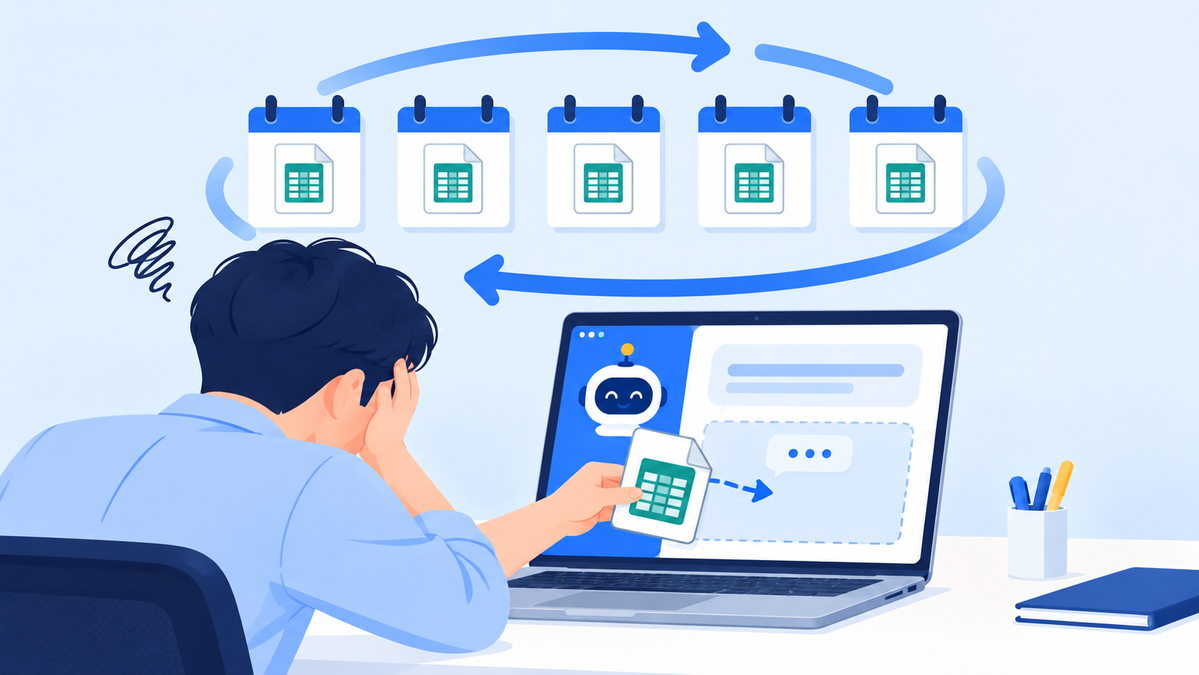
Franchise ERP Data Cleanup: 7-Point Checklist and 3-Step Migration
A data cleanup checklist and migration sequence to complete before adopting a franchise ERP

Scattered records only do their job in a system once they have been filtered through a single standard
CORE SUMMARY
✓ How accurate the numbers in a franchise ERP are depends less on the system's performance than on the condition of the data you load into it at the start.
✓ Split migration targets into four areas (store and owner information, contracts, sales and settlement, and inspection and training history), then set priorities based on how often the data is used and whether it is needed as evidence.
✓ Before migration, check seven items: store codes, status values, date formats, owner information, contract terms, sales standards, and the staff responsible for verification.
✓ The longer headquarters has been accumulating data, the safer it is to migrate in three stages: basic information and contracts, then recent sales, then historical records.
Franchise ERP data migration is the process of taking the store, contract, sales and operations records that headquarters has kept scattered across spreadsheets, messaging apps, paper documents and personal folders, organizing them under a single standard, and moving them into a franchise ERP. It is not simply uploading files. It is closer to a standardization project in which headquarters redefines how stores are identified and how dates and amounts are recorded.
Headquarters teams that have decided to adopt a system usually focus first on feature training and screen setup. But when problems such as "the report numbers don't add up" or "the same store shows up twice" appear after go-live, tracing them back almost always leads to source data that was never cleaned up before migration. The system does not question the values it is given.
This article covers the data cleanup work headquarters needs to do itself while preparing for an ERP rollout. It walks through, in order, the criteria for deciding which data to move and how far back, a seven-point pre-migration checklist, principles for designing a store code system, and a step-by-step migration process.
Why should data cleanup come first before adopting a franchise ERP?
Whether a franchise ERP rollout succeeds is decided largely not on the day the system goes live, but by how well the data was organized beforehand. A system is not a cleanup tool; it is a tool that repeatedly applies standards that have already been set.
Franchisor headquarters data is usually built by several departments, each for its own purposes. The sales team manages files around consultations and contracts, the operations team around inspections and support, and finance around billing and settlement. Each file works fine within its own department, but the moment they are merged into one system, their different standards collide.
Three problems that uncleaned data causes after migration
- Identification: If the same store is written under different names in different files, the system registers them as separate stores. Store counts, per-store sales and inspection histories all get split.
- Calculation: If contract periods or royalty terms are written as sentences, the system cannot calculate expiration dates or billing amounts. Staff end up checking them by hand again.
- Trust: If the numbers are off once or twice in the first month's reports, staff go back to their old files instead of the system. Parallel use that starts this way rarely ends.
The third problem matters most. Data errors can be fixed, but lost trust takes time to rebuild. Conversely, when you start from clean data, staff trust and use the results from the very first report, and the system becomes the standard for daily work much faster.
So once the rollout schedule is set, the first task is to take stock of your data. Simply listing which files exist and where, who maintains the latest version, and how many places the same information is duplicated will give you a sense of the migration scope and workload.
How far should the scope of franchise ERP data migration extend?

Data to be migrated is assessed in four areas based on its nature
The realistic way to set the scope of franchise ERP data migration is not "all the data we have," but "data used daily within the system or needed as evidence in a dispute." The wider the scope, the longer the cleanup takes, and the later the system actually gets used.
It varies by headquarters, but migration targets generally fall into four areas.
| Data area | Key items | Priority considerations |
|---|---|---|
| Store and owner information | Store name, store code, owner, contact details, address, business registration details, opening date, operating status | Clean up first, since all other data links to it |
| Contract information | Franchise agreement date, contract term, renewal history, royalty terms, franchise disclosure document delivery records | Migrate together with basic information, as it directly affects expiration management and evidence in disputes |
| Sales and settlement information | Sales by store, royalty billing history, outstanding receivables | Move the most recent periods first; decide on older periods based on how they will be used |
| Inspection and training history | QSCV inspection results, corrective action requests, training completion records | Select only the periods needed for trend analysis and migrate later |
Three criteria for setting migration scope
Even within the four areas, decide which items to move and when based on these three criteria.
- Frequency of use: Is this data staff look up daily or weekly? The more often information is needed, the more value it delivers inside the system.
- Need for evidence: Is this a record you would need to present if a disagreement arises with a store? Contract terms, franchise disclosure document delivery records and inspection results fall into this category.
- Connectivity: Is this information a reference point for other data? Values referenced across many screens, such as store codes and contract terms, must be accurate above all.
Old records that meet none of the three criteria can be excluded from migration and simply kept as original files. If you designate where the originals are stored and who is responsible for them, you avoid being unable to find them later. Store ordering and inventory data requires its own design for how products, suppliers, orders and inventory will be structured, so planning it on a separate schedule from store and contract data reduces confusion.
Standardizing store data: a seven-point pre-migration checklist
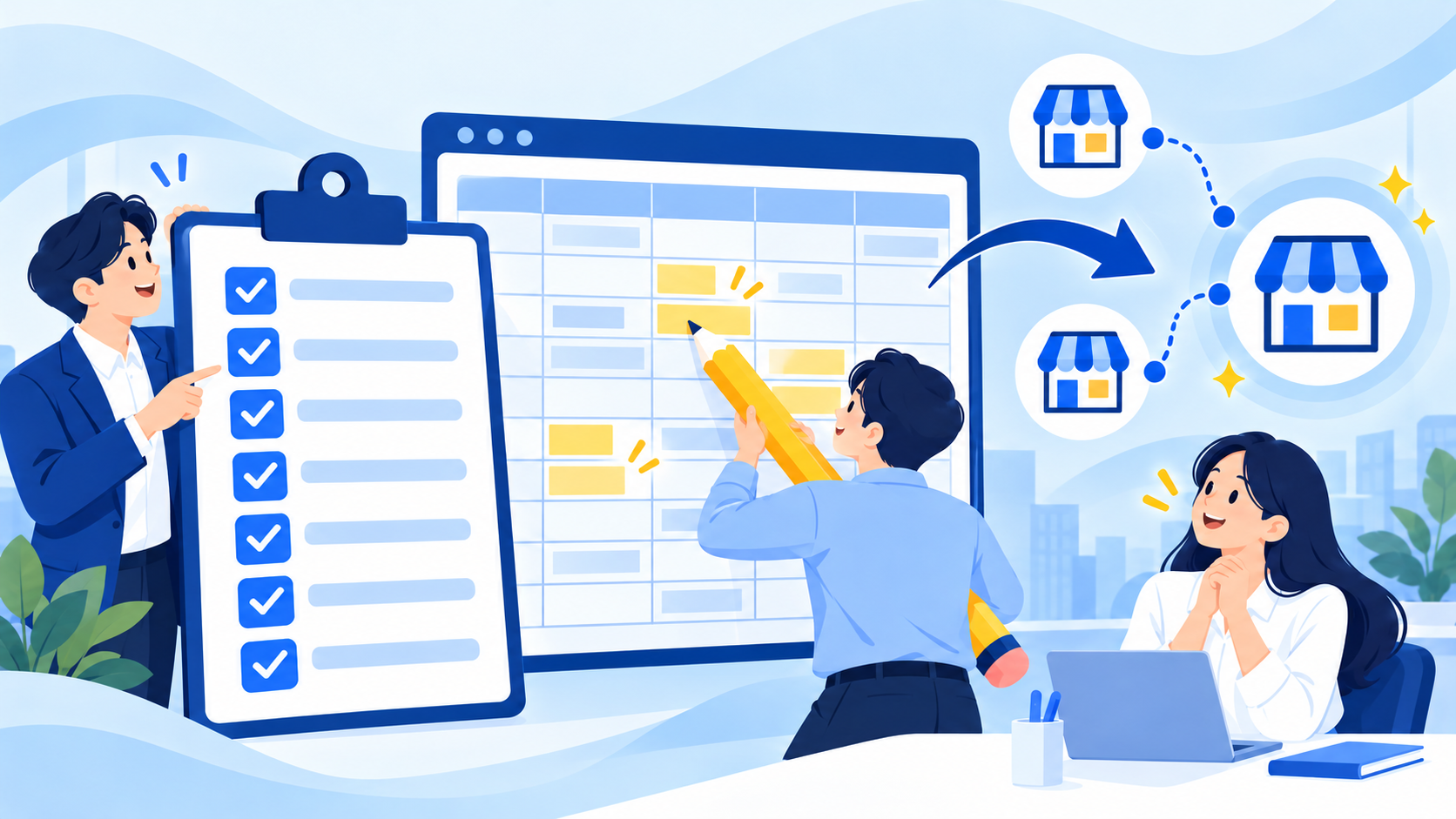
Misaligned fields and duplicate stores must be fixed before migration so they do not reappear in the system
Store data standardization can be done thoroughly by checking seven items in order. Each item was derived by working backward from errors that frequently occur after migration.
1
CHECK 01
Is there a single standard for identifying stores?
If the same store appears as "Gangnam," "Gangnam Station" and "Seoul Gangnam" in different files, the system will treat it as three stores. The starting point is to use a permanent unique code rather than the store name, and attach the same code in every file.
2
CHECK 02
Are closed, transferred and temporarily closed stores distinguished?
If stores that have stopped operating are mixed into the same list as active stores, store counts and average sales are distorted. Rather than deleting them, keep operating status in a separate field so you preserve past history while keeping current statistics accurate.
3
CHECK 03
Are date formats unified?
If "2026.3.2," "26-03-02" and "Mar 2" are mixed together, the system may not recognize them as dates or may misread the year. Date-driven features such as contract expiration alerts only work properly when formats are consistent.
4
CHECK 04
Is owner and contact information up to date?
There are more rows than you might expect where a transfer or change of representative was never reflected. Right before migration, have the operations team cross-check their assigned store lists once, and record any changes along with the date they took effect.
5
CHECK 05
Are contract terms split into separate fields?
Terms written as sentences, such as "3% of sales" or "flat monthly fee," can be read by people but not calculated by a system. Split the percentage-vs-flat-fee type, base amount and effective start date into separate fields so the system can settle royalties according to contract terms and compare them across stores.
6
CHECK 06
Is sales data recorded on the same basis?
If some files record only POS sales, others include delivery app sales, and stores in special venues such as department stores, airports and highway rest areas are recorded as separate settlement amounts, stores cannot be compared. First decide whether VAT is included, when discounts are applied, and which of POS, delivery apps and special venues count as sales, then migrate according to that standard. Since stores are often registered under different names on each delivery app, also map each channel's store name to its store code.
7
CHECK 07
Is someone assigned to verify each area?
Data cleanup never finishes unless someone owns it to the end. Designate one final reviewer per area, for example operations for store information, sales for contracts and finance for settlement.
The table below summarizes what happens after migration if each item is not cleaned up. Start with the items that apply to your current data.
| Checklist item | What happens if it is not cleaned up |
|---|---|
| Store identification standard | The same store is registered multiple times and its history is split |
| Operating status | Store counts and average sales statistics are distorted |
| Date format | Contract expiration management and period-based lookups go wrong |
| Owner information | Communications and documents go to the previous owner |
| Contract terms | The system cannot settle royalties based on contract terms |
| Sales standard | Cross-store comparison and trend analysis become impossible |
| Responsible reviewer | Cleanup never finishes and migration is delayed |
What principles should guide store code design?
The rule is that a store code must never change for as long as the store exists, and it should not carry any meaning that could change. If the code shifts, the contracts, sales and inspection history linked to it shift too.
Many headquarters use store names or region names as codes. But store names can change due to relocation, shifts in the trade area or owner requests, and regional groupings change when headquarters reorganizes. Using such values as identifiers breaks the link to past records every time a name changes.
Four principles for designing a code system
- Permanence: Once assigned, a code stays the same even if the store name, owner or address changes. Decide in advance whether a transferred store keeps its store-level history or receives a new code.
- Minimal meaning: Attributes that can change, such as region, business format or company-owned status, are not built into the code but managed in separate fields. Codes last longer when they only handle identification.
- No reuse: Never reuse a closed store's code for a new store. Reuse mixes past sales and inspection records into the new store's history.
- Maintain a mapping table: Create and keep a table mapping the store names and temporary numbers used in old files to the new codes. After migration, this table is the link for finding historical materials.
The code system is the first thing to finalize in the migration process. If codes change while other data is being cleaned up, files that have already been aligned have to be fixed again, so it is best for sales, operations and finance staff to review it together and decide once. If headquarters also manages company-owned stores, assign them codes under the same system so that comparisons across all stores are possible later.
In what order should franchise ERP data migration proceed?

The more data headquarters has, the safer it is to migrate step by step, like climbing stairs
If headquarters has years of accumulated data or many stores, splitting migration into three stages is safer than moving everything at once. Validating at each stage keeps errors from spreading to the next, and the data moved first can be put to work right away.
1
STEP 01
Reference data: basic store information and contracts
- Migrate store and owner information according to the finalized store code system.
- Split contract dates, contract terms, renewal history and royalty terms into separate fields and link them.
- Once this stage is done, you can start store lookups and contract expiration management inside the system.
2
STEP 02
Operational data: recent sales and settlement history
- Migrate starting from the most recent periods, according to the sales standard you set (channel scope, VAT inclusion).
- Pick a few stores and compare existing sales totals against the system's results.
- If there are discrepancies, first determine whether the cause is store-channel mapping or the sales standard.
3
STEP 03
Historical data: past inspection and training records
- Select and migrate only the periods needed for trend analysis or improvement tracking.
- If inspection item names varied over time, map them to the current standard items.
- For records that are not migrated, document where the originals are kept and who is responsible for them.
Principles for parallel operation and validation
During migration there will be a parallel period in which existing files and the system are both in use. Parallel use is necessary, but the longer it lasts the more the two sets of data diverge, so it is important to write the end date of the parallel period into the migration plan in advance. After that date, switch existing files to read-only and accept new entries only in the system.
For validation, sample comparison is more realistic than a full review. Pick stores with different profiles, such as new stores, long-established stores and stores with a transfer history, and compare the source and system values one by one to quickly confirm whether the cleanup rules were applied correctly.
How is existing data used when adopting FDAM?
In FDAM, clean data becomes the foundation for store-level history, Unified Sales and AI analysis. FDAM is an AI operations platform for franchises built by MS Benter Co., Ltd. It connects HQ Operations (franchise sales, contracts, store openings and more), Unified Sales from POS and delivery apps, and the store app Sodam into a single body of data. That is why the store codes and sales standards aligned during migration become the common reference across many screens afterward.
When adopting FDAM, existing data migration, training for headquarters staff and support during operation are carried out together. Drawing on its experience building systems for more than 500 brands, MS Benter first reviews the format and quality of headquarters' data, then decides the scope and method of migration. Data brought in from spreadsheets or existing systems may require field mapping, and the more of the seven checklist items above are already in place, the simpler this mapping becomes. The four areas of cleaned-up data carry over as follows.
- Store and owner information → store-level history: In HQ Operations, records of franchise sales and consultations, contracts, store opening preparation and operations management connect into a single history per store. Through e-contract integration, contract information and required documents carry over into store opening information, so having store information organized by unique code reduces duplicate entry and preserves history even when staff change.
- Contract information → contract management and settlement: Contract dates and terms must be in the same date format for the automatic alert 30 days before contract expiration to fire at the right time. Franchise disclosure document delivery records then connect to generating and sending pre-contract disclosure documents and logging when they were viewed, so delivery and viewing history stays in the sales history. Royalty and other contract terms split into separate fields become the basis for settlement based on contract terms.
- Sales information → Unified Sales: POS, delivery app and special venue sales are standardized by store, date and order and viewed on a single screen. Because this involves mapping different store names and sales items to a common standard and validating them, the standards set in CHECK 01 and CHECK 06 become the starting point for mapping.
- Inspection and training history → QSCV and store operations: Past inspection results become the starting point for comparing score trends by store, region and period and for tracking corrective action requests. Inspection item names must be aligned to the current standard so that old and new records form one continuous flow.
- Ordering and inventory data → Sodam: If you also use Sodam, the dedicated program for franchise stores, the method for migrating product, supplier, order and inventory data from your existing ordering system is designed separately during adoption.
For sales channels, the priority is connecting existing POS and delivery apps rather than replacing them. After confirming the channels currently in use, we design the collection method from among automatic API integration, file upload and custom connection, then apply dashboards and permissions after store- and channel-level mapping and validation. The actual scope of support is confirmed after reviewing accounts and integration conditions.
As clean data accumulates, you can expand into AI analysis. Sales decline forecasting and AI order recommendations have clearer grounds for their judgments when sales history and store standards are consistent, and even headquarters without much data can start with a limited scope and expand step by step after the data period and quality are assessed. AI goes only as far as presenting the reasoning and recommended actions; staff review and approve execution. The scope of each feature is confirmed when you talk to sales.
MS Benter, which has built solutions specialized in franchise operations since 2003, carries out FDAM adoption in the order of assessment, connection, validation and training, and expansion. We review your current POS, delivery apps and headquarters workflows, connect sales channels first, verify results with real data, and guide headquarters and stores on how to use the system. There is no need to adopt everything at once: if you have gone through the checklist, bring the results; if your cleanup is not finished yet, you can request a consultation with your files in their current format.
Frequently asked questions
Q. Can spreadsheets with different formats for each store be migrated to a franchise ERP?
They can, but we recommend aligning them to a common format before migrating. If they go in with different formats, the same items end up stored in different fields, making cross-store comparison and aggregation difficult. Simply unifying store codes, date formats and currency units first greatly reduces the cleanup burden.
Q. How long does franchise ERP data cleanup take?
It depends on the volume of data and its current state, so it is hard to give a single answer. The more of the seven checklist items in this article are already in place, the shorter it will be. An accurate schedule is best estimated after creating a data inventory and finalizing the migration scope.
Q. Can we use existing files and the system at the same time during migration?
Yes, but keep the parallel period short and set its end date in advance. If parallel use drags on, different values get entered in each place and you have to recheck which one is correct. After the end date, we recommend switching existing files to read-only.
Q. Do we need to migrate data for closed stores?
If you need it as evidence in disputes or to view past trends, it is best to migrate it with the operating status marked as closed. Otherwise, simply keeping the originals is fine. Either way, a closed store's code should never be reused for a new store.
Conclusion: a franchise ERP should start on clean data
In preparing to adopt a franchise ERP, data cleanup is not a side task but a prerequisite for the system to do its job. Set the migration scope with the three criteria, standardize store data with the seven-point checklist, design permanent store codes, and migrate in three stages, and you can start operating on data you can trust from the very first month.
If your rollout is scheduled, start building your data inventory today. Organizing which files exist, where they are and who manages them is the first step in migration.
Where should your headquarters start cleaning up its data?
Through a consultation, we can review your current data and help you determine migration scope and priorities together.
Contact salesExplore FDAM features Chat on KakaoTalk
Call us: 1544-7120 (Korea)
Franchise ERP, Franchise ERP data migration, ERP rollout preparation, Store data standardization, Store code management, Franchise ERP adoption, Franchise store management, Franchisor headquarters operations management, MS Benter, FDAM