5 Criteria to Check Before Adopting a Franchise ERP
Five criteria to check before adopting a franchise ERP as your store count grows.

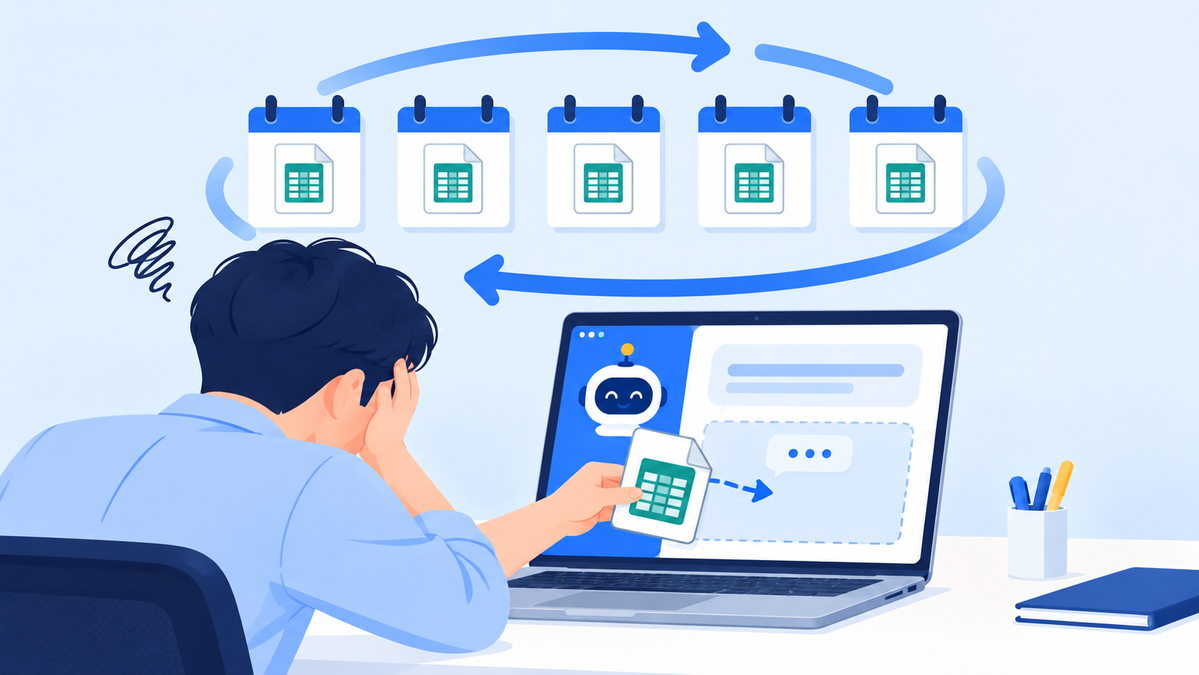
As your store count grows, the limits of managing with spreadsheets and KakaoTalk show up first.
CORE SUMMARY
✓ A franchise ERP handles the two-tier structure of headquarters and franchise stores, so it should be evaluated differently from a general ERP.
✓ Evaluate it across five criteria: consultation history, contract expiration alerts, standardized store openings, linked inspection and sales data, and onboarding support.
✓ If even one criterion is missing, some work will still be managed in spreadsheets and by hand after you adopt the system.
✓ How well a system takes hold after adoption depends less on the system itself than on whether your partner also takes responsibility for data migration, training, and operational support.
A franchise ERP is an HQ management system that connects the sales consultations, franchise contracts, opening preparations, store inspections, and sales management HQ handles into a single flow, so operations run by the same standards even when staff change. As the number of stores grows, the range of tasks HQ has to juggle at once widens, and from that point on, managing with spreadsheets, KakaoTalk, and paper documents starts causing omissions and delays.
The catch is that adopting just any ERP at this point won't solve the problem. Many ERPs on the market are designed around in-house processes in manufacturing and distribution, so they often can't capture the structure of the franchise industry, which revolves around the relationship between HQ and many stores. In this post, we lay out five practical criteria to check when evaluating a franchise ERP, along with the background and reasoning behind each.
How is a franchise ERP different from a general ERP?
The fundamental difference between a franchise ERP and a general ERP lies in the structure of what's being managed. A general ERP is optimized for accounting, HR, and purchasing within a single organization, while a franchise ERP must handle the entire relationship between one HQ and many stores. That's because the flow from franchise consultation to contract, opening, and store operations is a structure unique to the franchise industry.
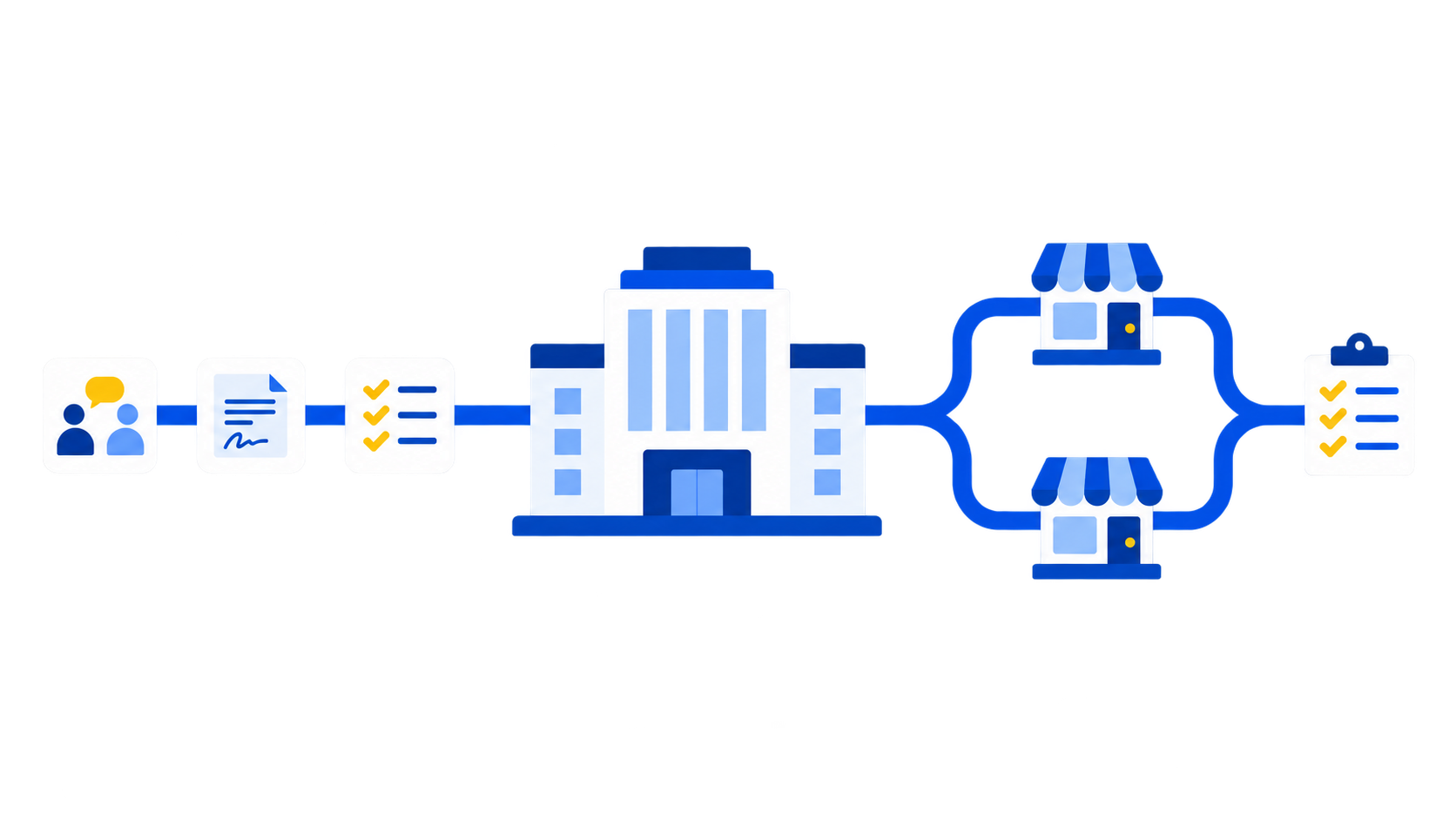
The key difference is handling the two-tier HQ-store structure, not just a single HQ.
This difference shows up concretely in practice. Even at HQ teams that have adopted a general ERP, items such as prospective franchisee consultation history, franchise contract expiration dates, and per-store inspection records are commonly still managed in separate spreadsheets. Anything not in the system ends up relying on people's memory or documents, which means manual work remains even after the system is in place.
So when evaluating a franchise ERP, ask "How well does it handle work specific to the HQ-store structure?" before "How rich are its accounting and purchasing features?" The five criteria below are organized from that perspective.
Check 1. Is history recorded from the sales consultation stage?
The first criterion to check is whether records start building from the moment a franchise inquiry comes in. If consultation details are scattered across staff members' personal notes and messenger chats, the entire history disappears the moment a staff member is replaced. This isn't just an inconvenience. It leads directly to losing prospective franchisees who were mid-consultation.
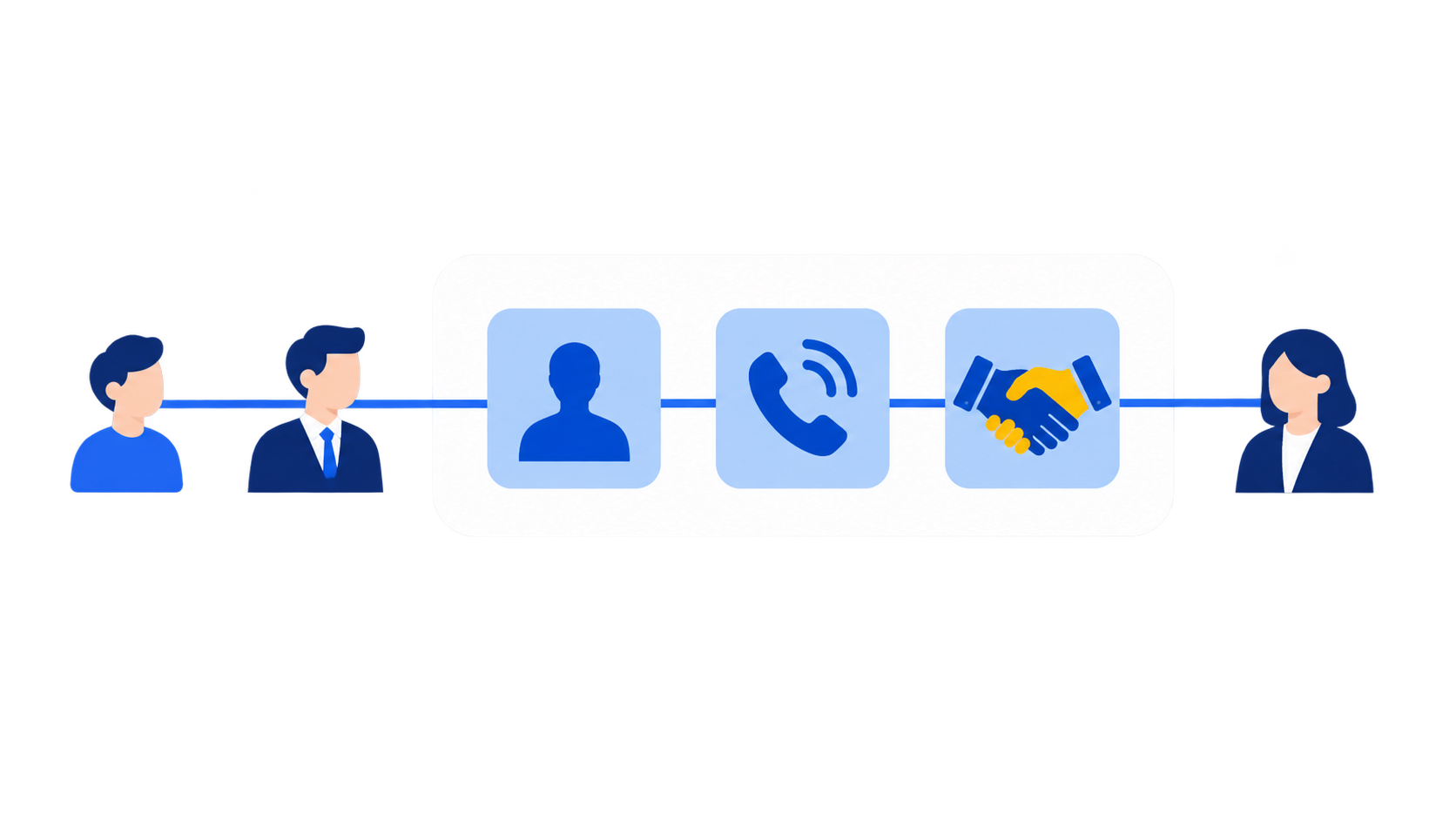
When consultation status and history accumulate, the flow continues even when staff change.
A franchise ERP should let you register prospective franchisees as leads, keep a running record of consultation status and progress history, and see each staff member's pipeline and progress rate at a glance. On top of that, if you sent a franchise disclosure document via KakaoTalk or email, make sure the system records when it was opened and viewed.
This view history means more than a simple record. Under the Franchise Business Act, there may be situations where you need to prove when the disclosure document was delivered, and whether the system kept a record of the viewing date and time determines whether you can actually respond. When checking consultation history features, look not only at "Is it recorded?" but also at "Can that record prove a specific point in time?"
Check 2. Does the system alert you to franchise contract expirations first?
Contract management shouldn't rely on a staff member's memory or calendar. Once you pass a few dozen stores, there will inevitably be periods when renewal dates overlap, and missing even one can mean missing the window for renewal talks or facing unexpected legal risk. Having one staff member separately track dozens of contract expiration dates is structurally prone to omissions.

Contract expiration management should rely on system alerts, not on staff memory.
For a franchise ERP with electronic franchise contracts, the key point to check is whether it has safeguards like an automatic alert 30 days before contract expiration, so staff don't need to maintain a separate calendar. If alerts come too close to the deadline, there isn't enough time to respond, and if they come too early, they may not match how work actually flows, so also check whether the alert timing can be adjusted.
This feature doesn't make a big difference when you have few stores, but the burden it removes grows in proportion to your store count. The essence of this criterion is shifting contract management to a structure where the system, not a person, keeps track first.
Check 3. Is opening preparation standardized by HQ criteria?
Opening preparation involves many staff members at once, across document management, interior management, and training management. If the process relies on each staff member's experience and instincts instead of a documented checklist, quality gaps between stores widen as the number of openings grows. These gaps show up most when staff change.
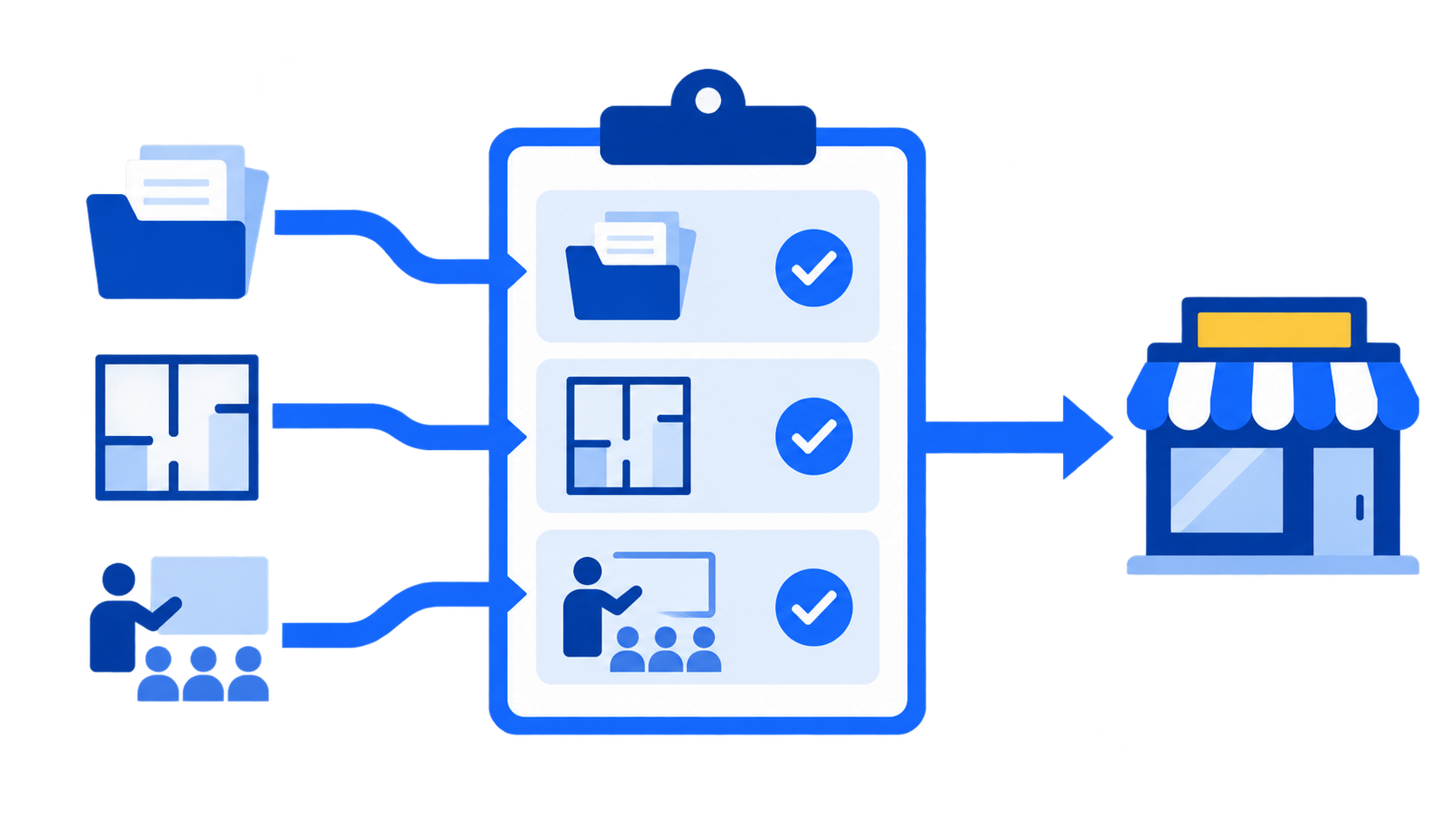
Opening procedures must be standardized as checklists to maintain quality even when staff change.
When evaluating a franchise ERP, check whether HQ can itemize document, interior, and training management and track progress, and whether the structure keeps the same procedures and quality standards even when staff change. The key is whether interior construction stages, training schedules and forms, and evaluation results accumulate as standardized items in the system rather than in personal folders.
The more often HQ opens stores, the more this standardization determines how much value the system delivers. When you're handling just one or two openings early on, the need for standardization isn't obvious, but once annual openings start to climb, quality control itself becomes difficult without standardized procedures.
Check 4. Can you view store inspections and sales data together?
When QSCV (Quality, Service, Cleanliness, Value) inspection results and sales data are managed separately, it's hard to connect the dots on which stores are underperforming and why. A typical case is inspections piling up as documents while sales are kept in separate spreadsheets, so cross-checking the two becomes a separate job in itself.
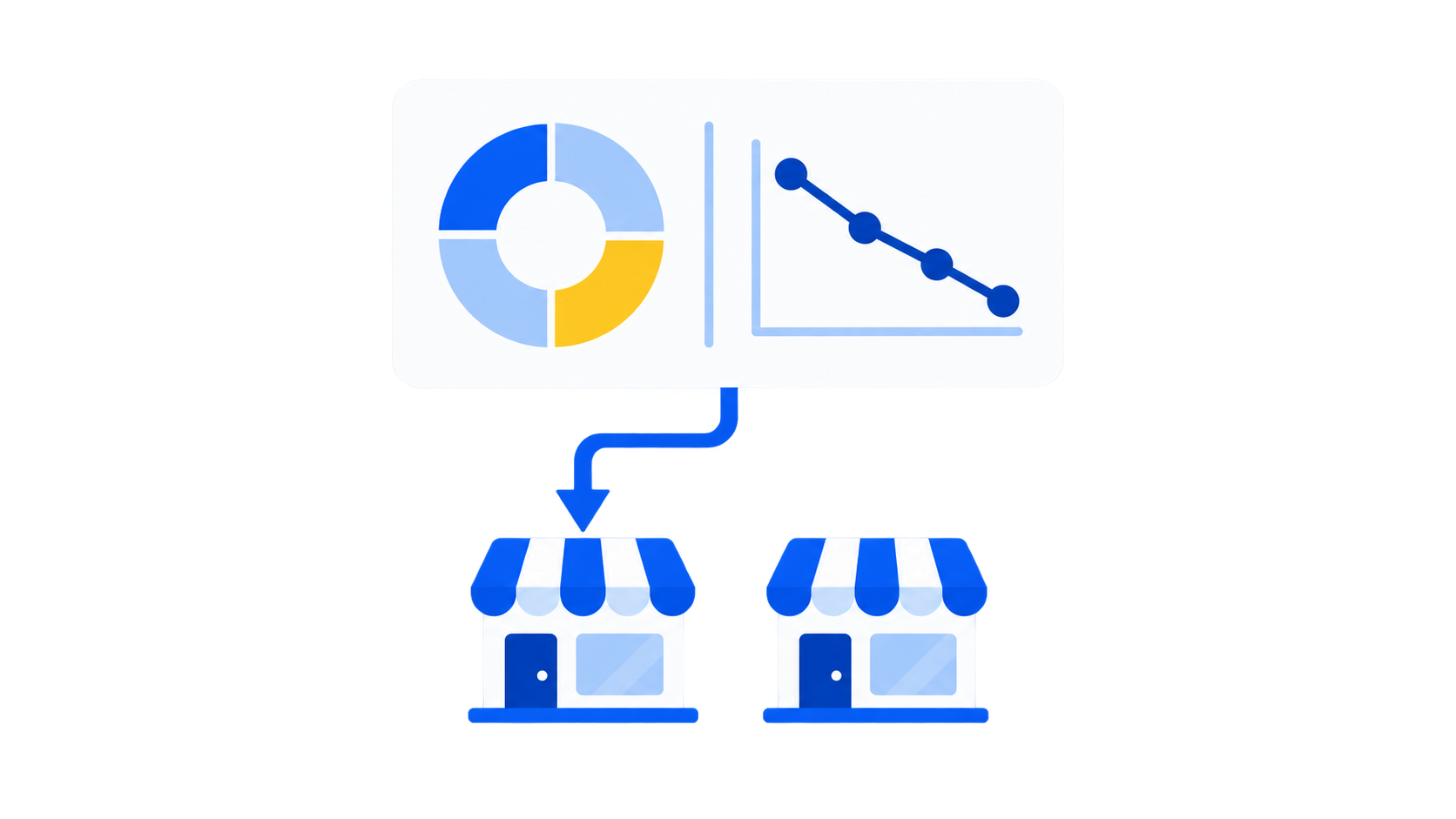
Seeing inspection results and sales data side by side is how you pinpoint the cause of underperformance.
The key when evaluating a franchise ERP is whether you can view regular inspection records and aggregated POS sales on one screen. For example, if you can immediately check whether a store's sales decline coincides with a drop in its inspection score, identifying the cause and responding get noticeably faster. If the two data sets are separate, someone has to do this cross-check by hand.
It's also worth checking whether store information is standardized by HQ criteria. Basic store information, contract terms, and contact details need to be organized under a single standard in the system for linking inspection and sales data to work smoothly.
Check 5. Is the vendor a partner that supports you until the system takes hold?
Even a system that meets all four criteria above won't deliver noticeable results unless it actually takes hold after adoption. Whether the vendor is a partner that also takes responsibility for initial data migration, field staff training, and answering questions during operations is the final criterion that determines real adoption. In practice, it's not unusual for HQ teams to choose a system based on a feature list alone, only to stall during initial setup.
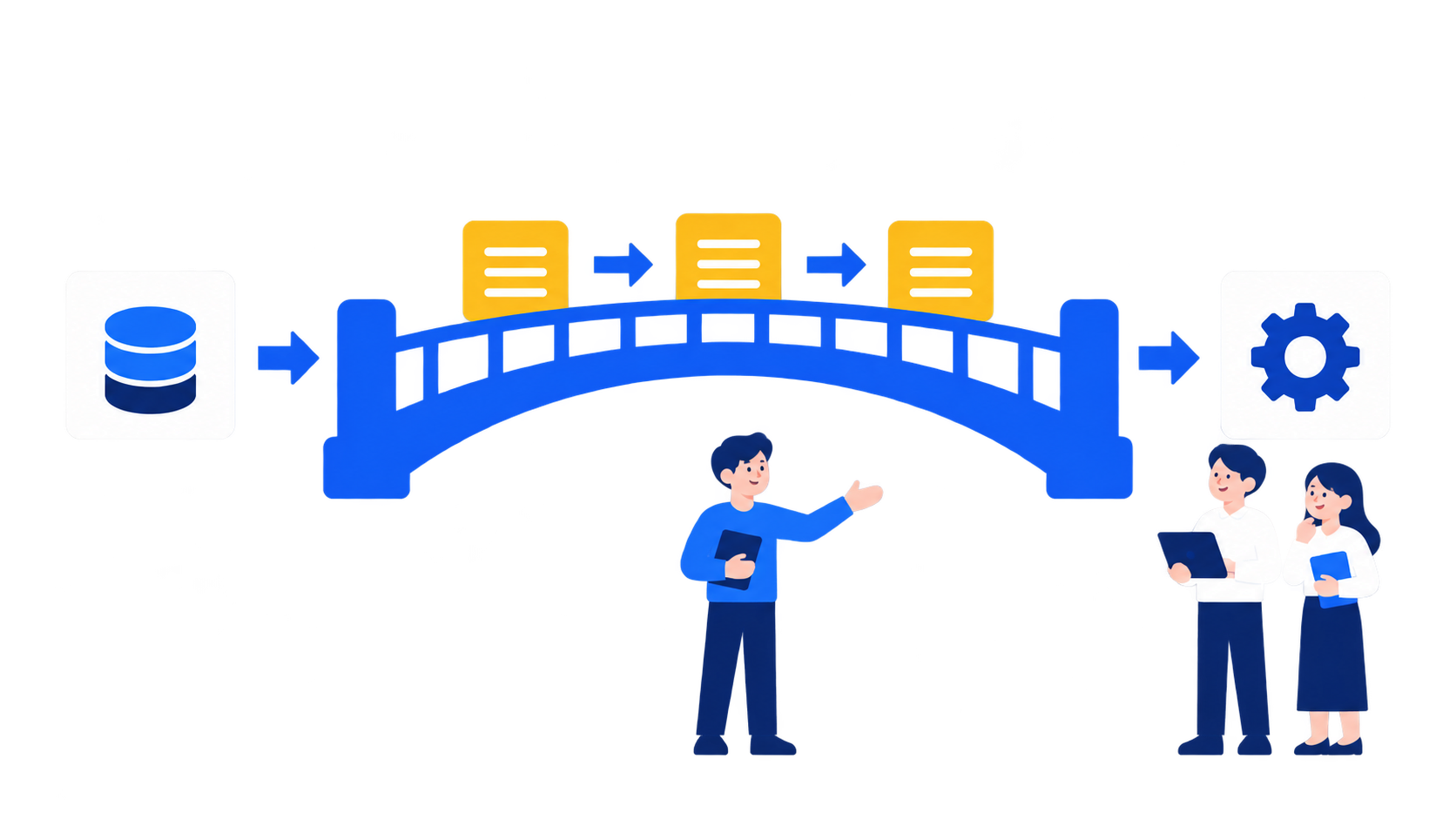
Post-adoption onboarding support, more than the system itself, determines how much it actually gets used.
MS Benter has been developing franchise-specialized software since 2007, and drawing on experience building systems for more than 500 brands, it offers FDAM, an operations management solution built around how HQ actually works. FDAM connects sales management (consultations, disclosure documents, electronic franchise contracts), store opening management (documents, interiors, training), and operations management (QSCV inspections, aggregated POS sales, store information) into a single flow, designed so work continues by the same standards even when staff change.
If you need to extend into HQ-store communication, such as notices, recipe sharing, surveys, and on-site inspections, you can also integrate Sodam. That said, FDAM can handle sales, opening, and operations management on its own without Sodam, so we recommend first deciding whether you need communication features right now before deciding on integration.
Frequently asked questions
Q1. Do we need a franchise ERP even with only a few stores?
With few stores, manual management is possible, but as your store count grows, consultation, contract, opening, and inspection histories scatter faster, so setting up the structure early makes future growth easier.
Q2. Can we migrate store data we've been managing in spreadsheets?
There is a process for migrating your existing store information and history, and the specific approach can be confirmed through a consultation based on your HQ's current data.
Q3. Do we have to adopt Sodam as well?
FDAM can handle sales, opening, and operations management on its own. If you also need HQ-store communication such as notices and surveys, we recommend integrating Sodam.
Q4. How long does it take to adopt a franchise ERP?
The migration and setup period varies depending on your store count and how well your existing data is organized, so the most accurate way to get a timeline is through a consultation after reviewing your current operating environment.
A franchise ERP isn't just a tool for digitizing data. It's a system that sets HQ's operating standards, from consultation through operations. Evaluating solutions against the five criteria above (consultation history, contract expiration alerts, standardized openings, linked inspection and sales data, and onboarding support) will help you choose one that fits your HQ.
Get your current management burden under control with FDAM
A franchise-specialized ERP that connects sales management, store opening management, and operations management in a single flow.
Contact salesLearn more about FDAM Chat on KakaoTalk
Phone: 1544-7120 (Korea)
franchise ERP, store management system, franchisor HQ solution, franchise contract management, QSCV inspection, aggregated POS sales, FDAM, franchise startup management, store operations management, HQ management system, electronic franchise contract, store information management