FDAM Franchise ERP: How to Make HQ Operations Data-Driven
How to use FDAM, the franchise ERP that moves HQ work from gut feel to a data-driven structure
Franchise ERP, FDAM, HQ operations system, Sales Management, Store Opening Management, Operations Management, QSCV inspection, store management, work automation, data-driven operations
Key takeaways · HQ work gets complicated not because of the volume of information, but because management is scattered across departments. · Manual, Excel-based work causes delays in sharing information, missed inspection results and broken handoffs. · FDAM ties franchise sales, store openings and operations together in one system so every department works from the same data. · Inspection, contract, training and sales data accumulate in one place, so HQ decisions become grounded in data. |
A franchise ERPis an operations system built for headquarters that ties HQ's franchise sales, store opening and operations work together in one system, so the data needed for store management flows across departments. As store count grows, relying only on each department's Excel files and messengers leads to the same store information being entered twice or going missing more and more often.
Built by MS Benter, which has focused on franchise IT for nearly 25 years, FDAMis a solution that brings HQ's workflow into a system just as it is. In this post, we'll walk through the problems of manual work, how FDAM changes HQ work, and how the workflow changes before and after adoption.
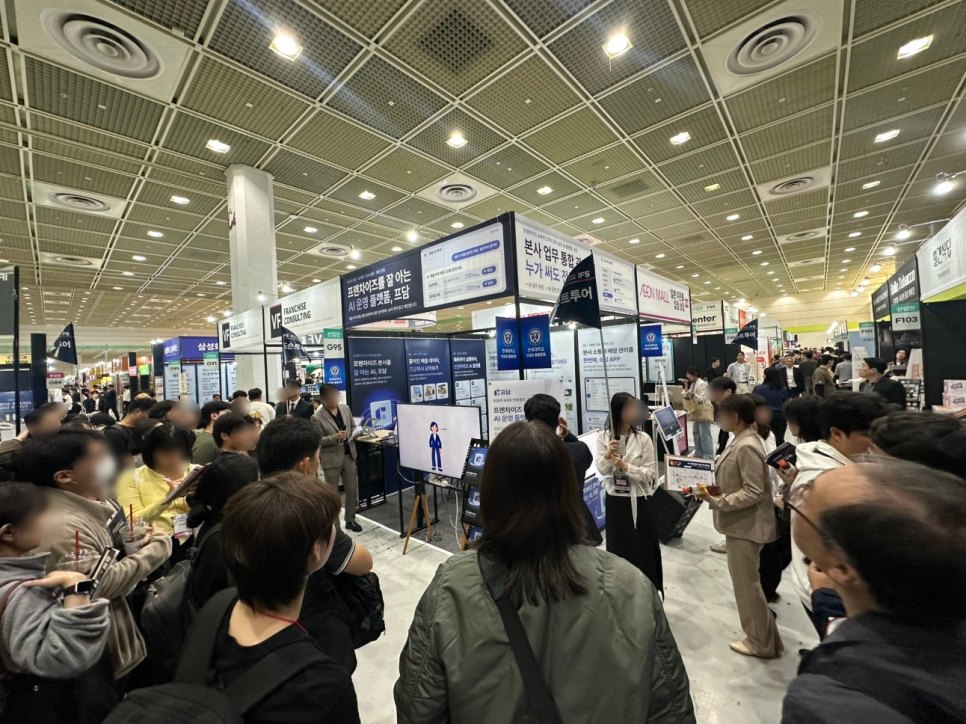
HQ work starts with an environment where every department works from the same data.
1. The first step in moving HQ work from gut feel to data
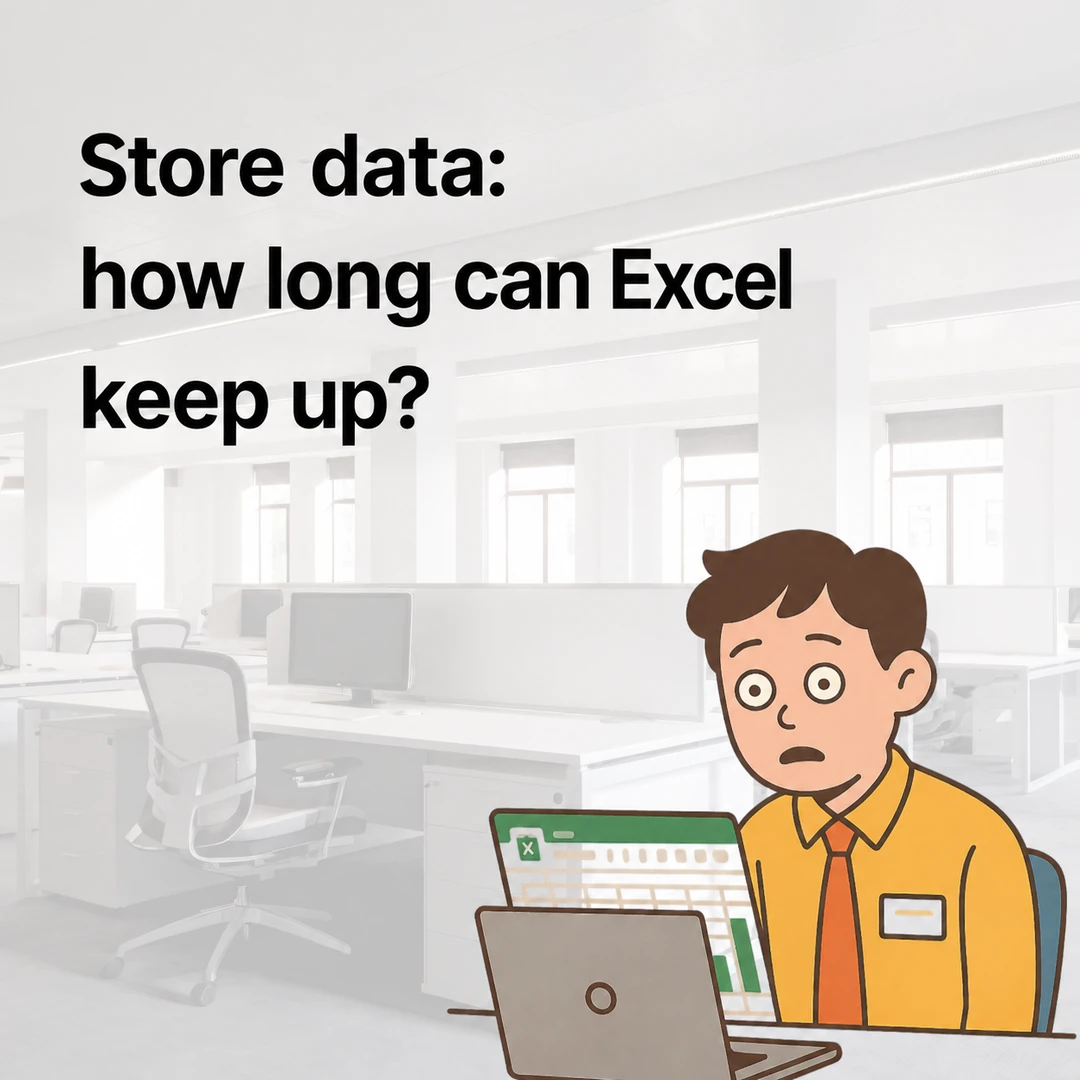
Manual, Excel-based work easily creates silos between departments.
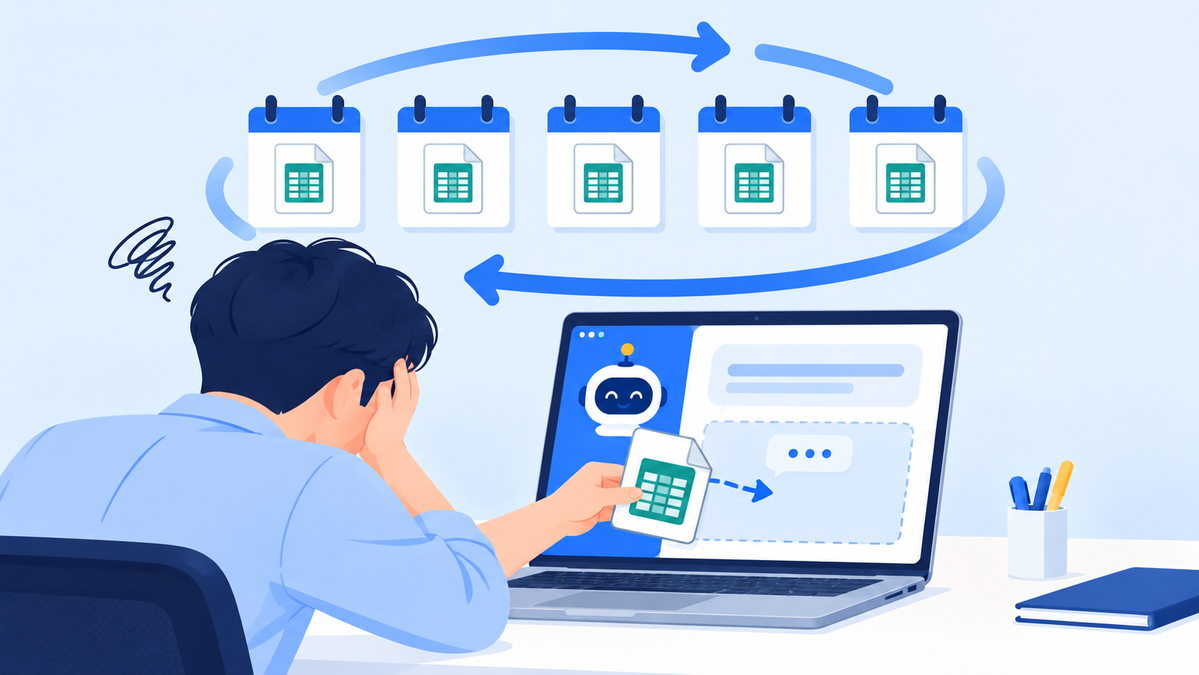
If you've ever managed all your store data in Excel as an HQ staff member, you've probably felt its limits at least once. With different departments each managing the same store's information, from store management to training schedules, contracts and inspection results, work overlaps and things are frequently missed.
FDAM was designed to fix these silos. It moves manual, Excel-based work into system workflows and creates an environment where every department can see the same data. Moving HQ work that ran on gut feel into a "data-driven structure"is the starting point for standardizing HQ operations.
2. Common problems at headquarters
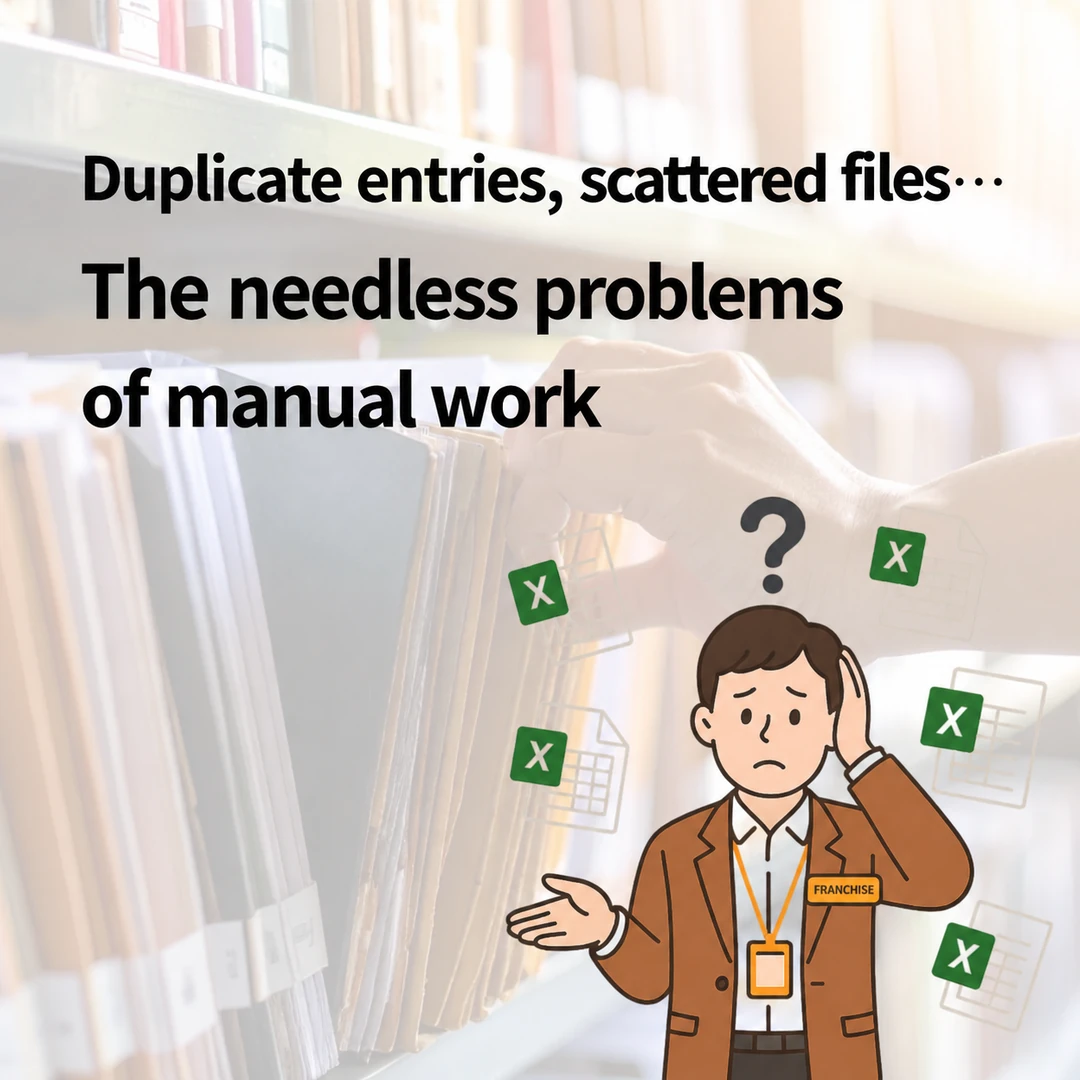
The limits of manual management become clear as store count grows.
When you have only a few stores, Excel can get you reasonably far. But as store count grows, and especially when several new franchise agreements are in progress at once, work complexity rises quickly. If everything is done manually at that stage, Excel files pile up until it's hard to tell where to find which data, and handoffs get difficult when staff change.
The limits manual work places on HQ operations · Information is shared slowly between departments. · Inspection results aren't reflected in time. · Contract, training and sales data are scattered. · Work moves only through individual people. |
In this structure, even adding staff doesn't deliver enough efficiency. That's why franchisor headquarters need to standardize work with a system, and given the structural characteristics of the franchise business, it's more efficient to choose an ERP built for franchisor HQ work over a general-purpose ERP. Operations run smoothly only when franchise-specific work, such as Franchise Business Act compliance, HQ–store communication and QSCV inspections, is built into the system from the start.
3. How FDAM changes HQ work
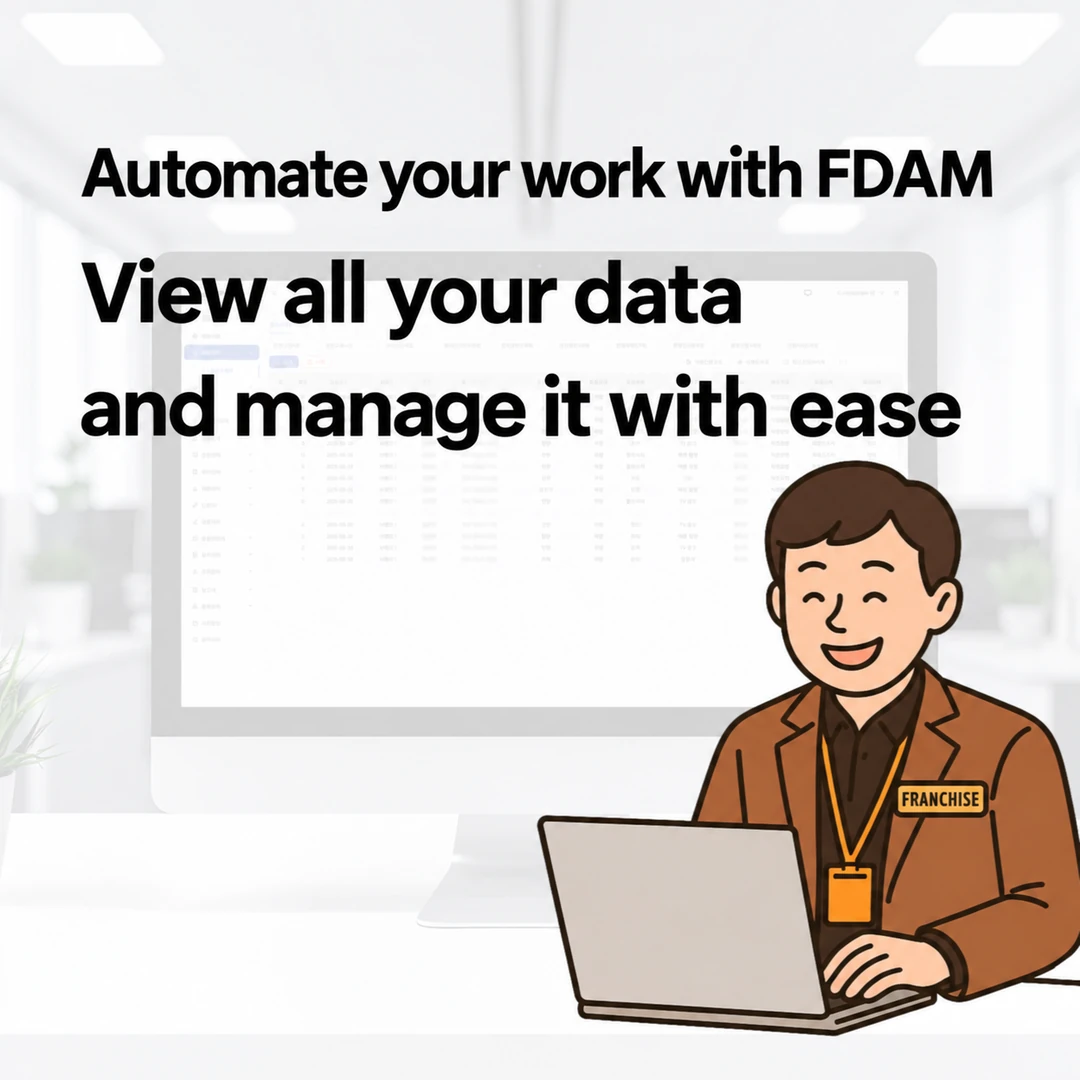
A system where franchise sales → store opening → operations run as one flow.
FDAM is less a simple management program and more a system that ties HQ's workflows together. Based on experience working with about 500 brands, the way headquarters actually work is reflected directly in its module design.
Sales Management
Progress from prospective franchisee consultations through contracts accumulates in one system. With electronic franchise agreements built in, contract lead times shrink, and the system automatically keeps records for calculating the 14-day cooling-off period required by the Franchise Business Act and evidence for responding to disputes.
Store Opening Management
The status of interior work, training and paperwork is linked automatically within the system. Opening checklists reduce missed steps at each stage, and work can continue in the same flow even when staff change.
Operations Management
QSCV inspection results entered on site are saved automatically, and store operating data can be viewed on one screen. Just ask the AI Assistant, the first to be built into a franchise ERP in Korea, "Show me this month's open corrective action requests," and you instantly get an answer organized by store and by staff member.
Since every department works from the same screen, you can see "who has done what so far" at a glance, and there's less need to compile data separately for reports.
4. How HQ workflows change before and after FDAM
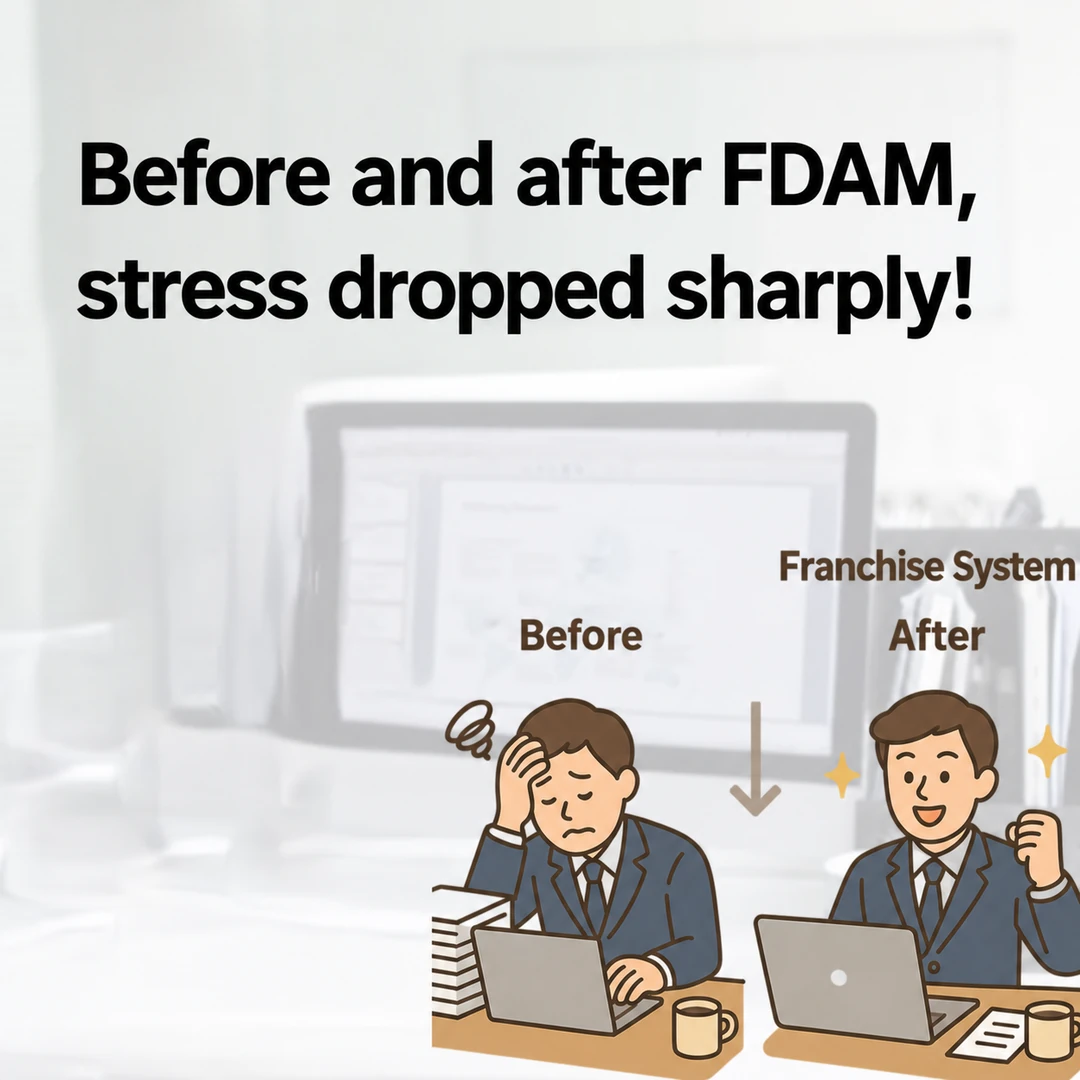
Time spent processing data shifts to HQ decision-making.
| Category | Before | After (FDAM ERP) |
|---|---|---|
| How work is done | Excel files by department | Real-time info sharing in ERP |
| Inspection results | Collected via paperwork and email | Entered on site, reflected instantly |
| Handoffs | Passing along manual documents | History saved automatically in ERP |
| Reporting | Everyone compiles their own data | Real-time view on dashboard |
At headquarters that adopt FDAM, time spent writing inspection reports drops noticeably, and errors that used to crop up in communication between departments get cleaned up as well.
Operations team member at a chicken franchise HQ "It used to take half a day just to find files. Now I can check everything right in FDAM, which is convenient, and collaboration between departments runs smoothly." |
5. When you move inefficient manual work into a system
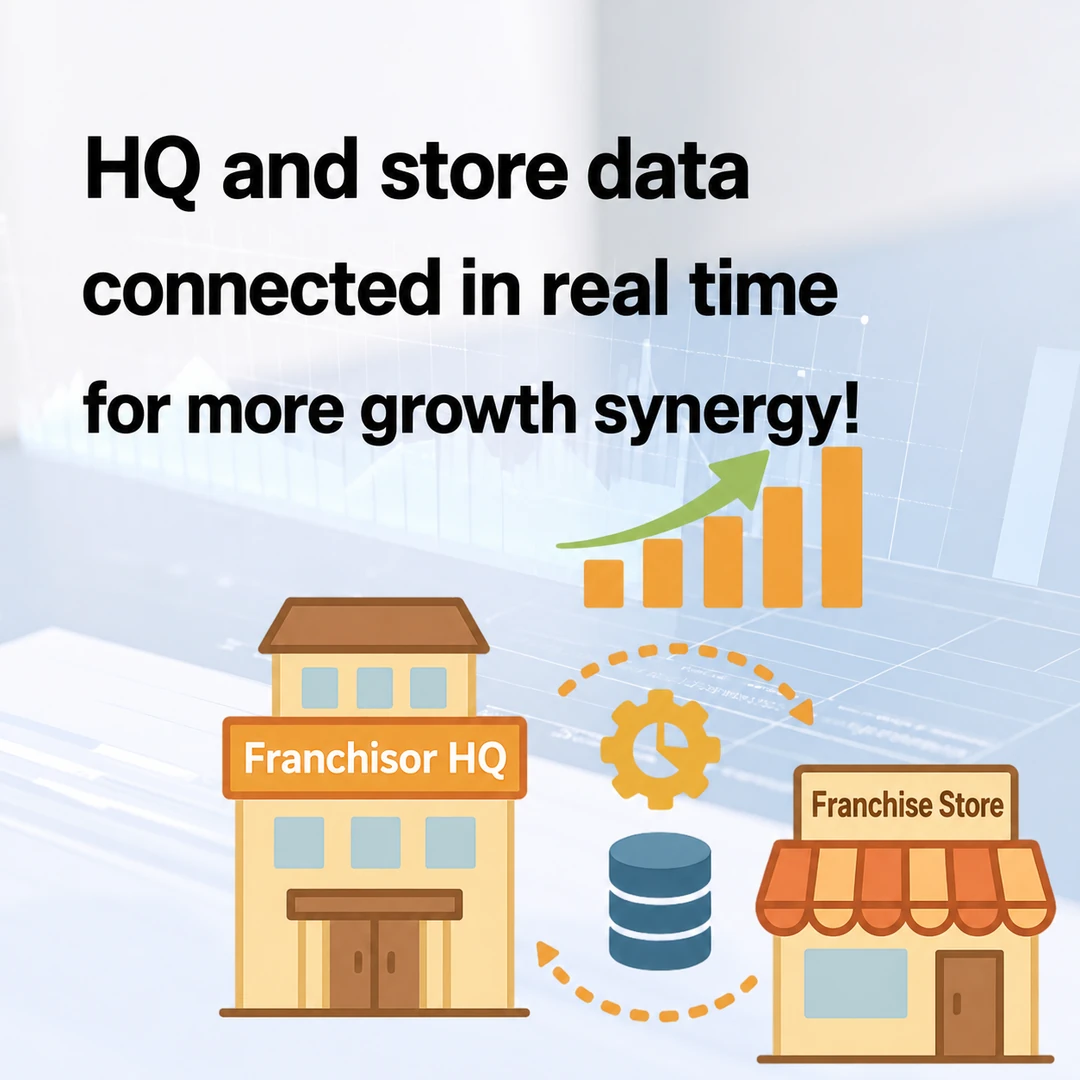
As the business grows, "how you work" determines HQ's competitiveness.
As a franchise business grows, what matters for HQ is not "how many people work" but "how they work". FDAM is a system that standardizes HQ's day-to-day work and supports data-driven decision-making.
When you move areas that have relied on people's experience into a system, HQ's daily work settles into an orderly flow, and you lay the foundation to maintain the same quality of operations even as store count grows. It also changes the kind of value HQ delivers to its stores.
Frequently asked questions
Q. At what store count should we consider adopting an ERP?
More important than store count is whether HQ's operations depend on people's memories. If the same task is handled differently by each staff member, or information is lost with every handoff, it's time to consider adopting one regardless of store count.
Q. How is a franchise ERP different from a general accounting ERP?
General ERPs focus on common business functions such as accounting, HR and inventory. The key difference is that a franchise ERP is designed around work only franchisor headquarters need, such as Franchise Business Act compliance, franchise recruitment and opening preparations, HQ–store communication and QSCV inspections.
Q. Can the Sales, Store Opening and Operations modules be adopted separately?
FDAM is designed so that the Sales Management, Store Opening Management and Operations Management modules link automatically within one system. The efficiency gains are clearest when you use them as one flow rather than adopting modules separately.
Q. How do we migrate existing Excel data?
Prospective franchisee information, store information and other data organized in existing Excel files can be migrated into the system during initial setup. When you talk to sales, we'll review your HQ's data structure together and recommend the best migration approach.
Q. How does the sales consultation work?
You can reach FDAM through the consultation page (fdam.co.kr/register), our KakaoTalk channel or our main line (1544-7120, Korea). We'll walk you through a demo and use cases tailored to your HQ's operating environment.
Put HQ's daily work on a system
HQ work that ran on gut feel,
now move it to data
Learn more about FDAM Ask on KakaoTalk