5 Overlooked Criteria for Comparing Franchise Management Software
We lay out the decision criteria to look at before the feature checklist when comparing franchise management software.

Before the feature checklist, look at whether the work actually flows from step to step
CORE SUMMARY
✔ Franchise management software should be compared on how well workflows connect, not on the number of features.
✔ The first criterion is whether it fits your HQ's actual workflow stages.
✔ The second is whether franchise sales, store opening, QSCV, and customer service information flows without gaps.
✔ In a demo, check whether the work actually connects, not how many screens there are.
The most common mistake when comparing franchise management software is counting the items on the feature list. Software with more check marks, such as "inquiry management: yes," "contract management: yes," and "inspection management: yes," looks better, but what really determines satisfaction after adoption is not the number of features but how naturally those features connect. Even if inquiry and contract features both exist, if data doesn't flow between them, staff have to enter the same information twice.
In this article, we cover five decision criteria that are hard to judge from a feature checklist alone when comparing franchise management software. Setting these criteria before you watch a demo lets you ask much sharper questions when comparing multiple products.
Check Whether It Fits Your HQ's Actual Workflow Stages
The workflow stages franchise management software needs to support vary somewhat by brand and industry. For restaurant franchises, ingredient ordering and hygiene inspections matter most, while for service franchises, reservation management and customer interaction history may carry more weight. No matter how many features a product offers, if they don't match the stages your HQ actually goes through, you'll end up using only some features and leaving the rest untouched.
Before you start comparing, it helps to map out your HQ's current workflow step by step. Once you've outlined how franchise inquiries come in, what documents change hands on the way to a contract, which departments are involved in store opening preparation, and how often stores are inspected after opening, you can ask much more specifically how far along this flow each product reaches. Typical demos follow a scenario prepared by the vendor, so you need to work backward and ask questions based on your HQ's actual workflow stages.

Map out your HQ's workflow first, then use it as your comparison standard
See Whether Franchise Sales, Store Opening, and QSCV Information Flows Without Gaps
Many management programs offer franchise sales management, store opening management, and inspection management as separate menus. The problem is that these menus are often not just separated on screen; their underlying data structures aren't connected either. In that case, prospective franchisee information entered at the inquiry stage isn't referenced at all on the store opening screen after signing, and records from the opening process can't be seen on the later QSCV inspection screen.
When comparing, go beyond whether each menu exists and ask directly whether, when you search for a single franchise store, its history from inquiry to contract, opening, and inspection can be seen in order on one screen or on linked screens. With software that lacks this connection, each department still works independently, and information silos persist even after adoption. In particular, if QSCV inspection results can't be compared against the earlier opening preparation process or past inspection history, inspections remain one-off records and it becomes hard to track improvement trends.
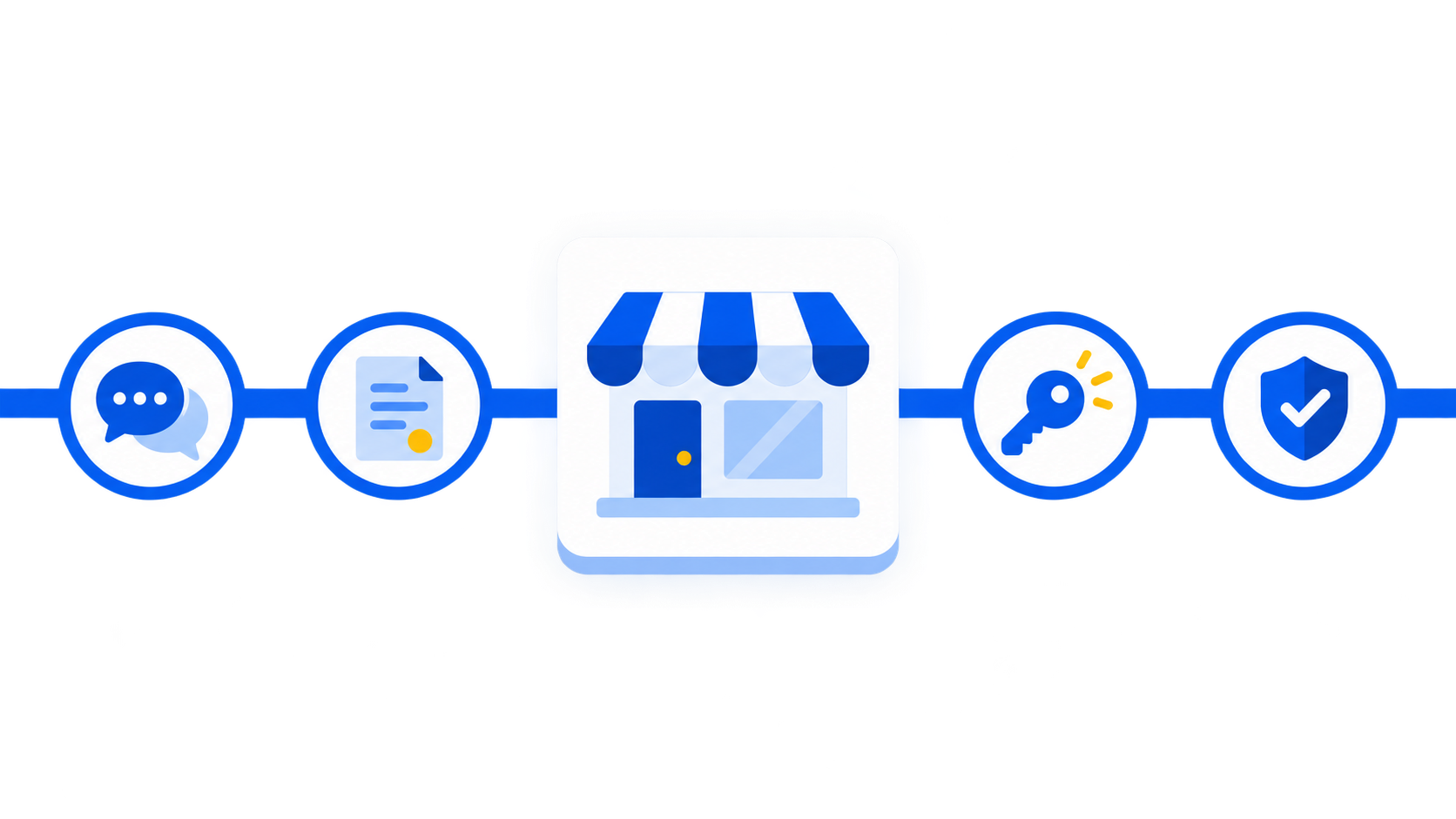
Even if menus are separate, the data should connect into a single store history
Check Whether Customer Service History Accumulates by Store
Customer service inquiries from franchise stores or consumers often recur. If similar complaints or inquiries keep coming from the same store, it may point to a structural problem at that store rather than isolated incidents. But if customer service history is recorded separately by intake channel, or individual staff organize it on their own after handling it, these patterns are hard to spot.
When comparing franchise management software, check whether the process from intake to resolution and closure accumulates at the store level and can be looked up. Key comparison criteria are whether searching for a specific store lists its customer service history and outcomes in chronological order, and whether it's organized in a way that reveals recurring types. With this capability in place, HQ can go beyond responding to individual cases and plan proactive support or inspections for specific stores.

Customer service history must build up by store to reveal recurring problem patterns
Look at PC, Tablet, and Mobile Support Together With Role-Based Permissions
Franchisor HQ work doesn't happen only in the office. Tasks handled on the move, such as field inspections, store opening checks, and on-site consultations, make up a significant share. If a product works fully only on PC and offers just some features on mobile, field staff end up recording everything twice.
Role-based permission settings need to be checked at the same time. As the organization grows, not every employee needs to see every piece of information; in fact, finer-grained access is better for information management. When comparing, check both the range of tasks that can actually be done on mobile and whether permissions can be divided by region, job level, and department. Rather than evaluating these two separately, it's more efficient to combine them into one question: can field staff handle the tasks within their permission scope on mobile?

Multi-device support and permission management should be checked together
Check Whether Your Data Can Carry Over to Future AI Use
Franchisor headquarters are increasingly looking at using sales data and inspection history not just as records but for analysis and decision-making. With this in mind, how the management software you adopt now structures and accumulates data also becomes an important comparison criterion. If information from the inquiry, contract, opening, and operations stages is stored separately, it will be hard to integrate it later for analysis.
On the other hand, with software that structures and accumulates information by franchise store from the start, you can expand into AI-based features such as sales anomaly detection or customer service pattern analysis without separate data cleanup work. Even if you don't use AI features right now, how your data is structured determines future expansion potential, so it's worth checking during the comparison stage.
To sum up these five criteria, the heart of comparing franchise management software is not whether each feature exists, but how naturally those features connect around a single franchise store. From this perspective, FDAM connects franchise sales management (prospective franchisee management, franchise inquiry management, franchise disclosure documents, electronic franchise contracts), store opening management (document, interior, and training management), and operations management (QSCV inspections, POS sales aggregation, store information management) around a single set of store information. It supports PC, tablet, and mobile, allows role-based permission settings, and accumulates data from inquiry through operations in one structure. Drawing on experience building systems for more than 500 brands, MS Benter has built this connected data structure into every part of FDAM.
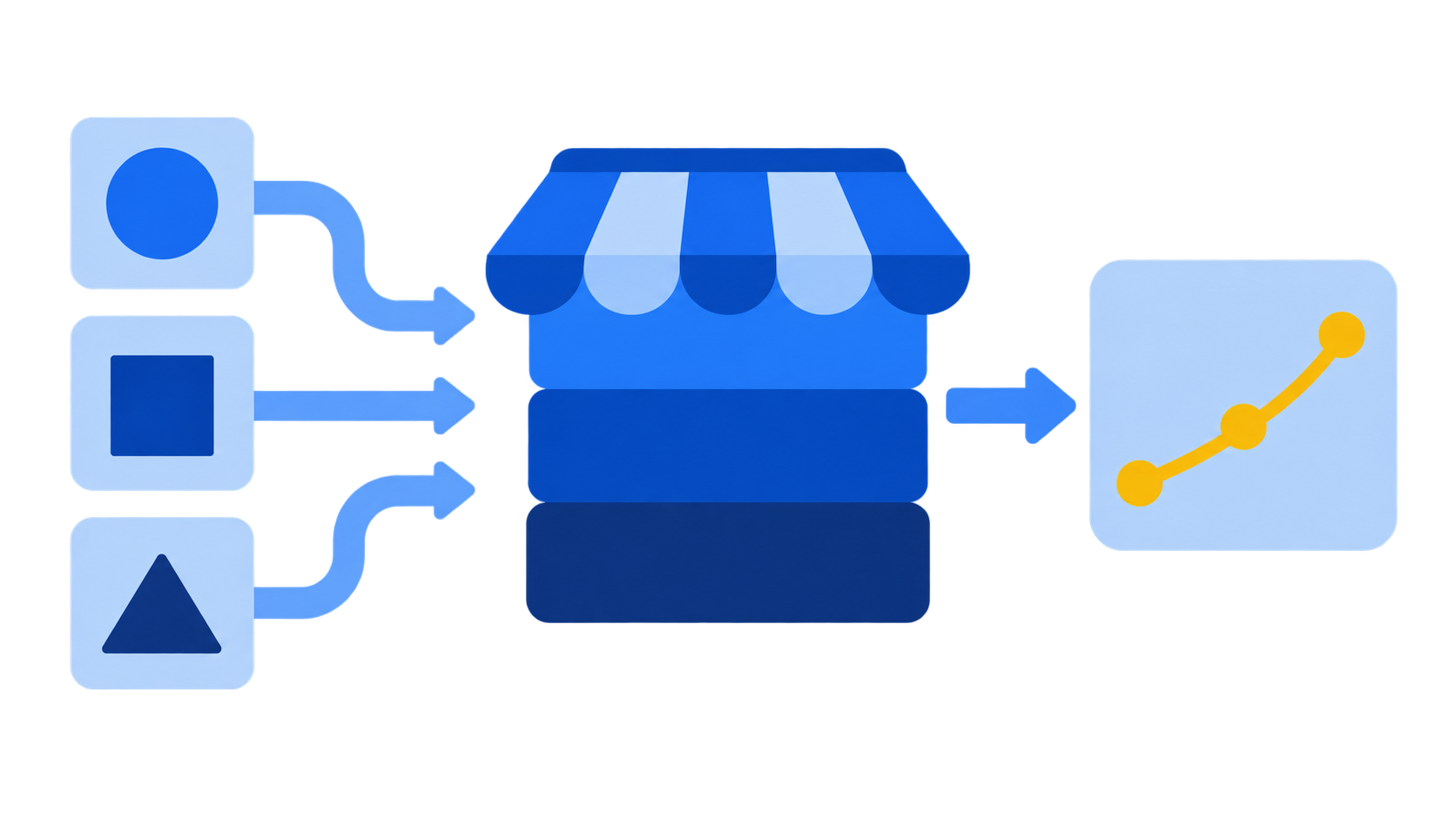
Data accumulated by franchise store can also be used for future analysis and expansion
Frequently Asked Questions
Is it enough to look at the feature checklist when comparing franchise management software?
A feature checklist only shows whether each feature exists, not whether the features are connected. It's more important to check directly whether inquiry, contract, opening, and inspection information connects at the level of a single franchise store.
What questions should we ask during a demo?
An effective approach is to ask them to search for a specific franchise store and show whether its inquiry, contract, opening, inspection, and customer service history can be seen in a single flow. Having them demonstrate how data connects, rather than how many screens there are, helps with the comparison.
If we don't need AI features now, do we still need to care about data structure?
Even if you don't use AI features right away, whether data is structured and accumulated by franchise store affects future analysis and expansion potential. It's best to check this from the adoption stage.
Compare on workflow connectivity, not feature checklists
FDAM is management software built for franchisor headquarters, with franchise sales, store opening, and operations data connected at the level of each franchise store.
Compare FDAM features and request a demoFranchise management software, franchise system comparison, franchise store management software, HQ operations software, connected sales-opening-operations, customer service history management, multi-device support, role-based permissions, FDAM, franchise ERP, QSCV inspection, franchise AI