
Start by confirming whether the system can map the franchisor headquarters’ workflow directly, not just the feature list.

Franchisor headquarters staff reviewing ERP comparison materials in a conference room
Before comparing feature lists, verify that the solution can replicate the franchisor’s end‑to‑end workflow.
Franchise ERP Selection CriteriaIt starts with confirming that the system supports the full flow—sales → opening → operations—rather than just counting features.
When evaluating ERP options, we usually start with a comparison table. Yet lining up feature items often doesn’t lead to a clear decision.
Typical ERP platforms are built for manufacturing and distribution, so franchise‑specific tasks like prospect counseling, contract signing, opening prep, and inspections aren’t included as standard functions. The five items below are practical checks for those gaps.
Criterion 1: Verify that franchise tasks are offered as standard features
First, check whether pre‑startup counseling, pre‑provided documents, franchise contracts, and QSCV inspections are built‑in.
If these aren’t standard, you’ll need custom development, which adds cost and delays, and any future enhancements or regulatory changes will require separate work.
| Checklist | Franchise‑specific ERP | General ERP |
|---|---|---|
| Prospect & startup inquiry management | Standard feature | Requires separate configuration |
| Pre‑provided documents & electronic franchise contract | Standard feature | Separate configuration required |
| Franchise location QSCV inspection | Standard feature | Separate configuration required |
| Store opening preparation (interior, training) | Standard feature | Separate configuration required |
| Common management of accounting, HR, etc. | Integrated utilization | Strength areas |

Diagram comparing the feature scope of franchise-specific ERP and general ERP
Second criterion: check that work flows continuously without interruption
The second criterion is whether the information entered in the previous step carries over unchanged to the next step.
If the preliminary entrepreneur information gathered during the consultation phase does not flow into the contract, opening preparation, and subsequent franchise location information management, the same data will be re-entered by each department. The resulting inconsistencies surface as issues during later inspection and settlement stages.
When reviewing a demo, we recommend requesting to see a "full lifecycle flow of a single franchise location from start to finish" rather than focusing on individual feature screens.

Workflow diagram from Franchise Sales Management to Store Opening Management and Franchise Operations Management
Third criterion: verify that the structure preserves records and history
In choosing a franchise ERP, the practical difference most felt by staff centers on history management.
The system must record when pre‑provided documents were sent and accessed, contract expiration dates, and whether inspection findings were addressed; this data becomes the basis for personnel changes or dispute resolution. If records are stored but hard to retrieve, it’s effectively nonexistent.

Document transmission history and access timestamps displayed in the management screen
Criterion four: evaluate implementation model and scalability together.
The fourth factor is determining whether an on‑premises or SaaS solution best fits our headquarters, and whether it can scale thereafter.
If internal rules are complex and many legacy integrations exist, an on‑premises build is advantageous; if you need to launch quickly and iterate during operation, SaaS imposes less burden. The key is ensuring the initial choice does not constrain future growth.
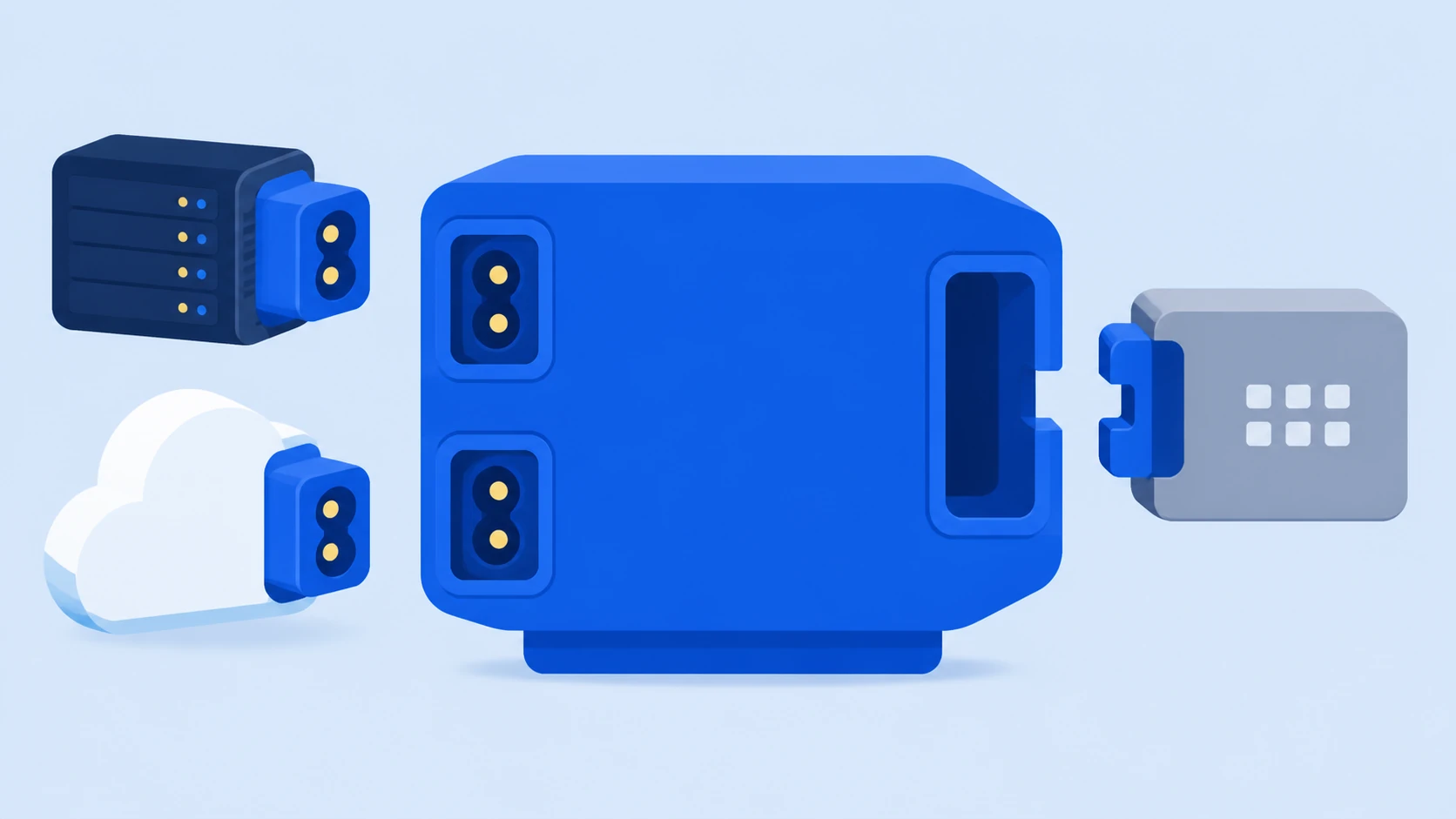
Comparison overview of on‑premises versus SaaS deployment options
Criterion five: assess whether the vendor understands the franchise industry.
The final criterion is how much industry experience the supplier has.
Franchise documentation requirements, variable opening schedules, and supervisor workflows are hard to capture in text and are built through experience. Consequently, even identical features can differ in UI layout and exception handling.
MS VenterFounded in 2007, MS Venter has focused on franchise software and has built systems for over 500 brands. It holds GS (Good Software) certification and is backed by a government‑recognized Franchise IT Research Institute. The product that consolidates this expertise into a user‑friendly operating ERP isFDAMand integrates Franchise Sales Management, Store Opening Management, and Franchise Operations Management into a single workflow, accessible across PC, tablet, and mobile.
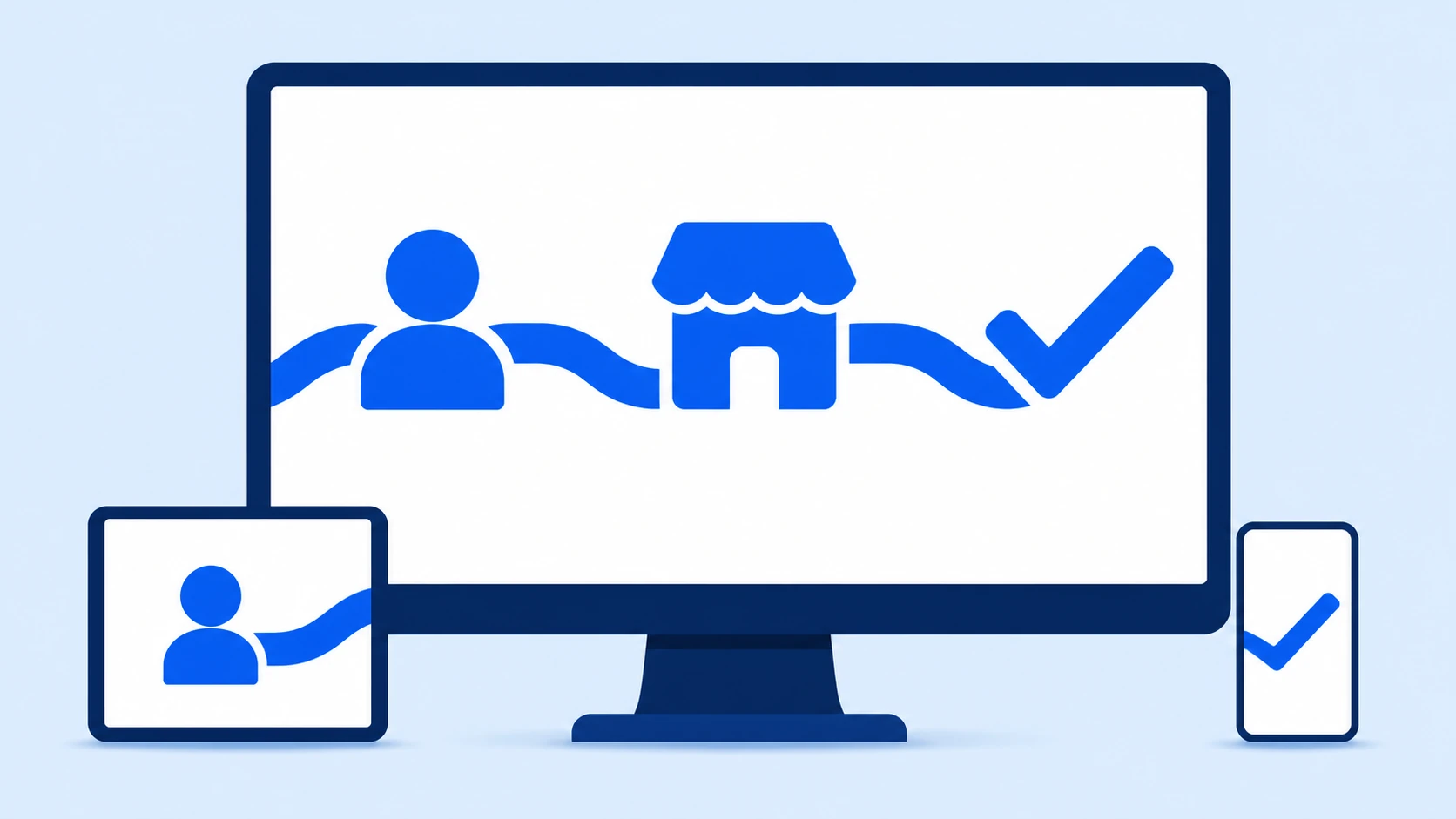
FDAM’s Sales, Opening, and Operations modules consolidated into a single dashboard
Frequently Asked Questions
Q: We already use an accounting ERP—does this create duplication?
A. The scope differs. Accounting and HR remain on the existing system, while franchise‑specific tasks such as franchise consulting, contracts, openings, and inspections are typically handled by the franchisor headquarters ERP.
Q. What should we start with when preparing for implementation?
A. First, document your current processes step by step. Identify where each piece of information originates and where it flows to, and pinpoint the segments handled via Excel or messaging. This clarifies the scope you need.
Choosing an ERP is less about feature comparison and more about whether it can capture our franchisor headquarters operations as they are.
Using those five criteria simplifies the comparison and reduces post‑implementation tweaks.
Check below to see if FDAM aligns with our franchisor headquarters workflow.
If you need a consultation, feel free to contact us in your preferred way.
Sign Up for a Free Trial