
Conducting an inspection isn’t the same as changing operations. Here’s how to link documentation, tracking, and sales.

Supervisor checking store inspection items on a tablet
Conducting an inspection isn’t the same as having the results change operations. We’ve outlined standards that connect documentation, tracking, and sales.
QSCV Inspection StandardsThese are the predefined items and scoring rules franchisor headquarters uses to evaluate each franchise location’s Quality, Service, Cleanliness, and Value on a consistent basis.
Many franchisor headquarters already perform inspections. Supervisors walk the franchise locations, verify items, compile results, and submit reports.
But a few months later, when asked “What happened to the issues identified last visit?” it’s hard to answer. The inspection happened, but there was no follow‑up. The five guidelines below close that gap by establishing clear operational criteria.
Standard One: Make each item a verification, not a judgment
A good checklist yields the same answer regardless of who completes it.
Questions like “Cleanliness is satisfactory” create variability. Instead, embed the target and condition in the statement—for example, “Is the refrigerator thermometer reading within the acceptable range?” or “Is the kitchen floor drain free of debris?”
With this format, the score remains consistent even if the supervisor changes. This is often the first area that destabilizes franchise location inspections.

Example checklist comparing vague items with verification‑type items
Standard Two: Attach a required next step to every inspection result
Inspection outcomes should go beyond a score and translate into action items.
Each issue must record an owner, deadline, and remediation method so the next visit has clear follow‑up items. If only a score is left, you lose visibility into whether the franchise location improved.
In practice, bundling “issue → action request → re‑verification” into a single record simplifies management.

Action management screen showing issues with assigned owner and deadline
Set standards so inspection histories accumulate per franchise location
For QSCV inspection standards to be effective, results must be recorded as time‑series per franchise location
A single inspection result shows status, but multiple inspection histories reveal trends. A franchise location where the same item is repeatedly flagged needs training, while a location that only fluctuates at certain times likely has staffing issues
If files or messages are scattered, comparison becomes impossible. Therefore inspections must be logged as records, not just documents

Screen displaying a franchise location’s inspection history accumulated by cycle
Four standards: view inspection results alongside sales
Assessing operational quality can’t rely on inspection results alone; accuracy improves when viewed side‑by‑side with sales trends
A franchise location with decent inspection scores but declining sales needs different support than one where repeated inspection issues coincide with falling sales. The former may be a market or marketing issue; the latter requires operational improvement first
For this assessment, headquarters need inspection records andPOS sales aggregatesmust be displayed atop franchise location information of the same standard

Operations screen that shows franchise location inspection results together with POS sales aggregates
Standard five: unify franchise location information to the headquarters standard
To enable the first four, franchise location information management must be organized last
If store name, opening date, supervising manager, and contract details are recorded in different files across departments, the moment you link inspection results with sales the data misaligns. Consolidated standard information speeds up inspection, support, and response
FDAMThis product extends that workflow within the franchisor headquarters’ operational ERP. In the Franchise Operations Management module that records and tracks franchise location QSCV inspections, POS sales aggregation and franchise location information management sit on the same axis, and data built in Franchise Sales Management and Store Opening Management flows directly into it. It was designed based on field requirements gathered while operating a government‑approved franchise IT research institute.
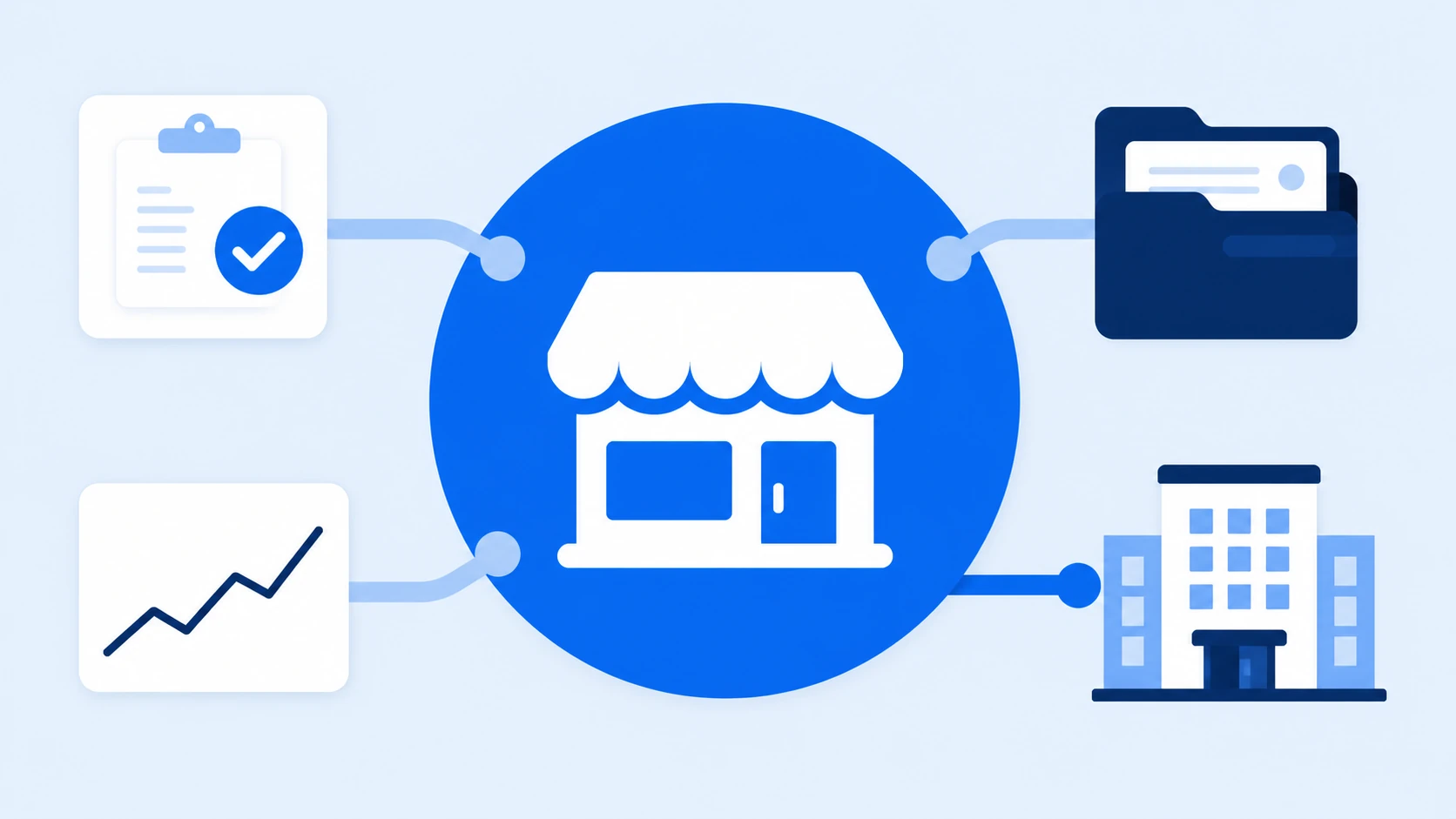
FDAM Franchise Operations Management dashboard shows linked inspection, sales, and franchise location data
Frequently Asked Questions
Q: How many inspection items are appropriate?
A: The criterion is not the count but whether the items can be fully verified in a single visit. If there are too many items and the latter are filled out perfunctorily, inspection reliability suffers. It’s realistic to split items into core and ad‑hoc categories.
Q: Can we conduct inspections using paper or Excel?
A: You can record data that way, but tracking becomes difficult. Comparing histories across franchise locations, confirming completion of corrective actions, and linking to sales all require manual effort, so the management burden grows rapidly as the number of franchise locations increases.
Q: How do we share inspection results with franchise locations?
A. Delivering findings and action requests together, and notifying the follow‑up timing in advance minimizes friction. Using the headquarters‑to‑franchise location communication app Sodam lets you run on‑site inspections and sharing in a single workflow.
If inspections are performed well but results aren’t retained, the issue likely lies in the recording structure rather than the inspection method.
Refining items into checkable formats, attaching actions and histories, and sequencing them alongside sales dramatically improves the perceived quality of operations management.
See this workflow directly in the FDAM Franchise Operations Management screen.
Check FDAM Franchise Operations Management